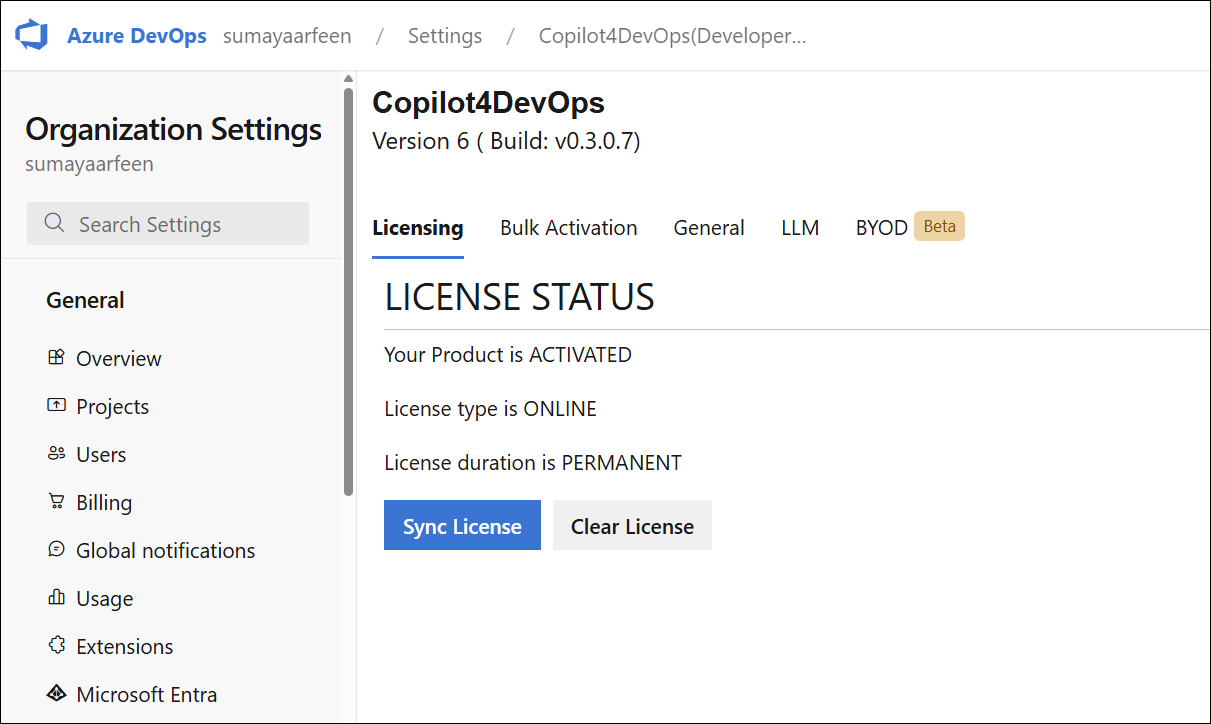
Admin Panel
The Admin Panel is a feature within the embedded version of Copilot4DevOps. It is used for managing licensing options and configuring additional settings.
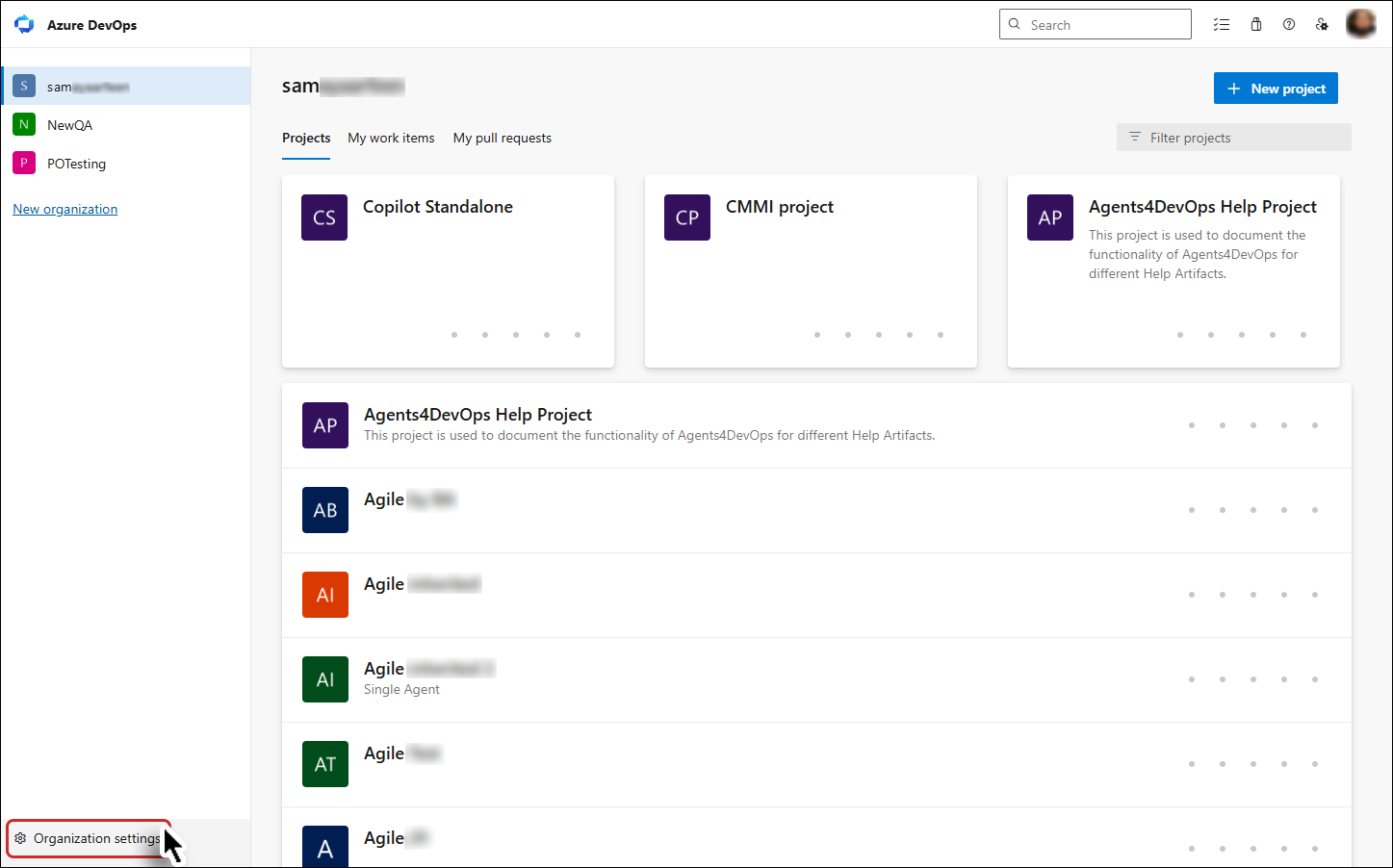
1. To access the Admin Panel, open your organization's main page, navigate to the Organization settings option at the left bottom and click on it.
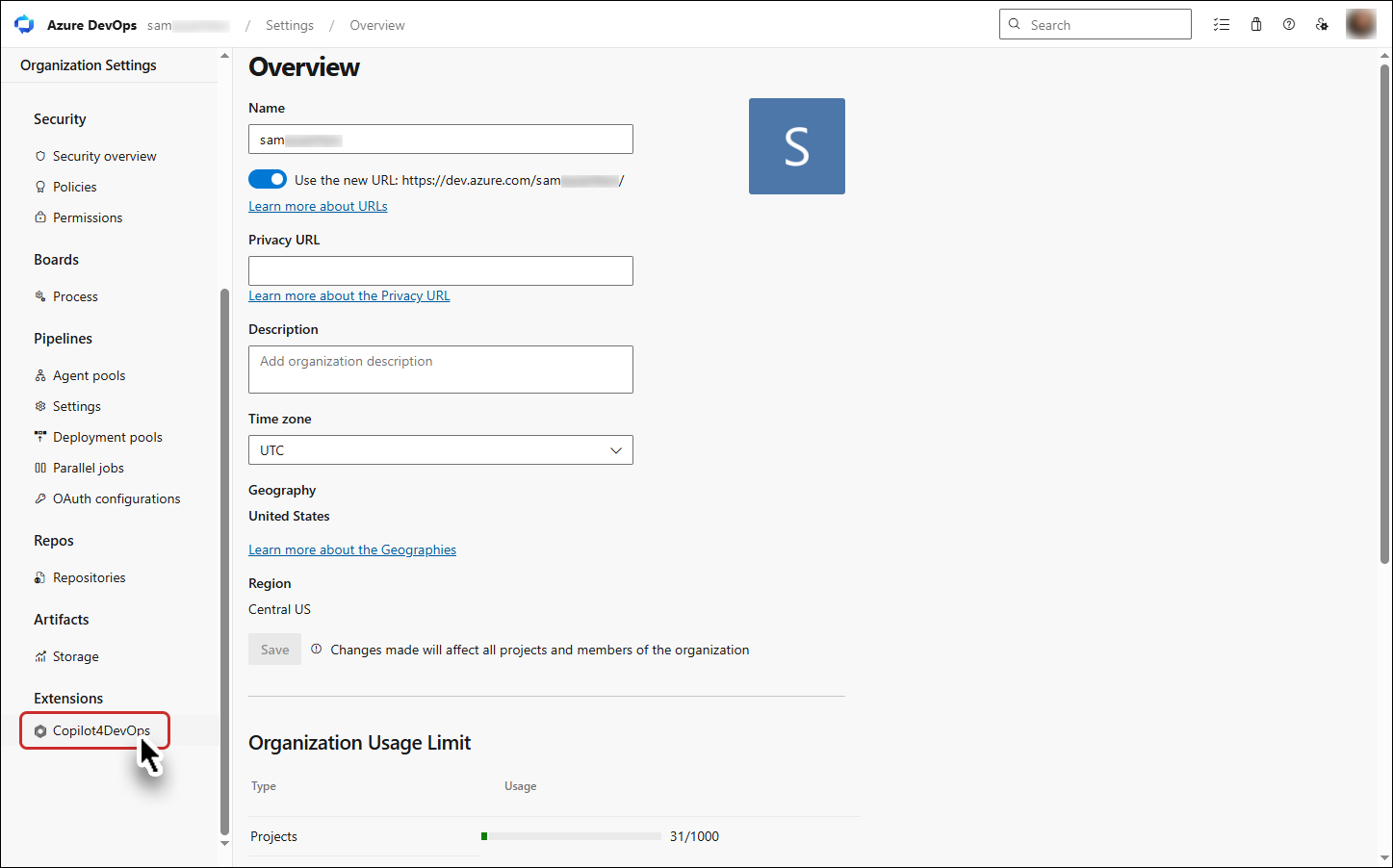
Find “Copilot4DevOps” under the extensions and click on it.
The Admin Panel will be displayed.
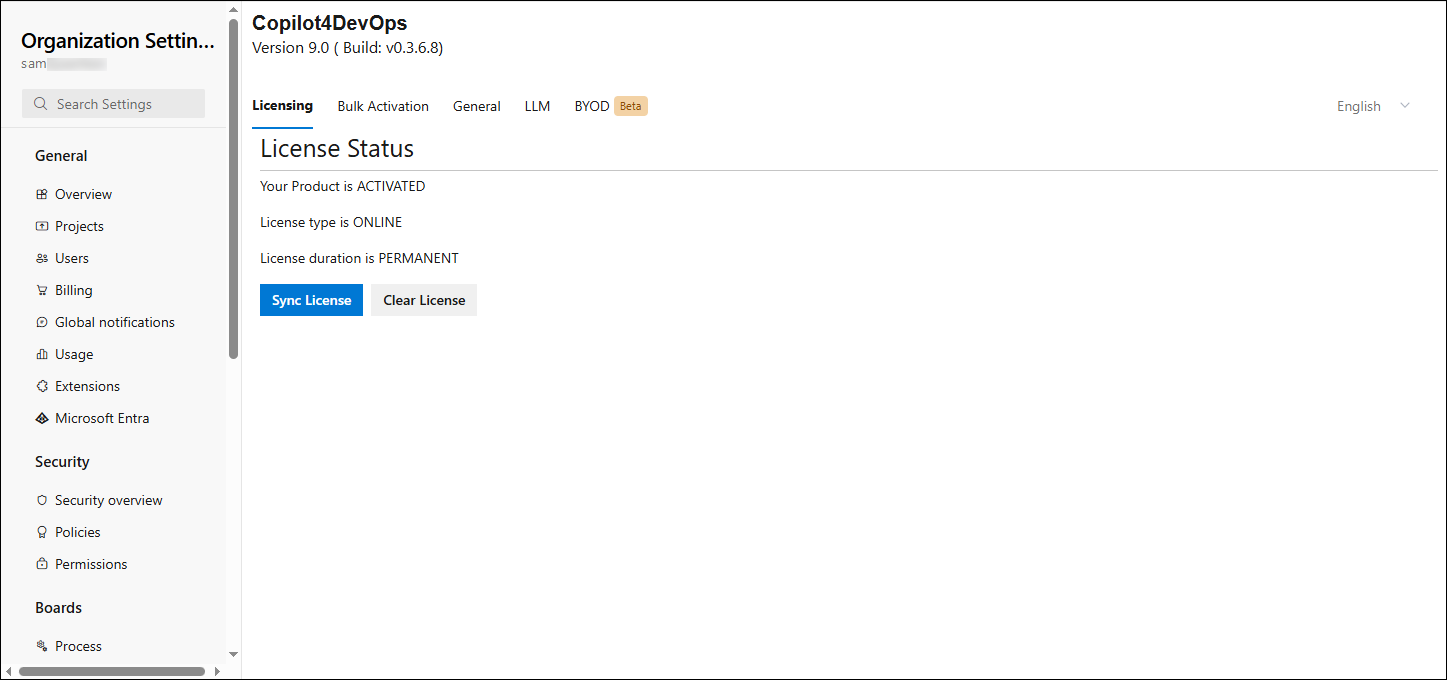
The Admin Panel contains five tabs: Licensing, Bulk Activation, General, LLM and BYOD Beta. By default, the Licensing tab is displayed when the Copilot4DevOps extension is opened.
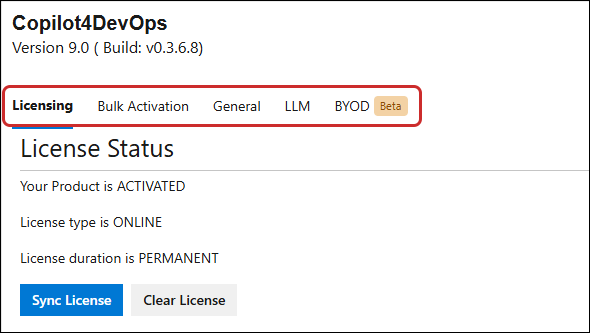
Note: In the admin panel, all five tabs are visible only to collection admins, while non-collection admins can access only the Licensing tab.
a. Non-collection admin
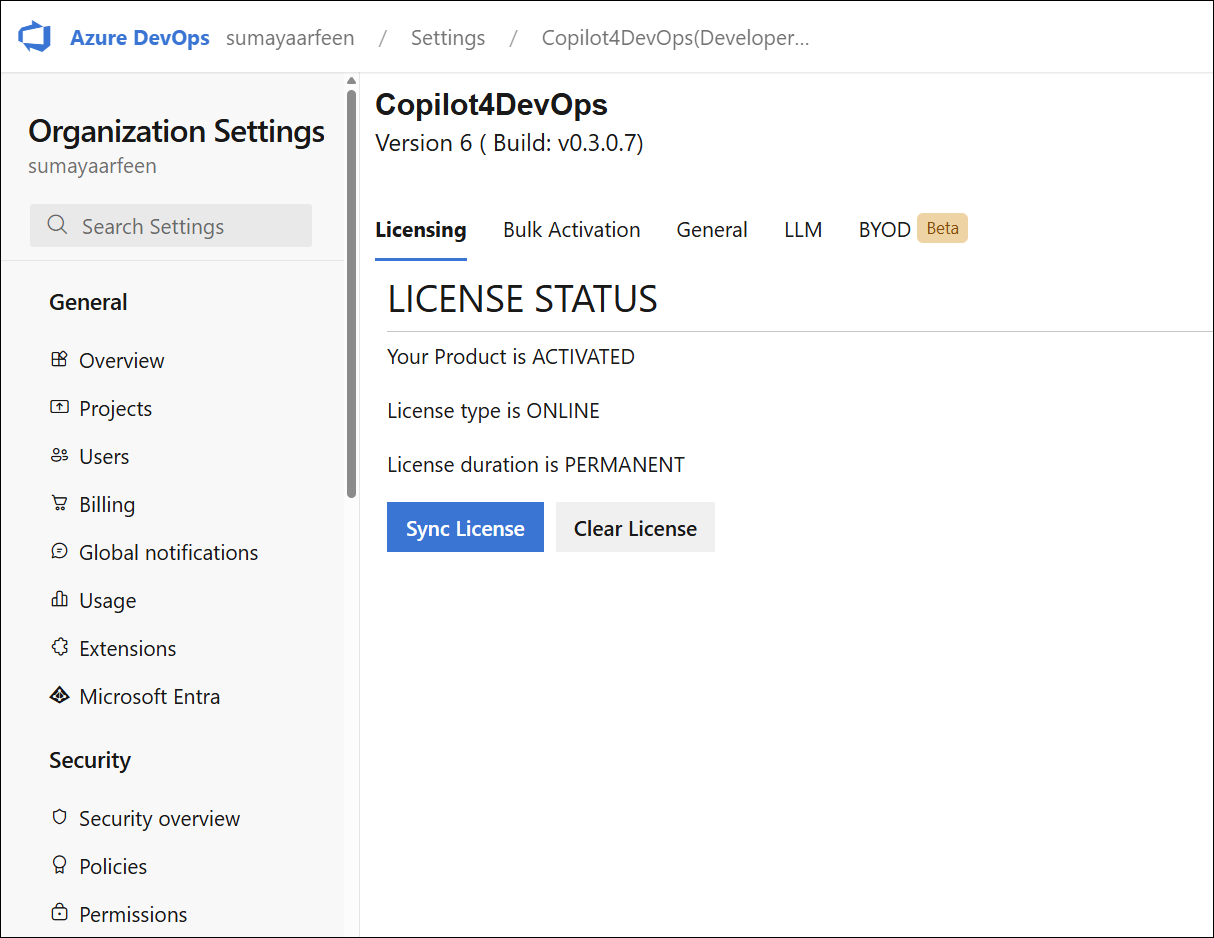
b. Collection Admin