Chat Agents
Chat Agents in Copilot4DevOps
There are many agents available in the chat module, each fine tuned for a particular task. e.g. an agent used for generating Mockups, another for updating wok item Priority field and so on. Users can select the desired chat agent from the list before submitting a prompt in the Chat module. Otherwise, the system will use the default Worker Agent and use the skills relevant to your query.
The agents fall into the following categories:
-
System
-
Manual
-
Event-based
-
Schedule
Agent Selection
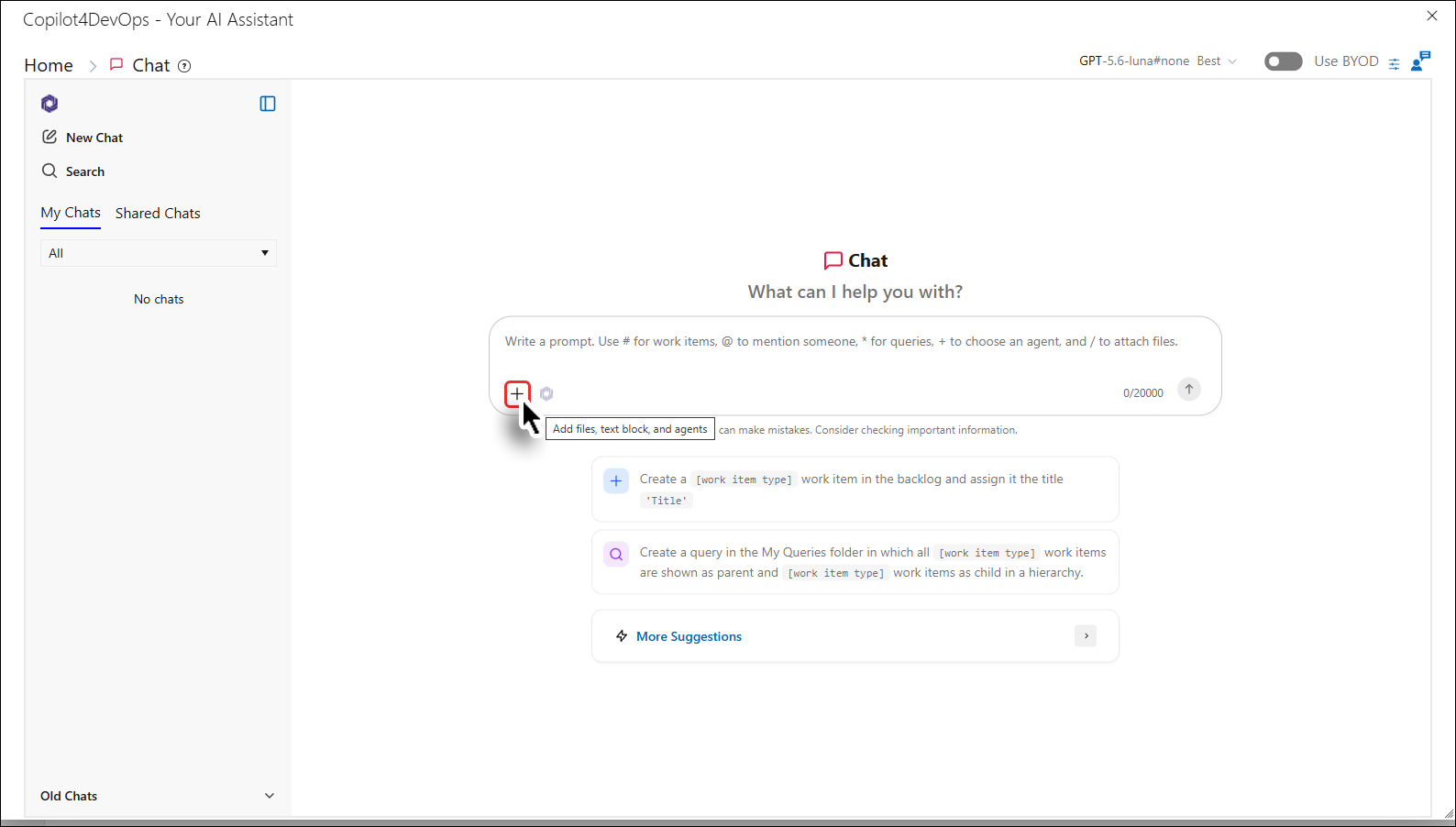
1. Click the + sign.
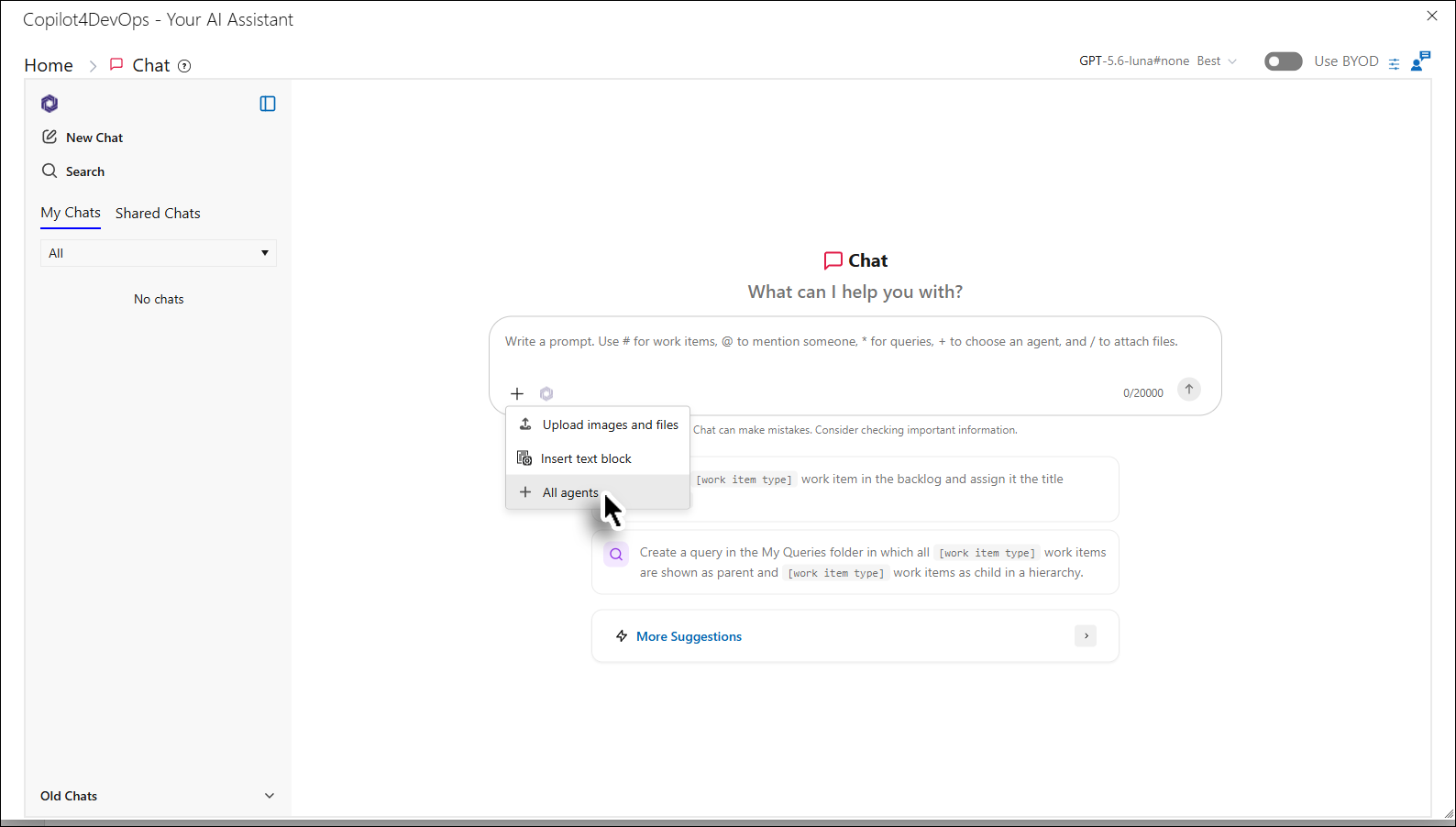
2. Click the All agents option from the dropdown menu.
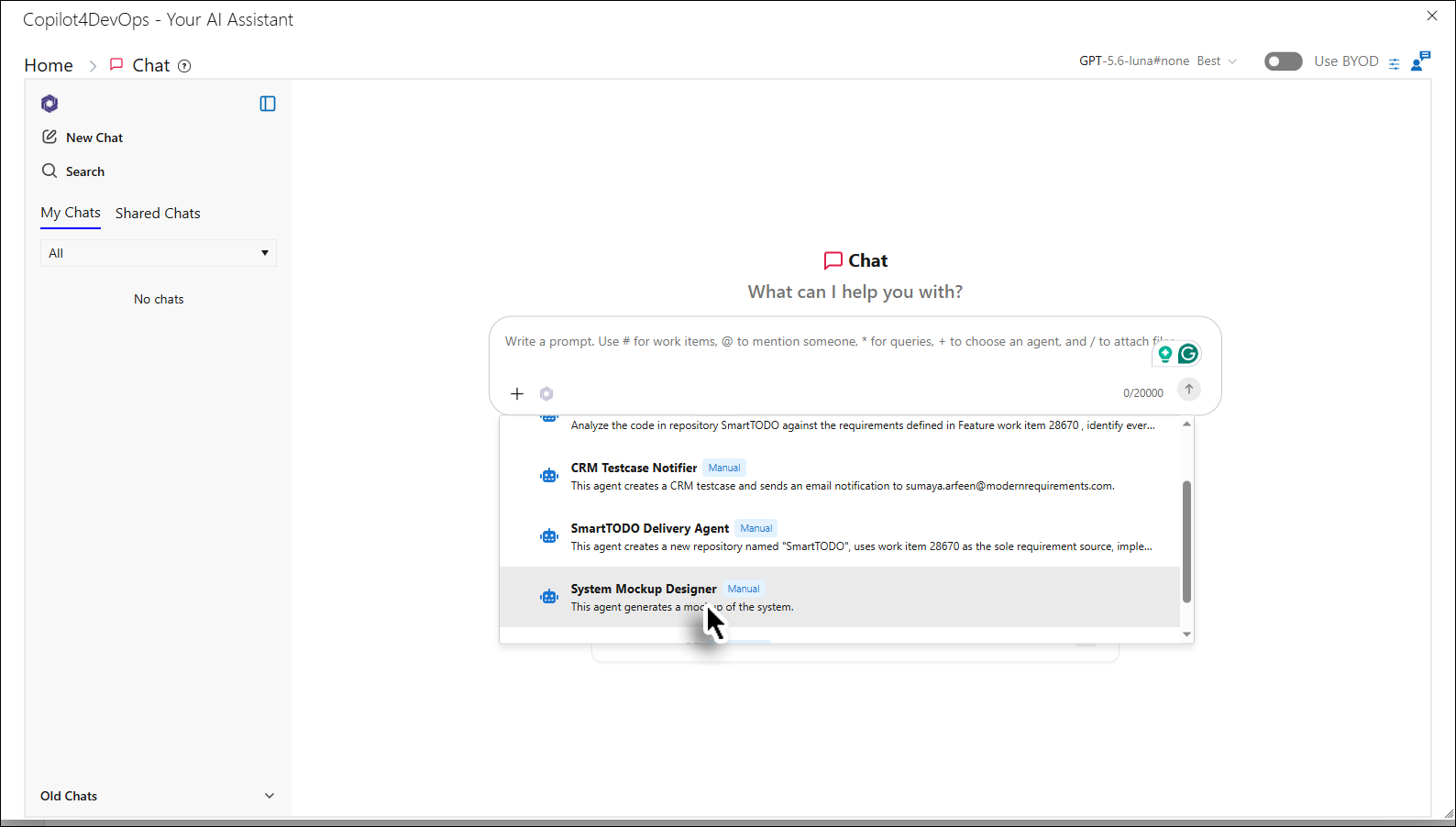
3. Select the desired agent from the list. (This step is optional. Users can use the Chat module directly without selecting an agent. In that case, the request will be handled by the default Worker Agent, which will automatically select and execute the most appropriate skill based on the user's prompt.)
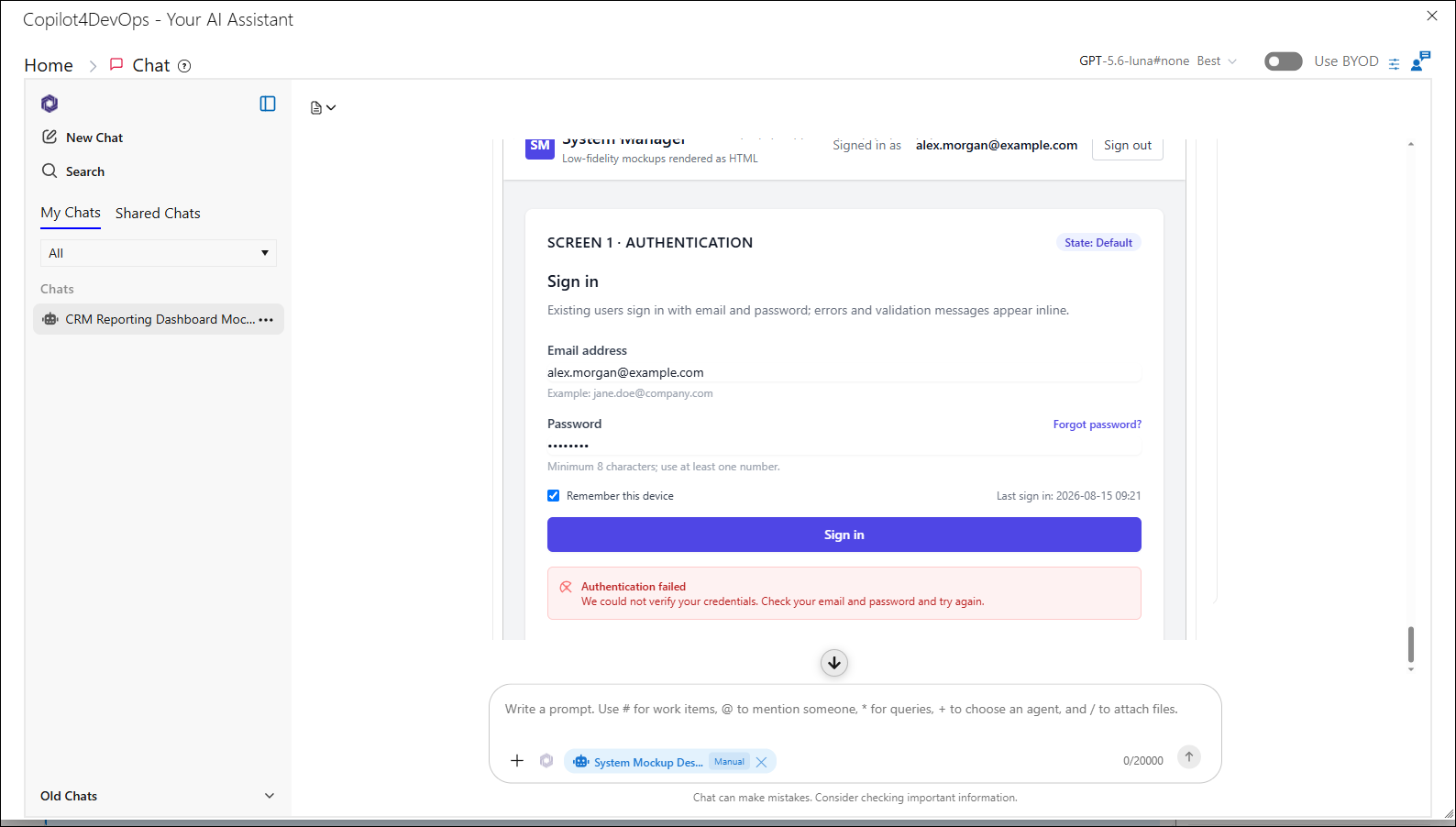
The agent is selected and displayed under the prompt area.
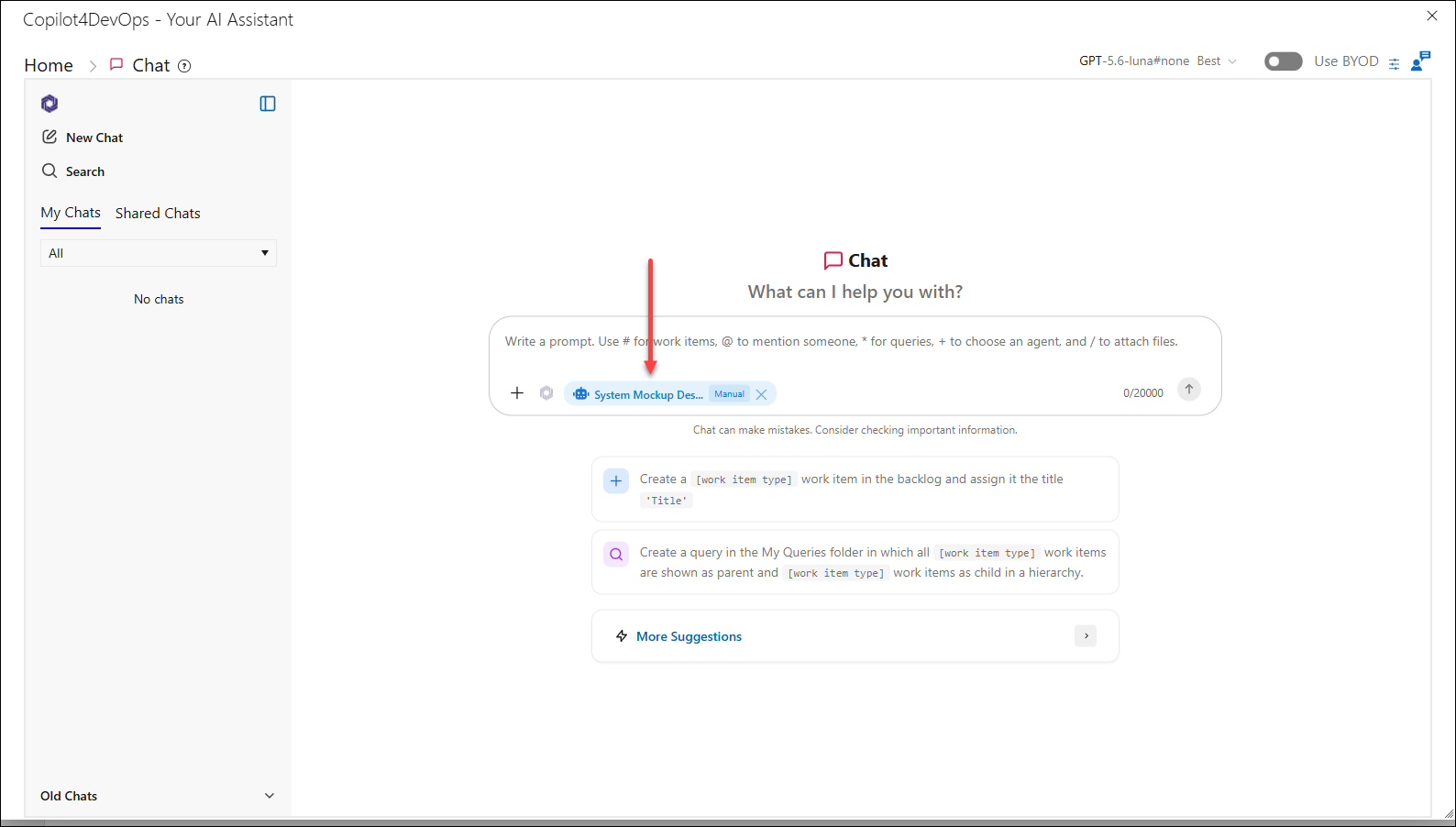
4. Type in the desired prompt and press the Enter key (or click the Send button).
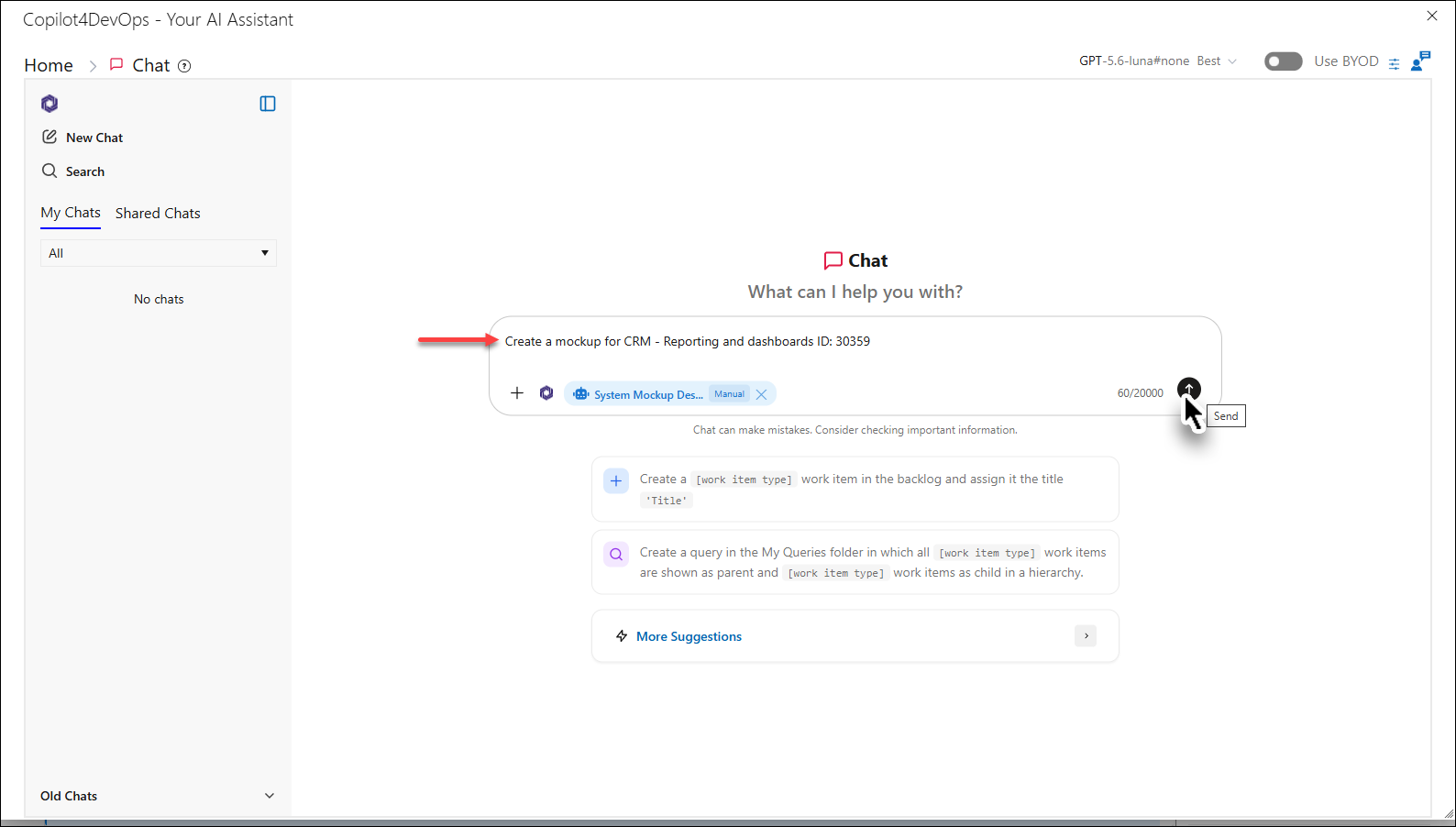
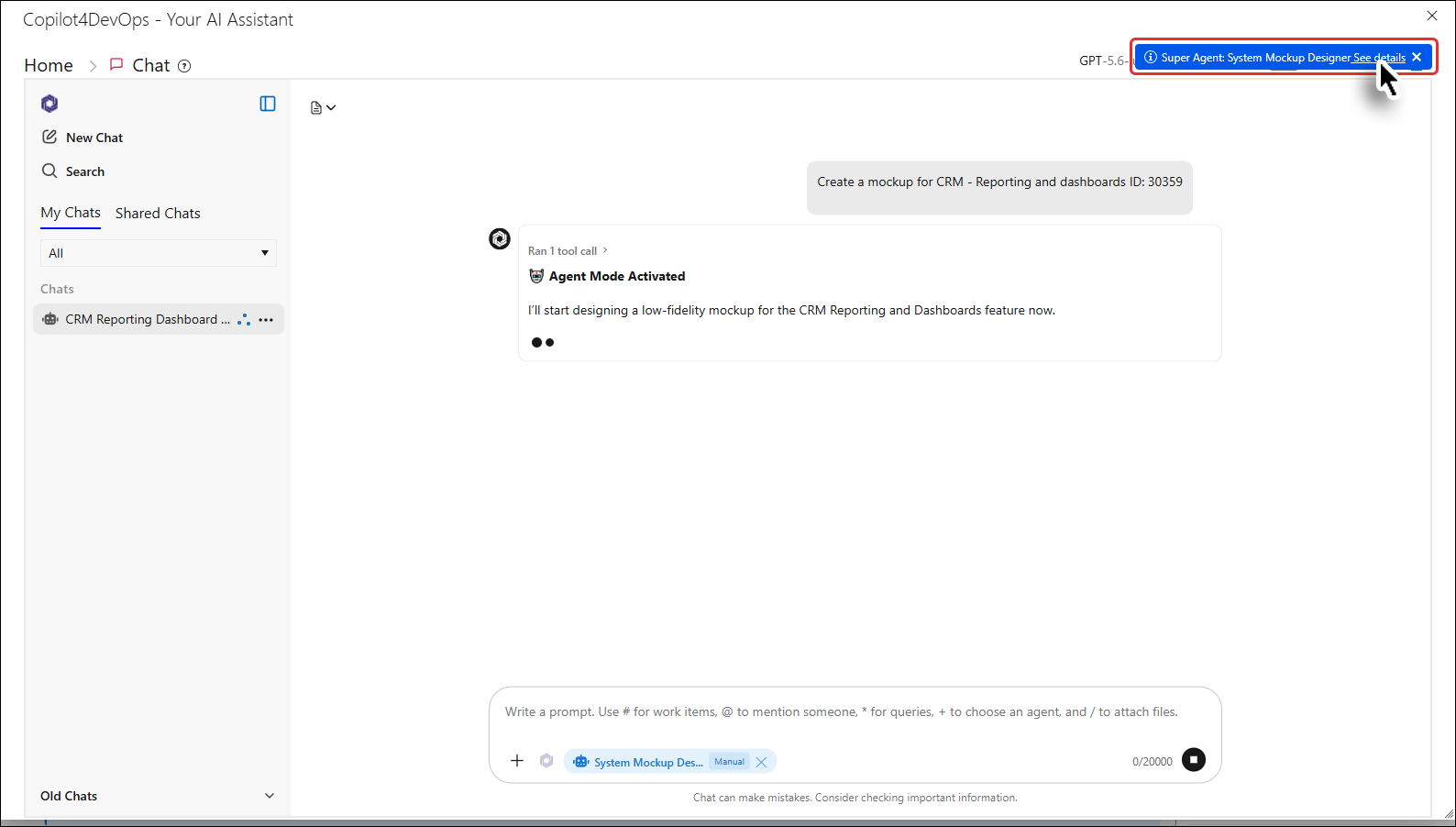
The agent starts working and a blue notification appears at the top right corner.
5. Click on the See details link inside the notification.
The details are shown.
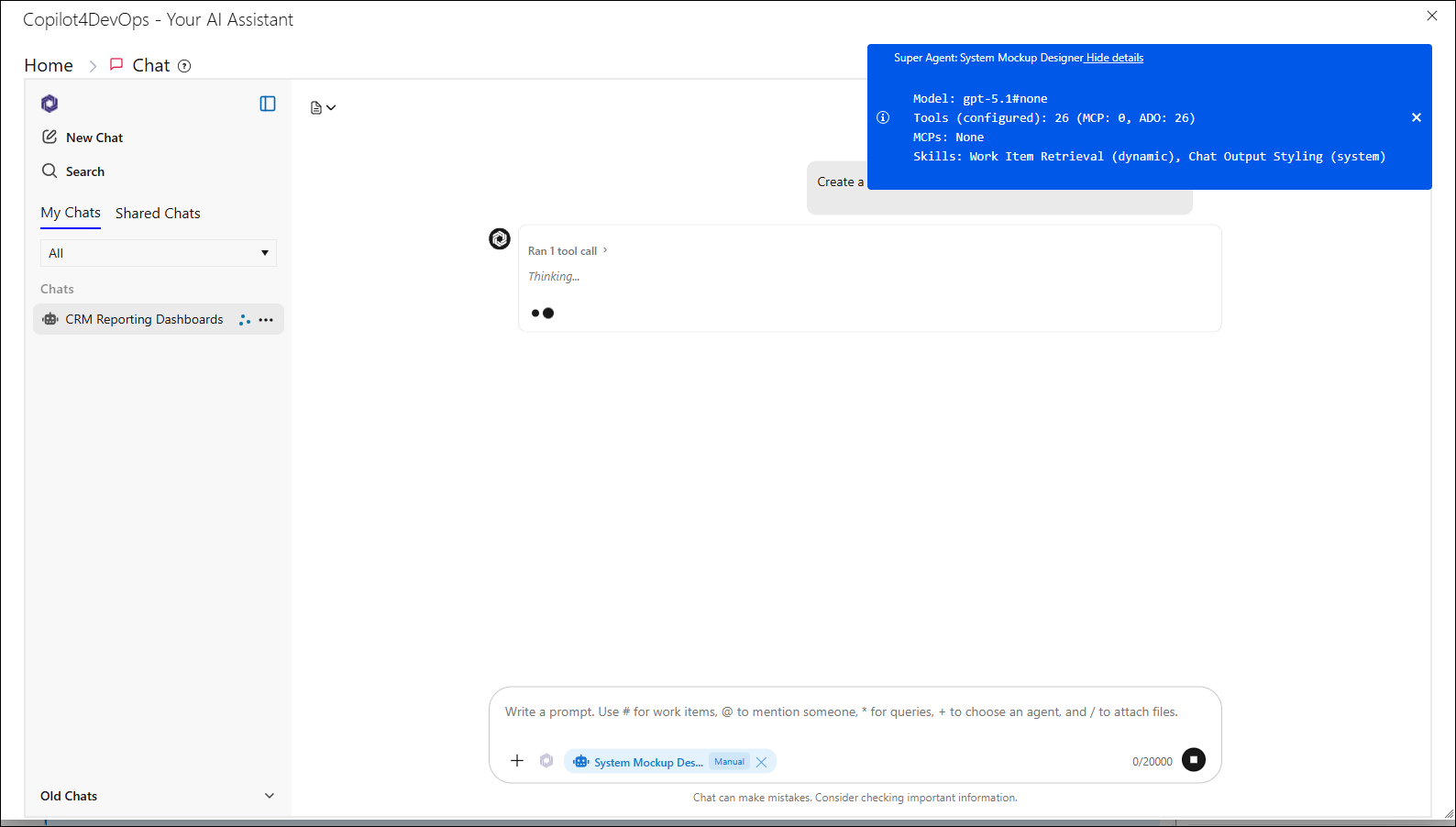
The Agent chat formulates and displays the result.