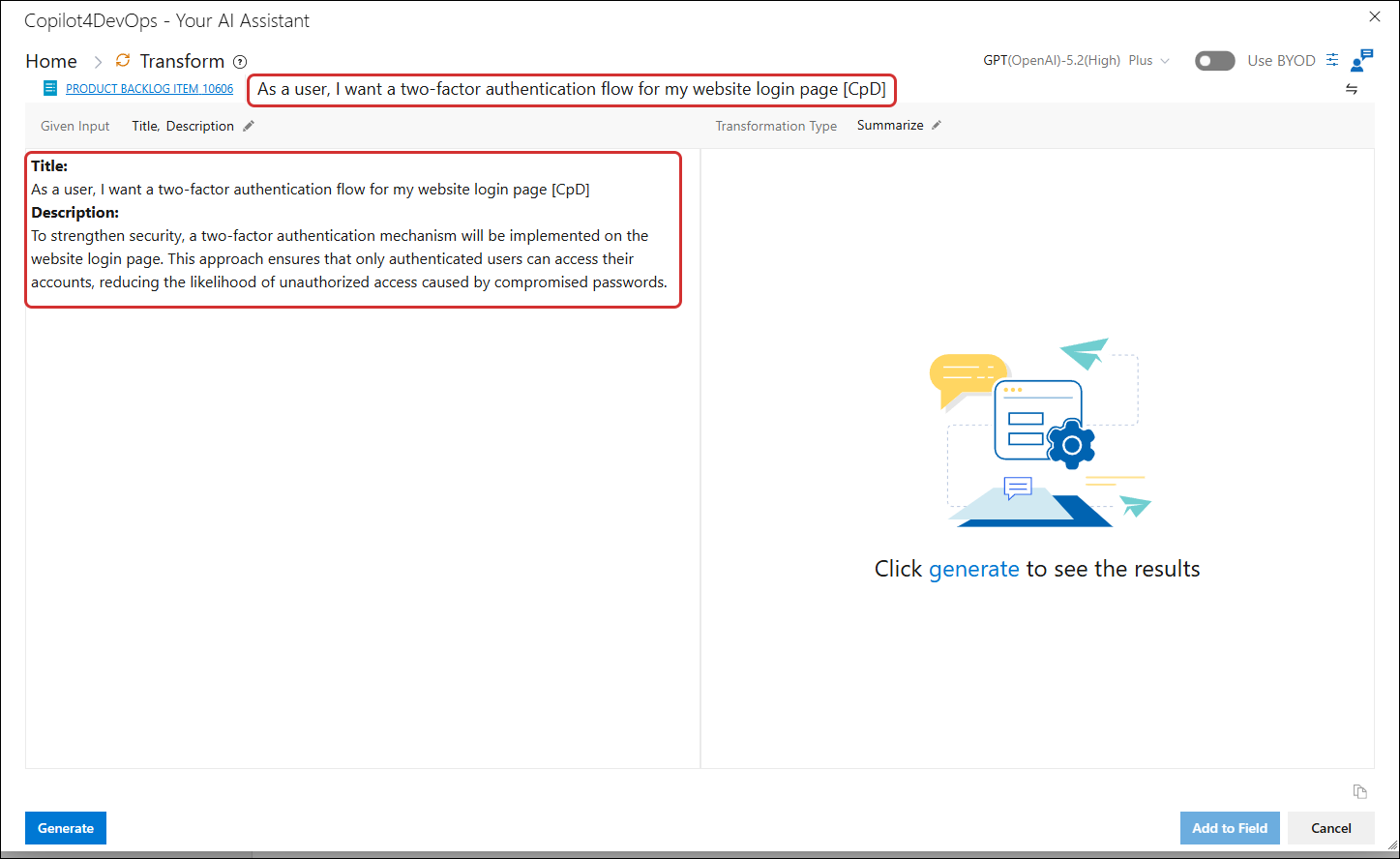
Paraphrase-type transformation
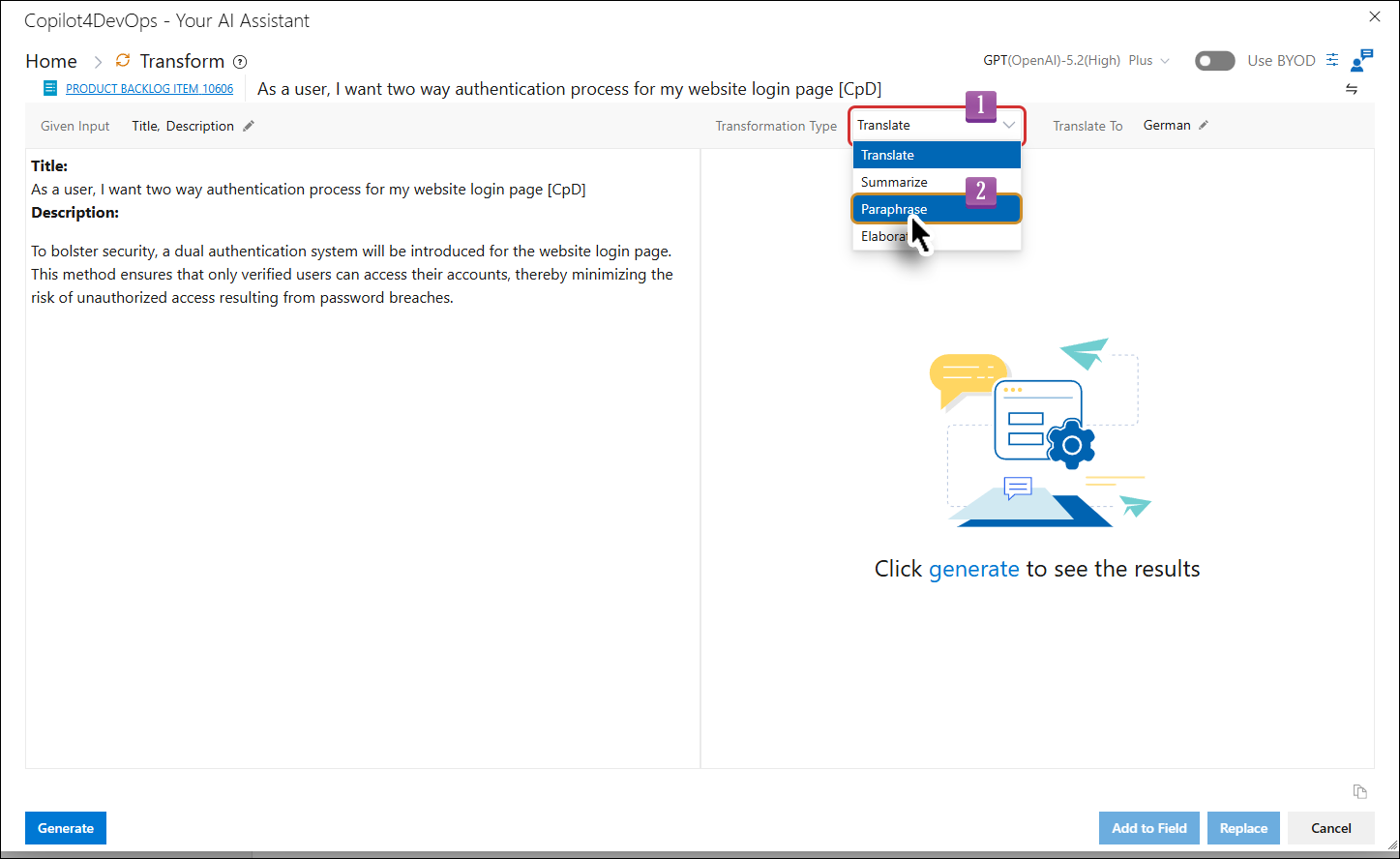
1. Click on the Transformation Type dropdown and select the Paraphrase option.
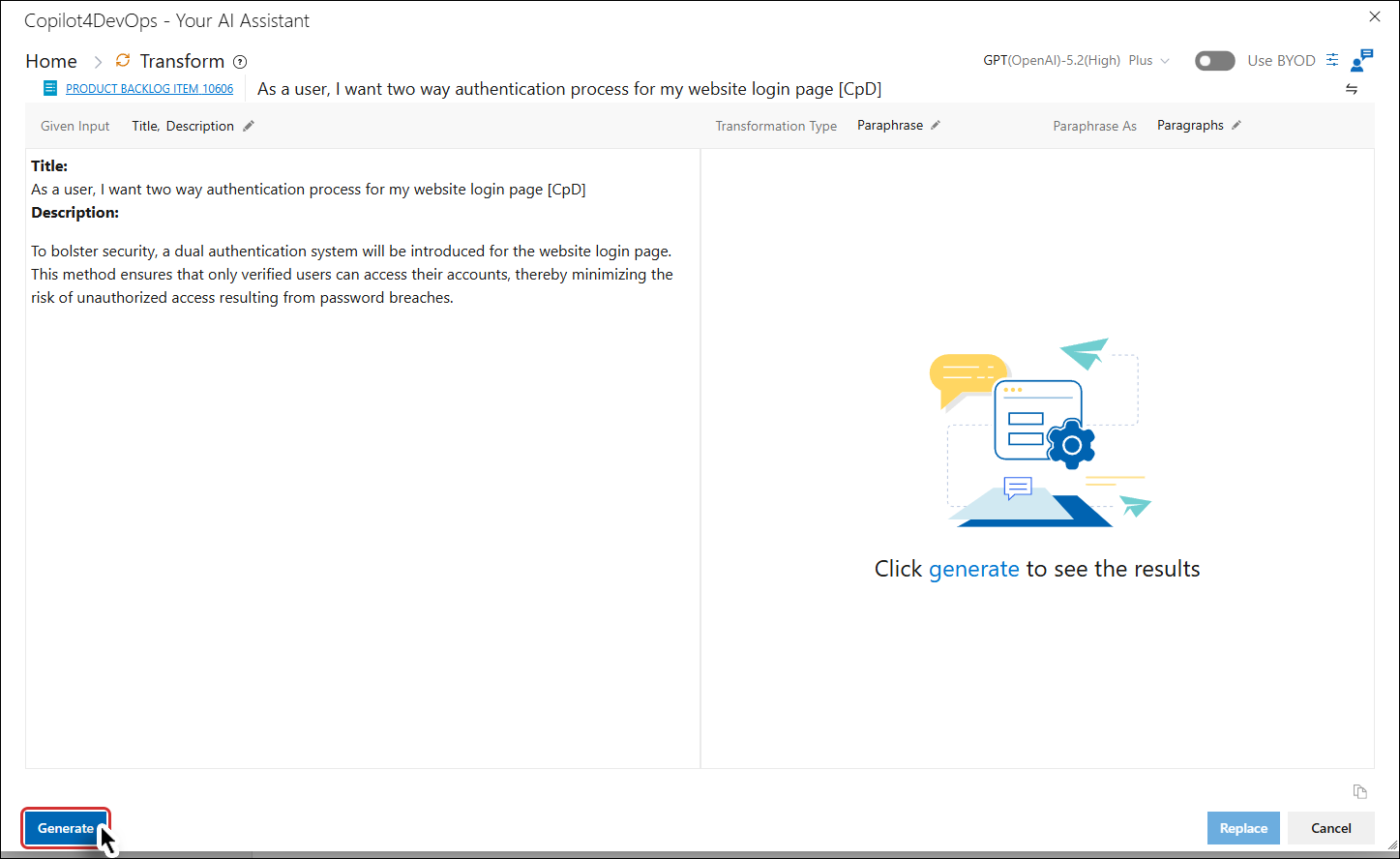
2. Click on the Generate button.
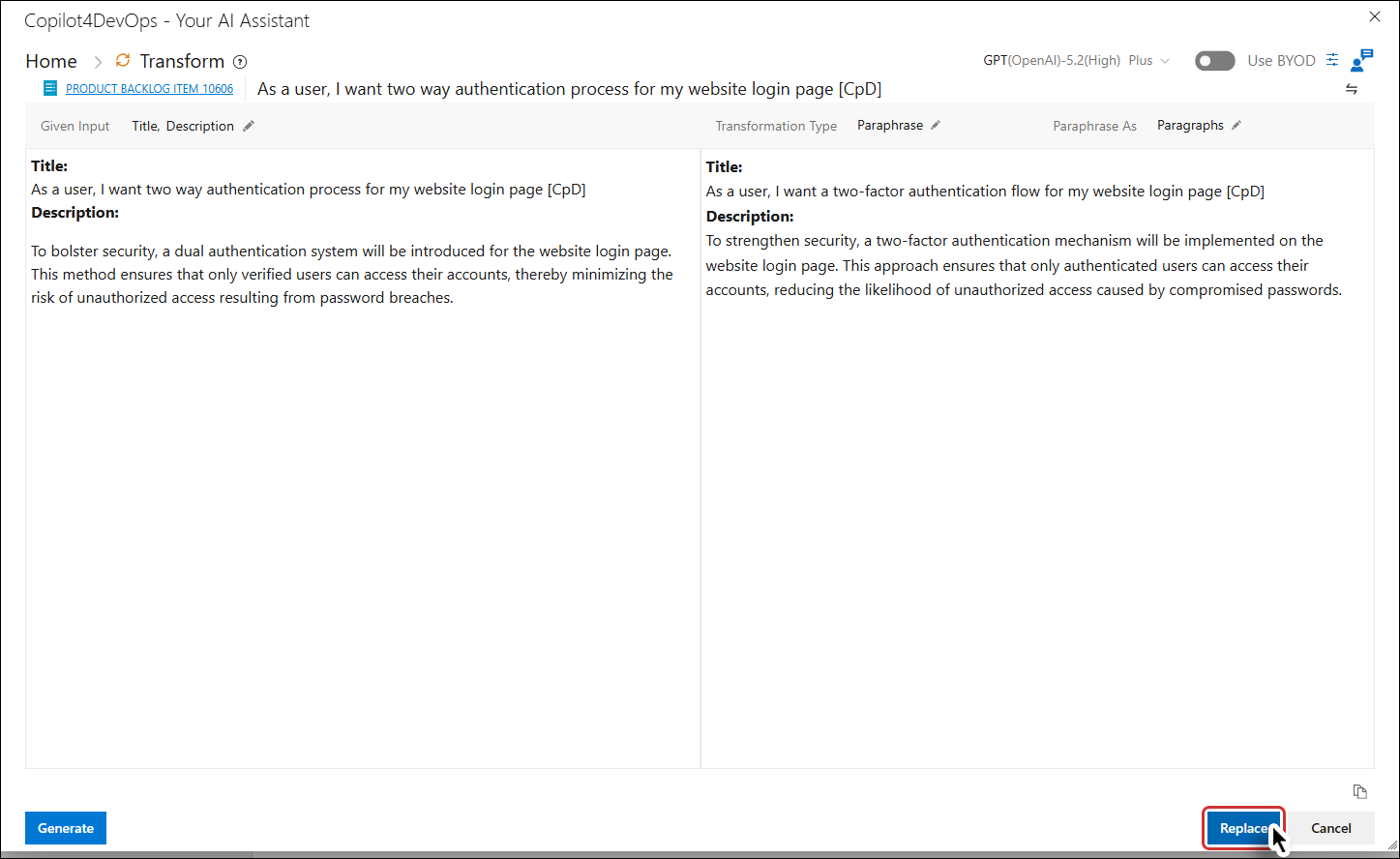
The Given Input fields are paraphrased (in the right panel). The Replace button also become enabled.
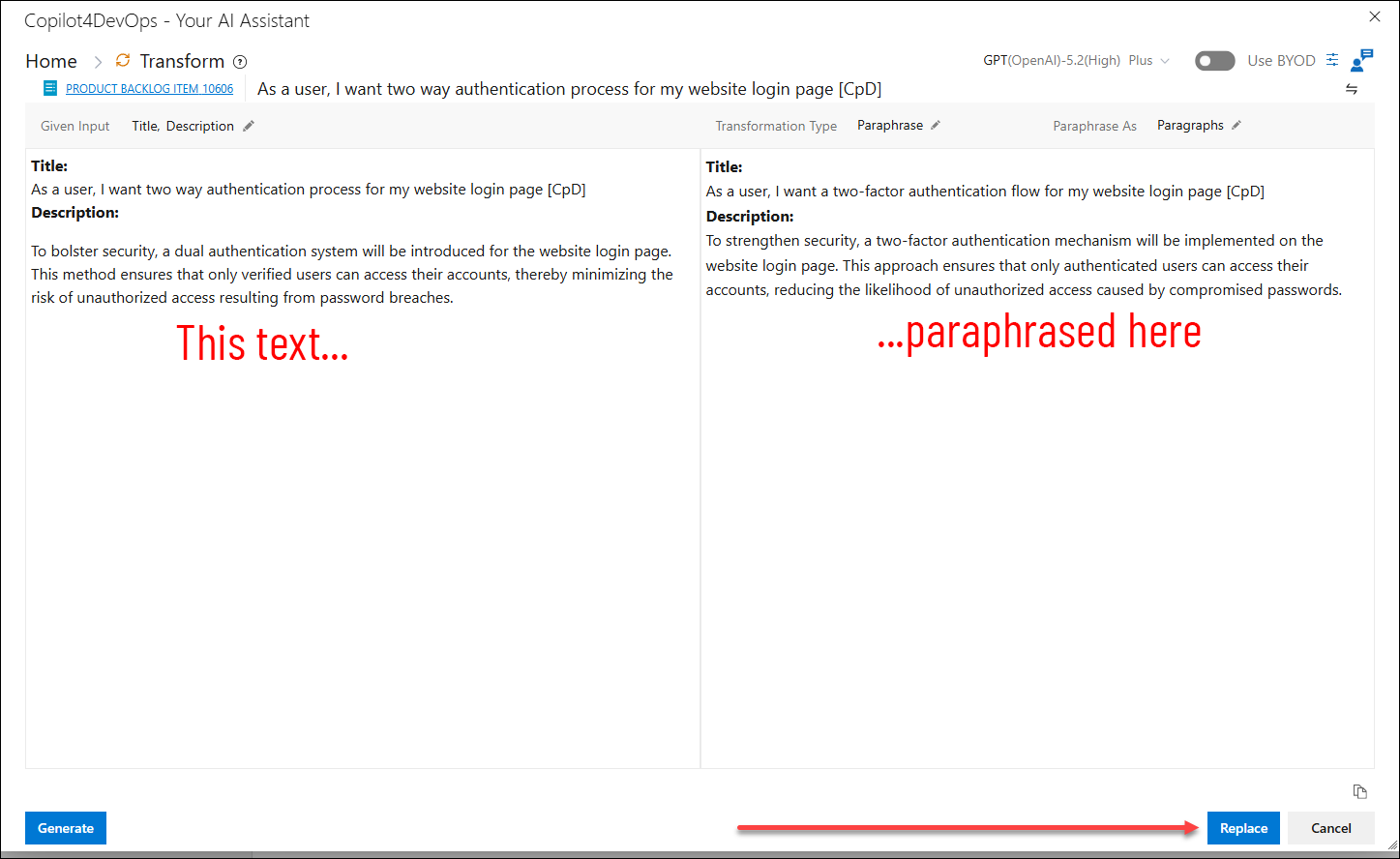
4. Click on the Replace button.
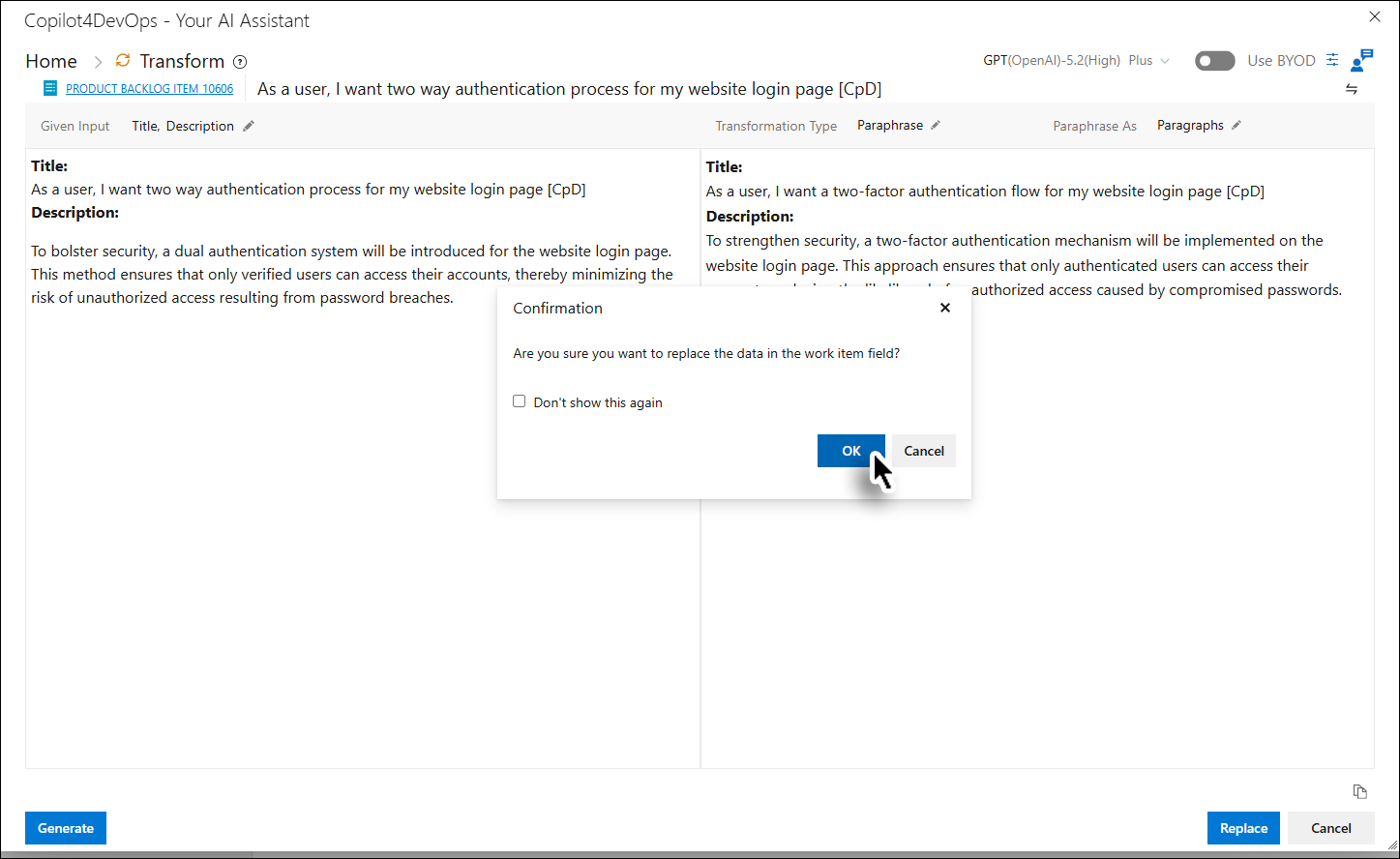
5. Click the OK button on the message box.
The paraphrased data is added to the selected field and the user is taken back to the Home Page.
6. Click the Transform card/option.
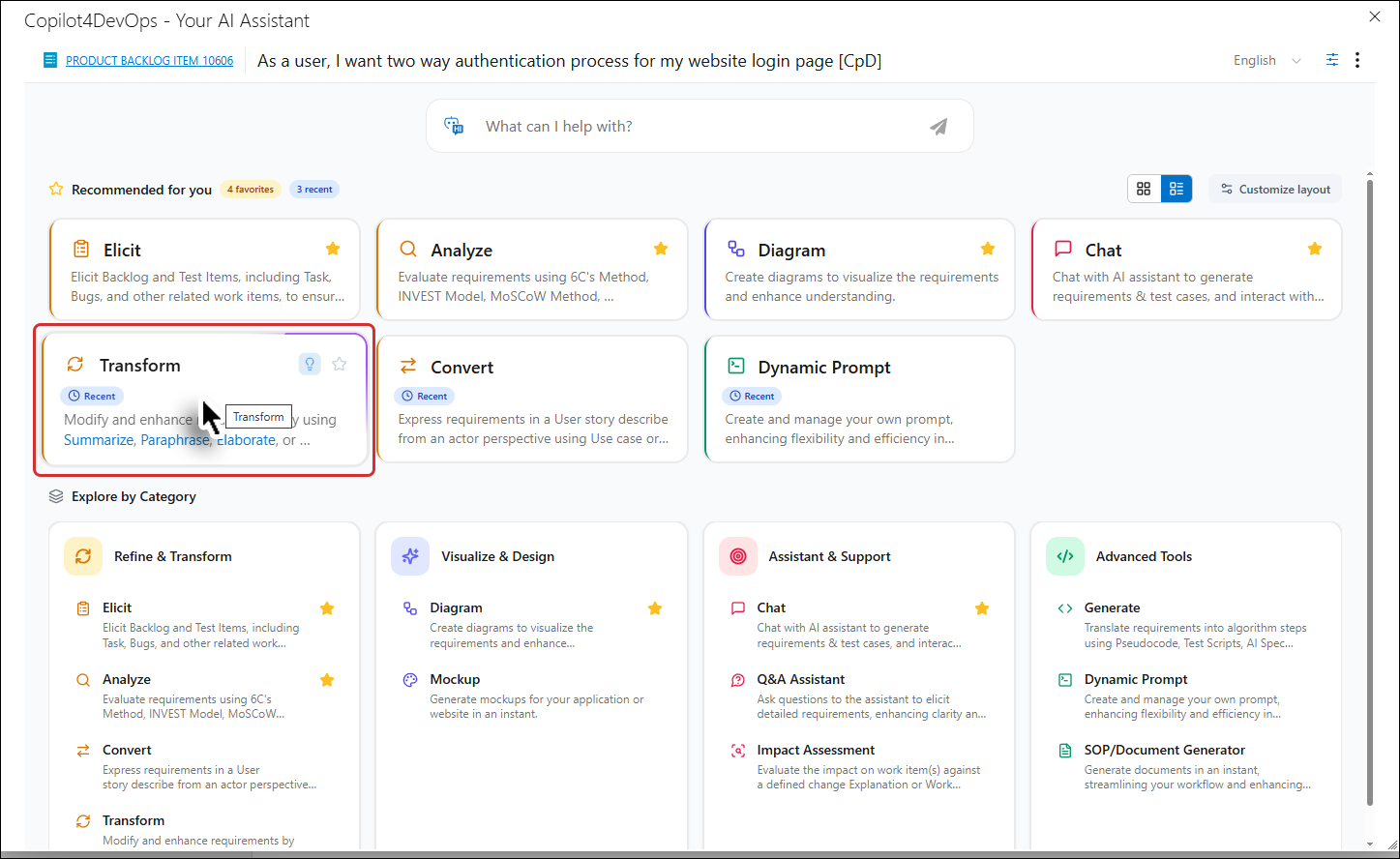
The Given Input fields are updated accordingly.