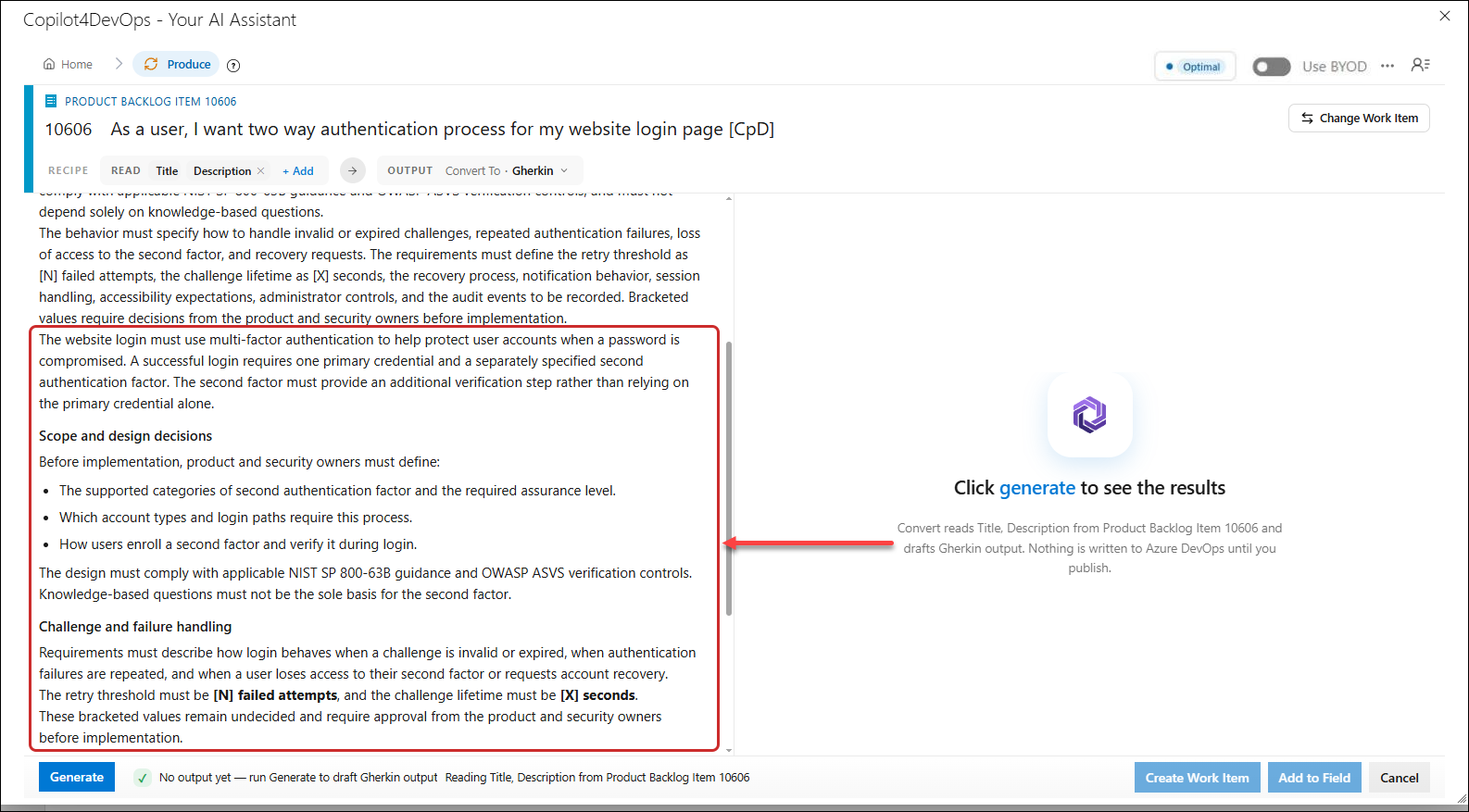
Elaborate
This page describes the Elaborate output of the Produce module, which is in the Transform group of the OUTPUT menu. The general information about the module is discussed on the Produce page.
1. Click the OUTPUT section of the RECIPE bar, expand the Transform group and select the Elaborate option. Only the Add button appears at the bottom right of the window. A major difference between Elaborate and the other outputs is that Elaborate eliminates the left panel, and the right panel covers the whole window.
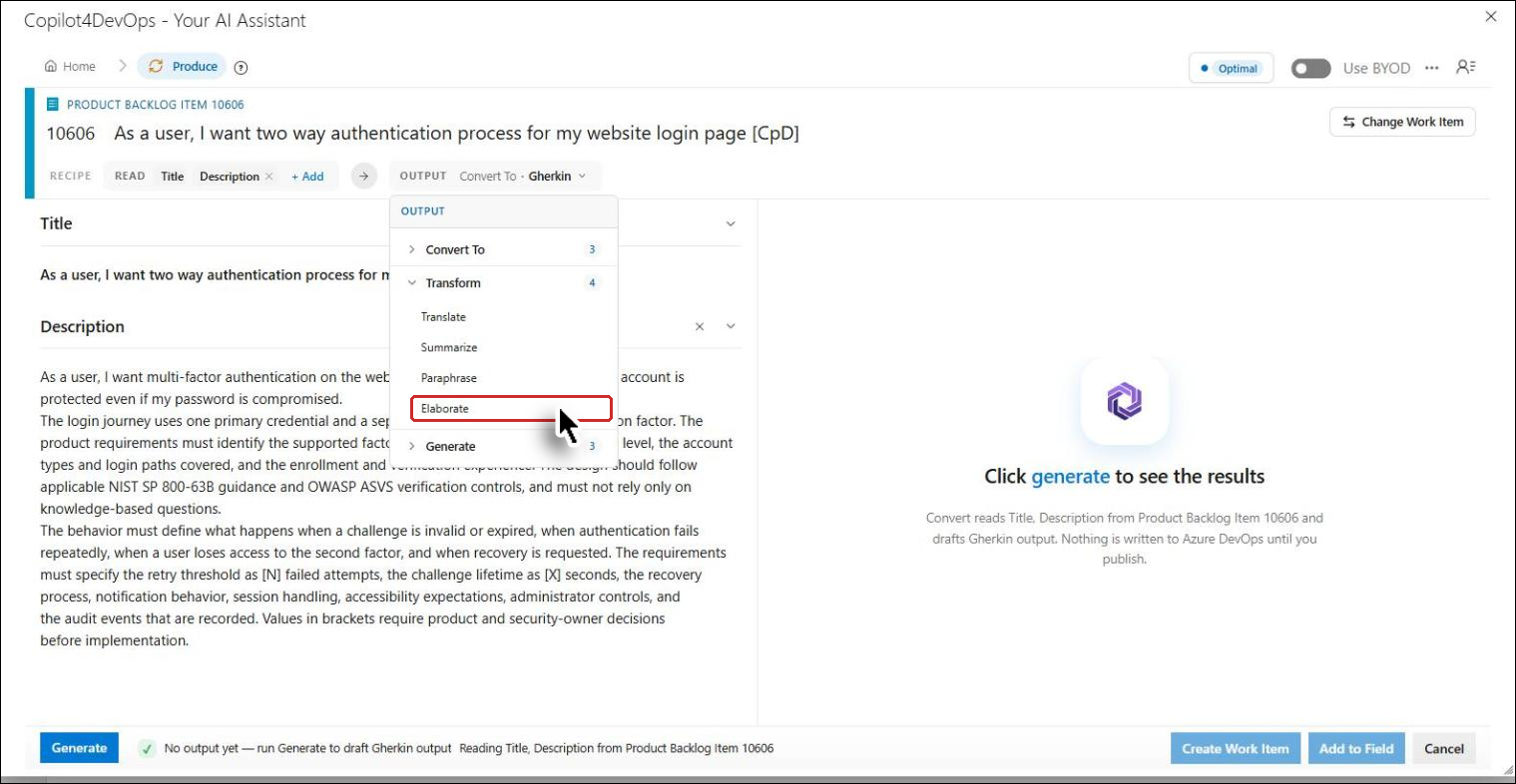
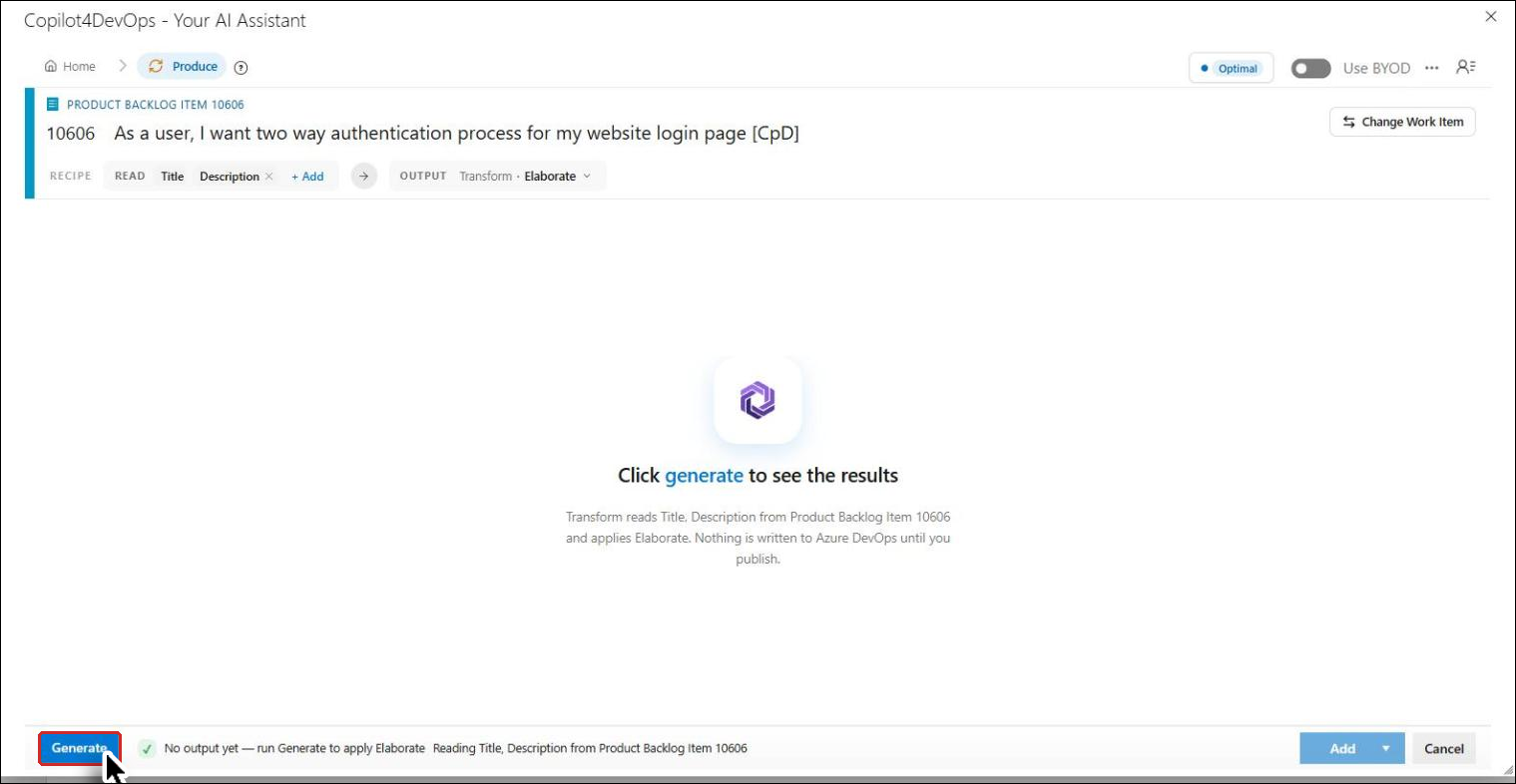
2. Click on the Generate button.
The selected fields are elaborated, and the status bar shows “Elaborate drafted — review, then add to the top or bottom of each elaborated field, or Replace them”. The Add button also becomes enabled.
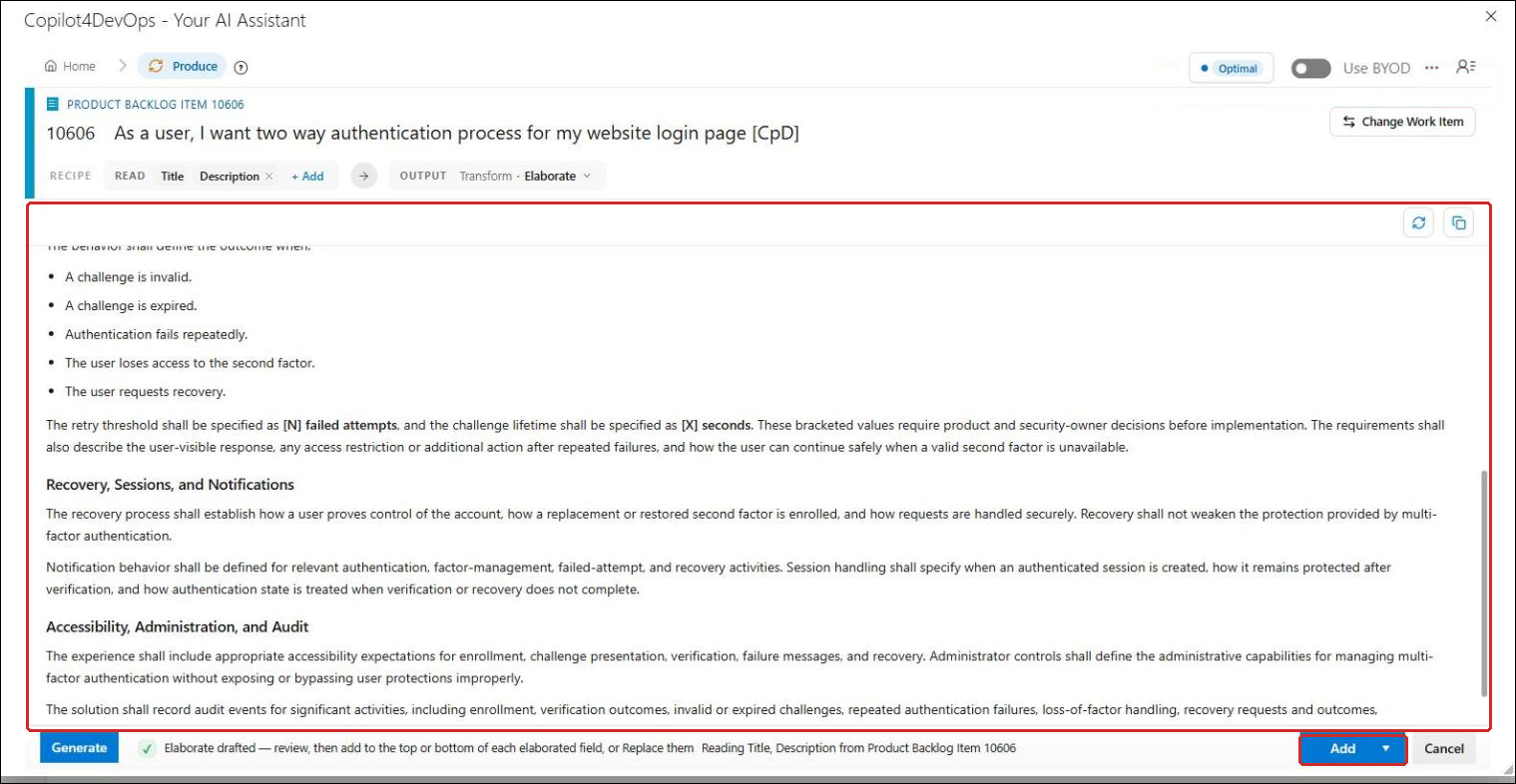
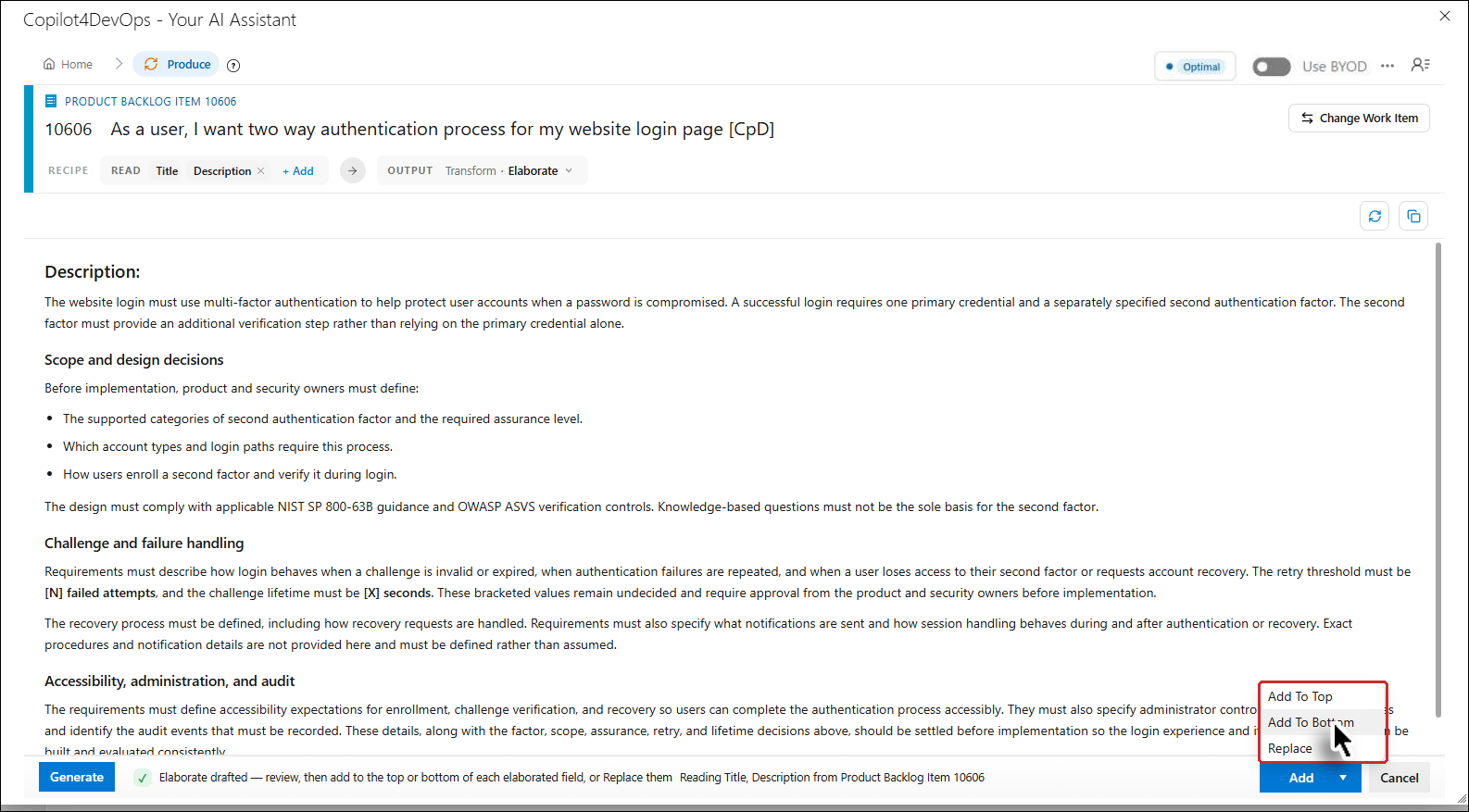
3. Click the arrow on the Add button and select the desired placement position (for the elaborated text).
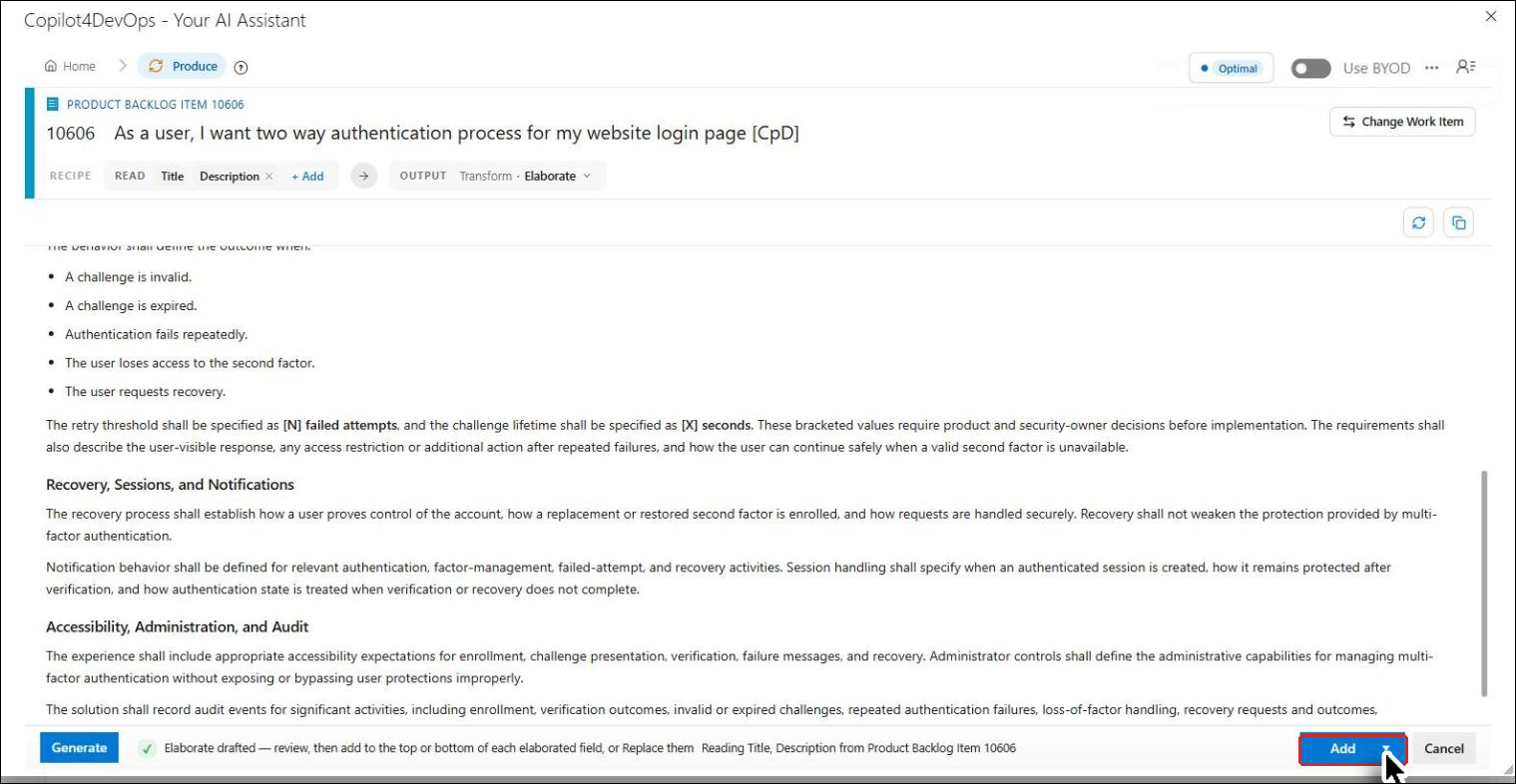
Choose where the elaborated text is written:
-
Add To Top: inserts the elaborated data above the existing content of the field.
-
Add To Bottom: appends the elaborated data below the existing content of the field.
-
Replace: replaces the existing content of the field with the elaborated data.
The elaborated data is added to the selected field at the chosen position, and the user is taken back to the Home Page.
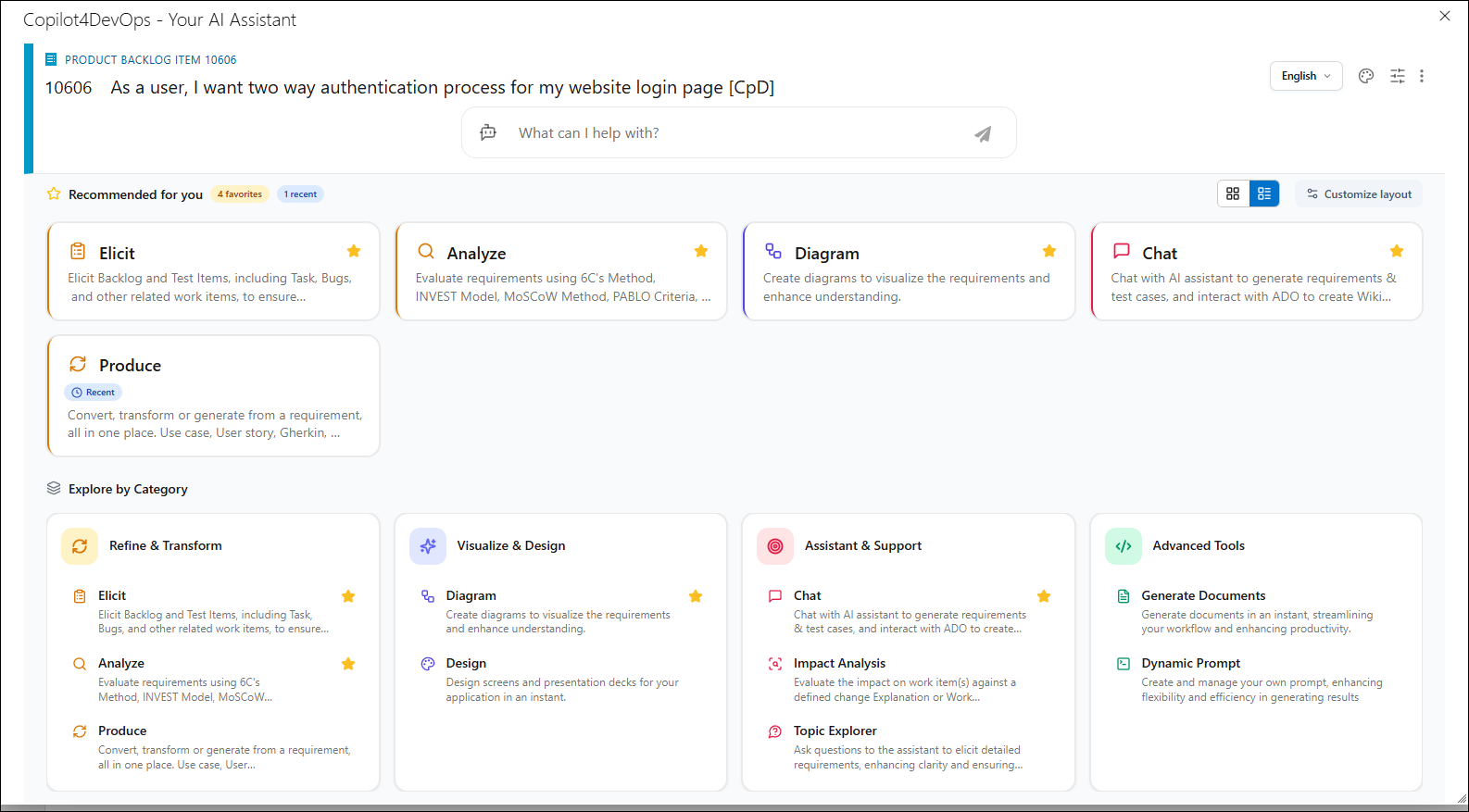
4. Click the Produce card/option.
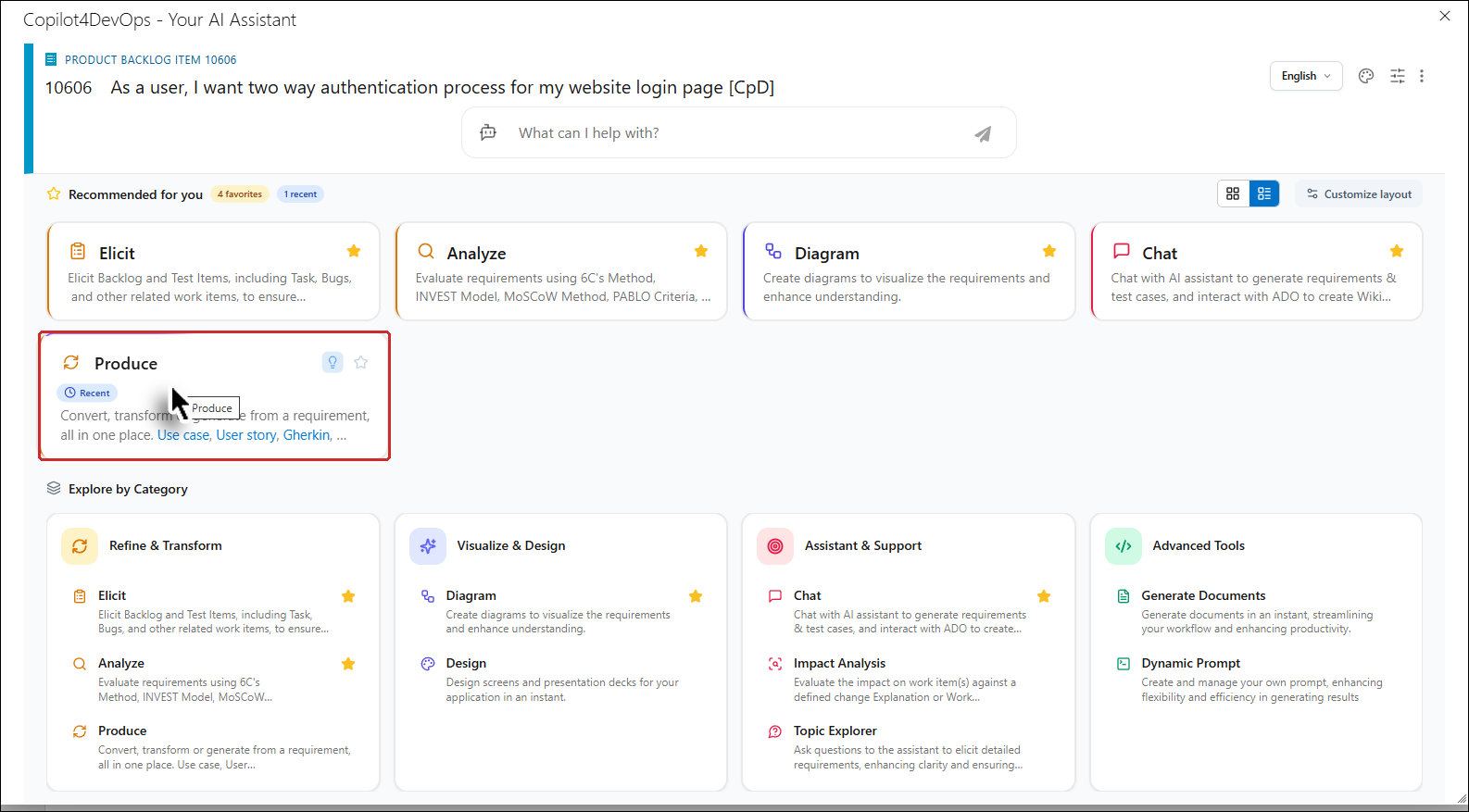
The selected field is updated accordingly. In this example, the elaborated text has been added at the bottom of the Description field.