Smart Prompt
User can ask their questions regarding Copilot4DevOps using Smart Prompt to get accurate responses, clear UI instructions, and tailored recommendations based on their queries.
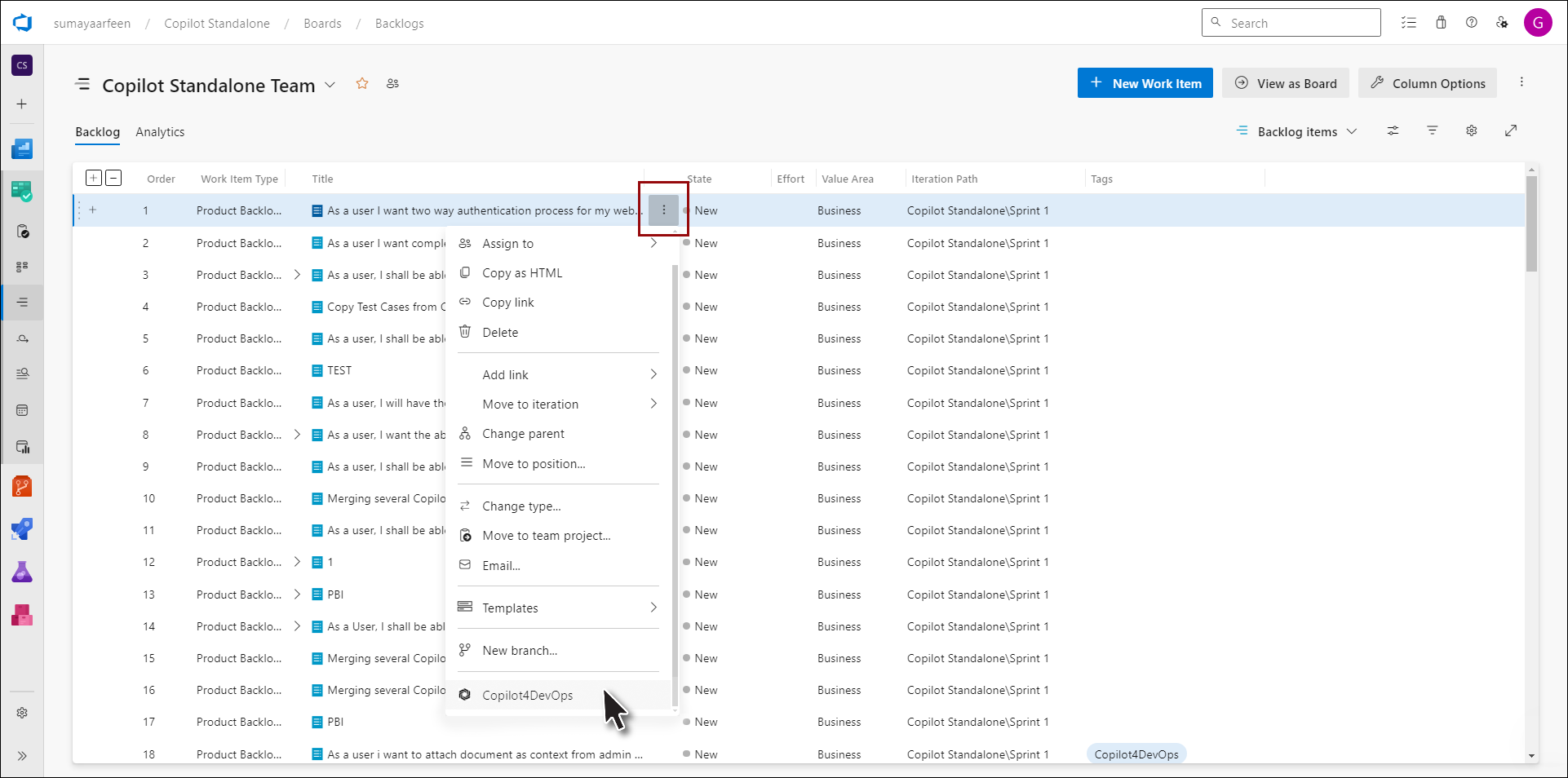
1. Click on the Copilot4DevOps option from the context menu of any work item from the Queries and Backlog.
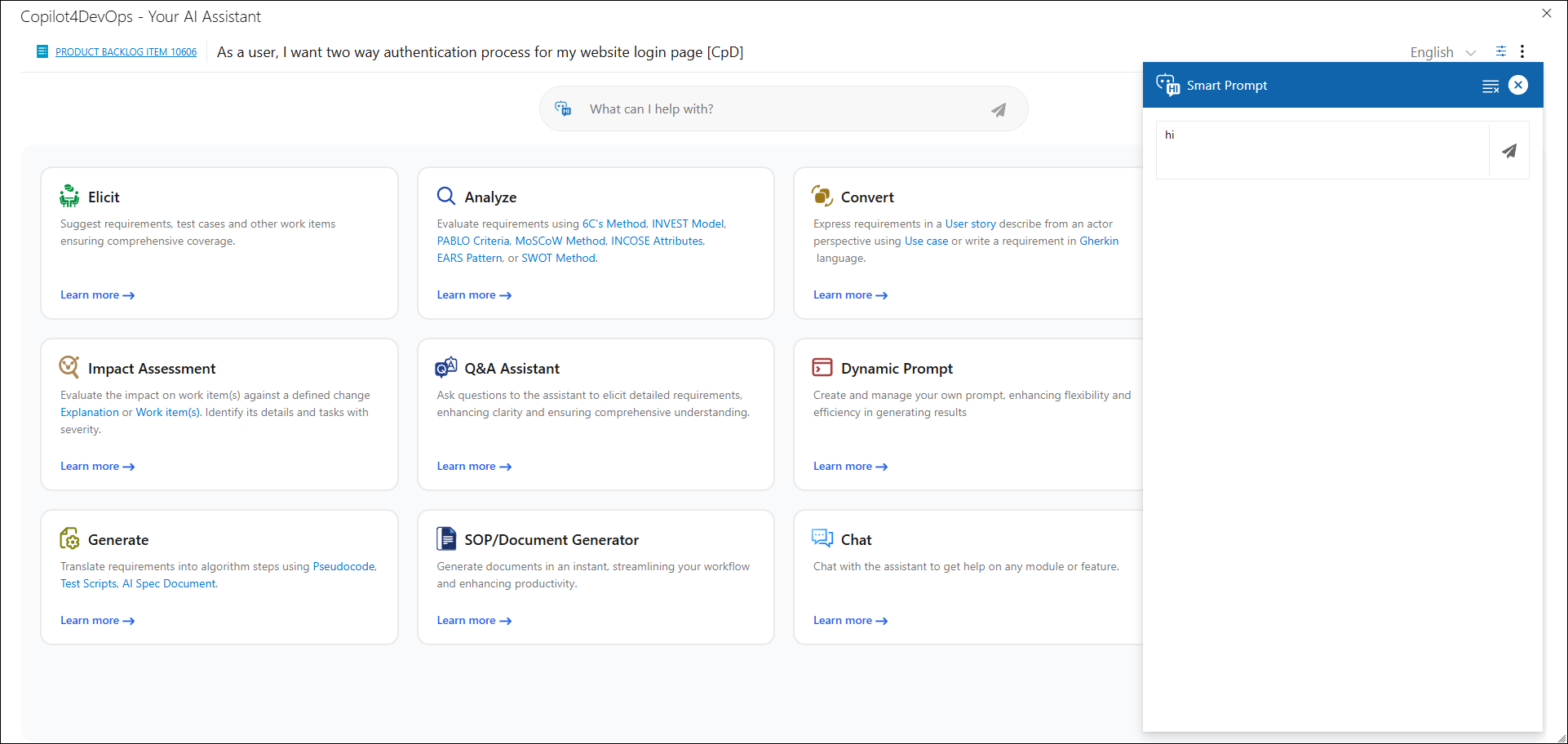
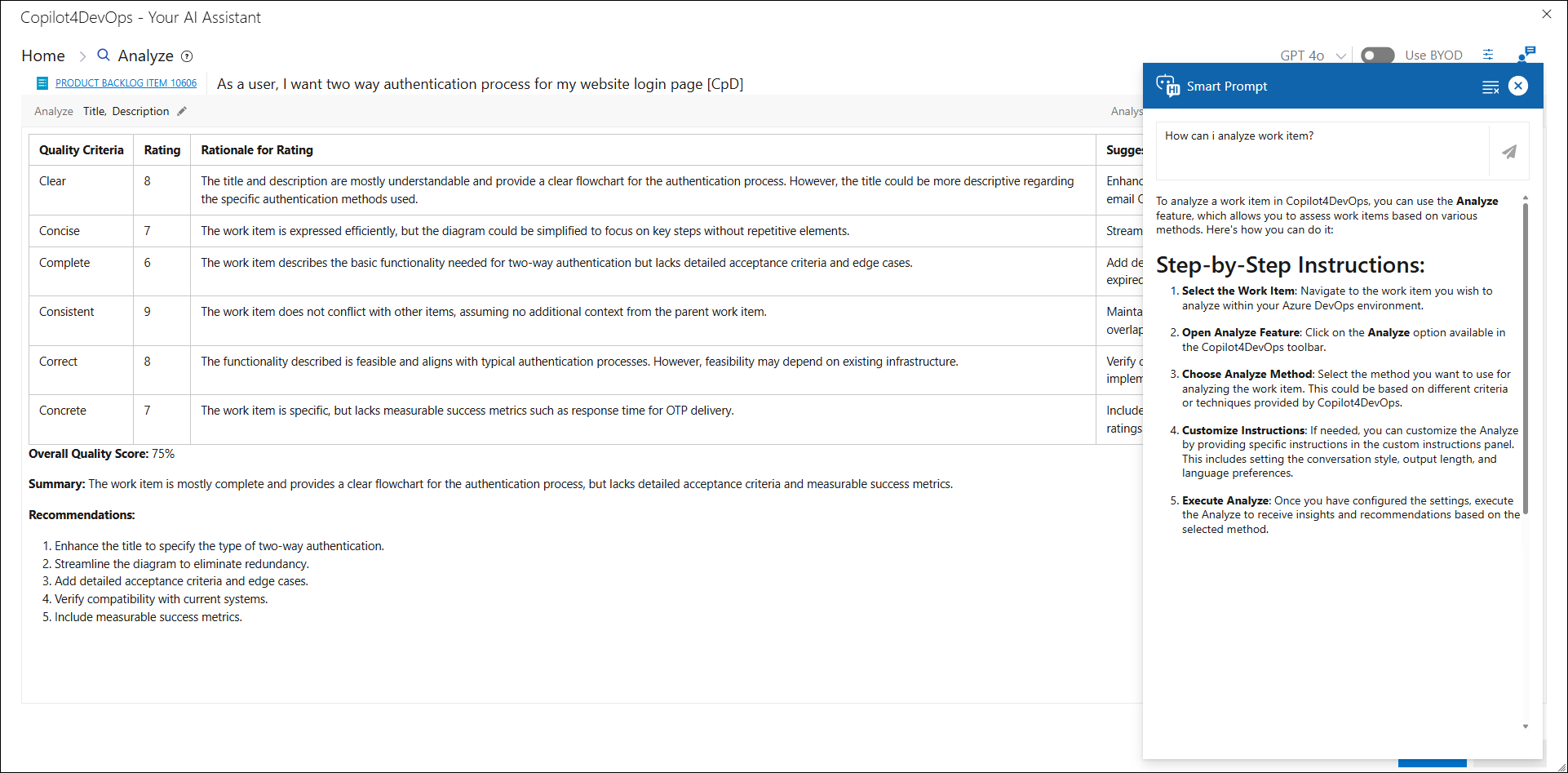
2. On the homepage, enter your queries in the text area located in the center and press enter or Send button.
.png)
.png)
3. Query response will be shown on the right panel.
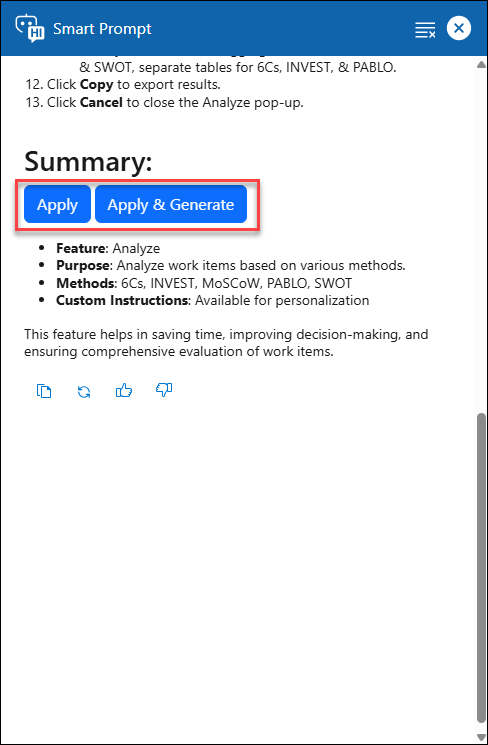
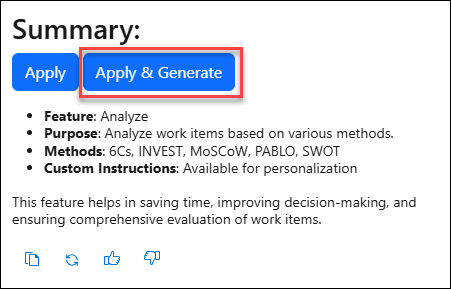
4. 'Apply' and 'Apply & Generate' options are shown if it’s applicable to user query.
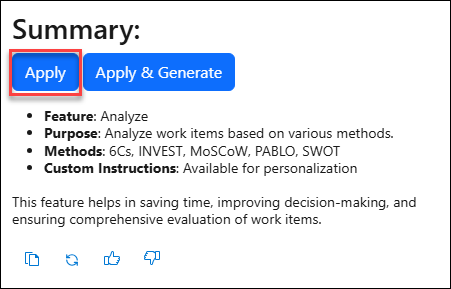
5. Clicking Apply will set the feature and the AI-suggested pre-configured values.
6. Clicking 'Apply & Generate' option will set the feature and the AI-suggested pre-configured values and generate the results.
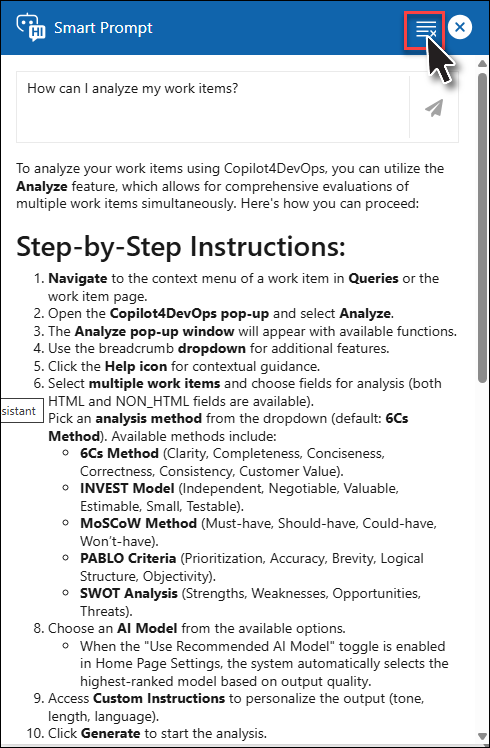
7. Click Clear on the toolbar of Smart Prompt to clear out Response and user query.
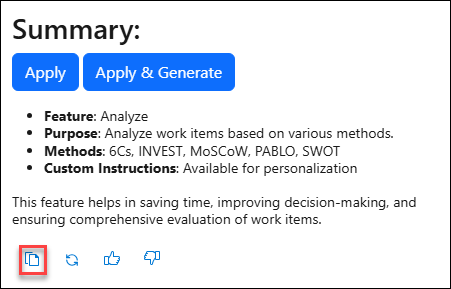
8. Click 'Copy' to copy the results.
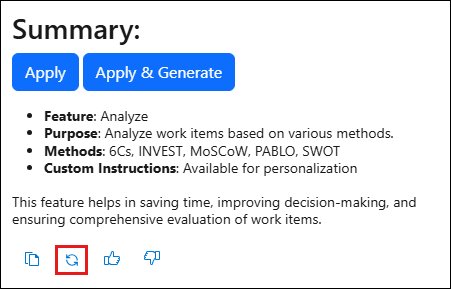
9. Click 'Regenerate' to generate a new response.
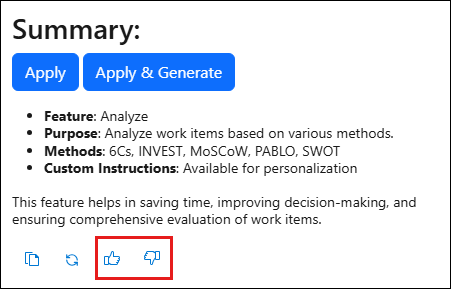
10. Give feedback on response by clicking the Like (👍) or Dislike (👎) button.
11. Close the Smart Prompt window by clicking the ‘X’ icon on top right corner.

