The Bug Fixing Agent

Learn how AI agents fix bugs inside Azure DevOps with full traceability, guided human checkpoints, and audit-ready records on every run.

Software teams spend roughly 50% of their development time finding, reproducing, and fixing bugs. That is half of every sprint burned on defect work before anyone ships a single new feature. And it is not the coding that eats the day. It is the context-gathering.

A bug gets reported. Someone hunts down the parent requirement. Someone else tries to figure out which repo, which branch, which method. Then comes the fix, the commit, the validation notes, and the paper trail for the reviewers. Each step lives in a different tab, a different person’s head, or a different Slack thread. 

That is the messy middle. And it is exactly where an AI agent inside Azure DevOps earns its keep. 

In this blog, we cover what a bug-fixing agent actually does inside Azure DevOps, how a guided workflow keeps humans in control, what the agent produces at the end, and why that output matters for teams working under compliance or audit pressure. 

On paper, a bug is a work item with a description, repro steps, and an expected result. In practice, resolving it touches at least five artifacts. 


Let’s say a QA Engineer logs a bug on a checkout flow. Before the fix can even start, someone has to:

Every step in that chain is a context switch. A Business Analyst pulls the requirement. A Developer traces the code. A Release Manager questions the branching strategy. Meanwhile, the bug sits in Active status while people align. 

Quick note: This is not a small tax. Defect-handling overhead is one of the biggest reasons sprint commitments slip. When leadership asks why velocity is flat, the honest answer is usually that bugs are swallowing capacity that was supposed to go into the roadmap. 

A bug-fixing agent is not a chatbot that suggests code snippets. It is a workflow. The agent takes a bug work item and moves it through a defined set of steps, producing a structured record at the end.

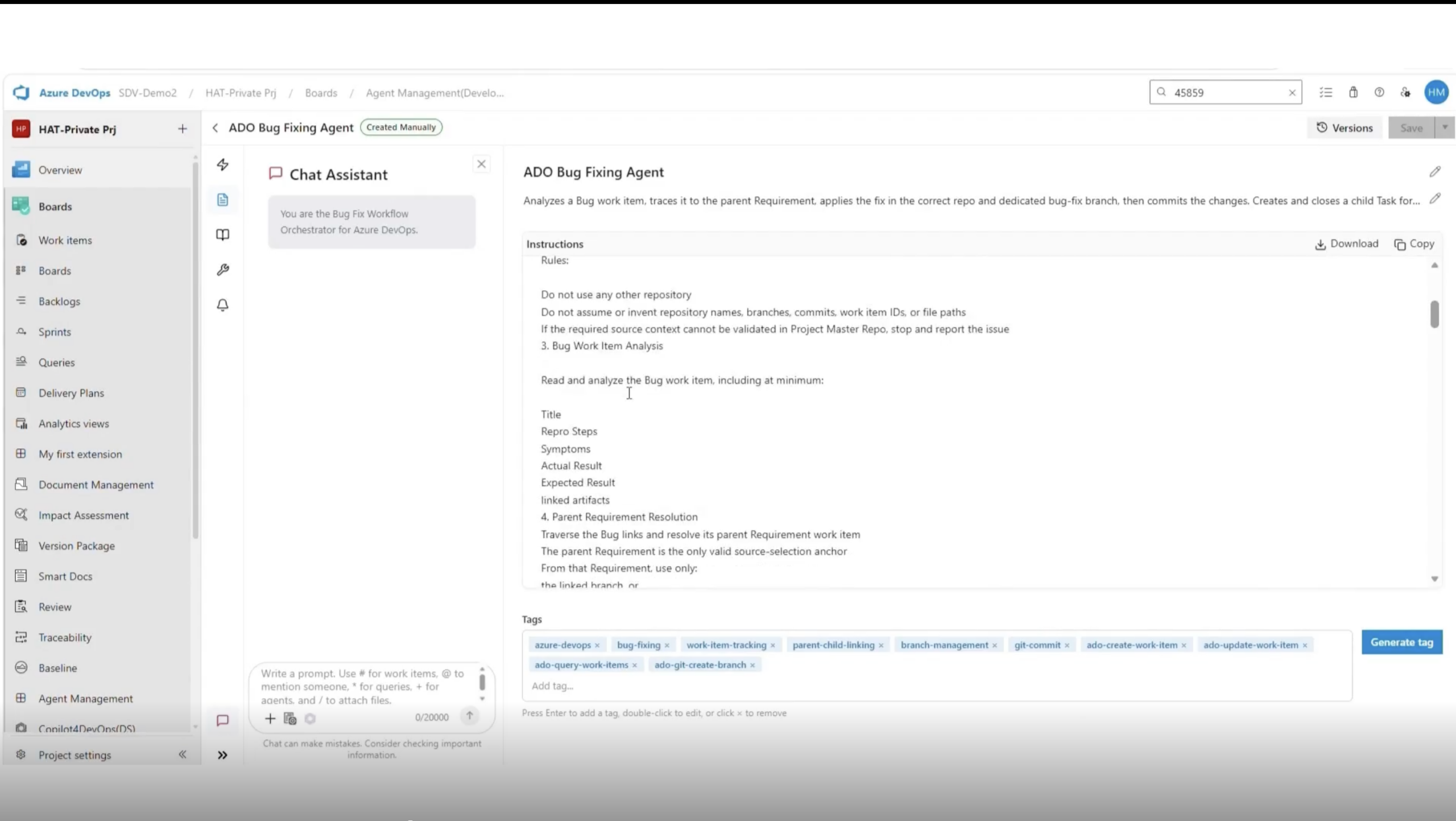
A bug-fixing agent defined with an explicit instruction set, including the repository restriction and the step-by-step workflow it must follow. 

Here is what that looks like from start to finish:

That last point is the one most tools skip. A fix without a clean record of what was changed and why is a fix waiting to become someone else’s debugging session six months later. 

Fully autonomous agents sound good in a demo and break down in a regulated environment. The better pattern is guided autonomy. The agent does the heavy lifting, but stops at defined points for human input. 


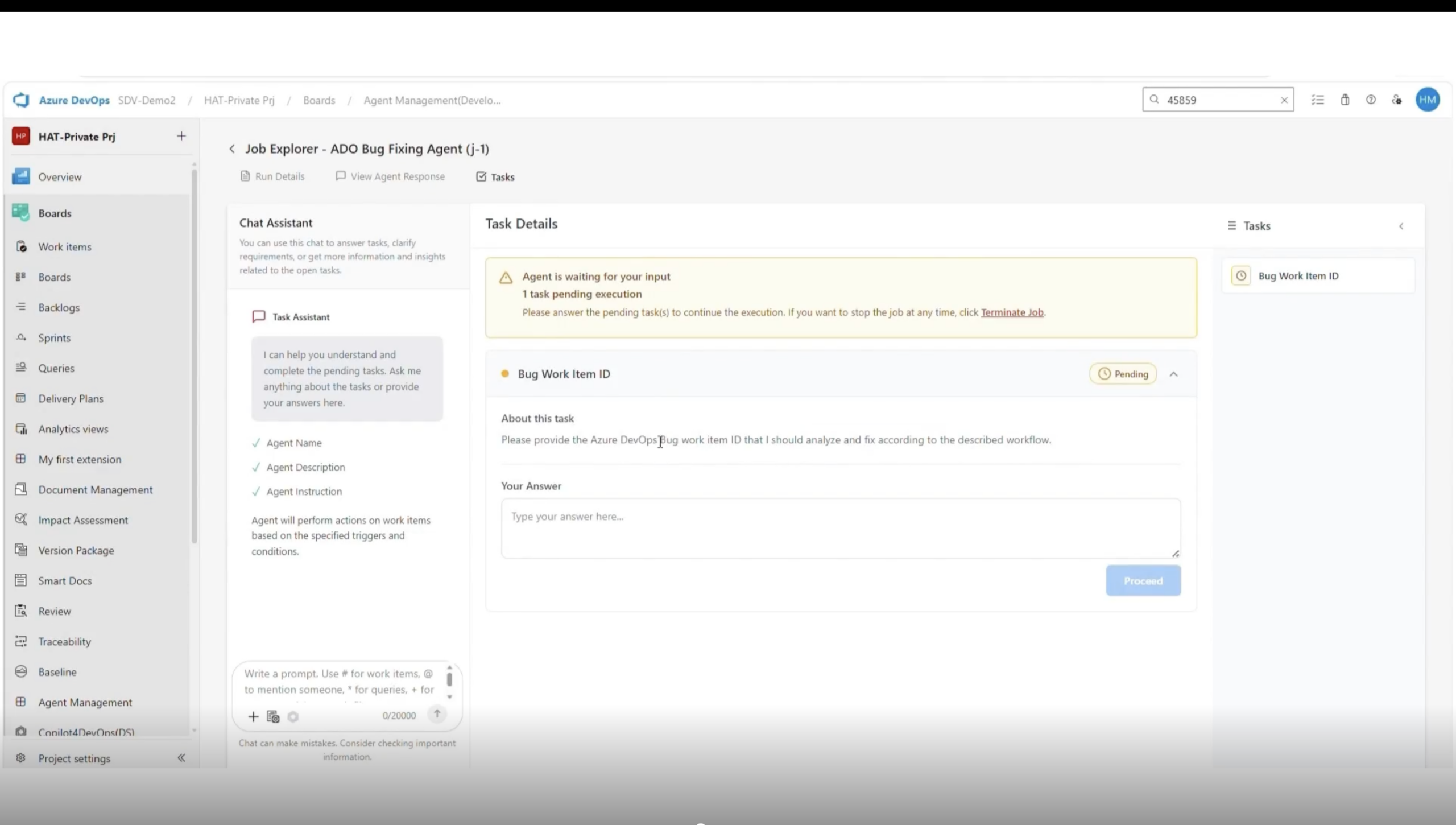
The bug-fixing flow pauses right at the start with an Open Task. The agent asks the user to confirm which bug work item ID it should analyze. That single prompt does a lot of quiet work: 

The agent pauses before doing any work and asks the user for the Bug Work Item ID. Every run starts with a deliberate human checkpoint. 

Once the bug ID is submitted, the agent resumes in the background. The Jobs view updates live. When processing completes, the status flips to Success, and the structured response becomes available for review. 


Pro tip: Teams working under ISO 9001, SOC 2, or similar frameworks should prefer guided agents over fully autonomous ones. Every human checkpoint is a defensible control when an auditor asks who approved what.

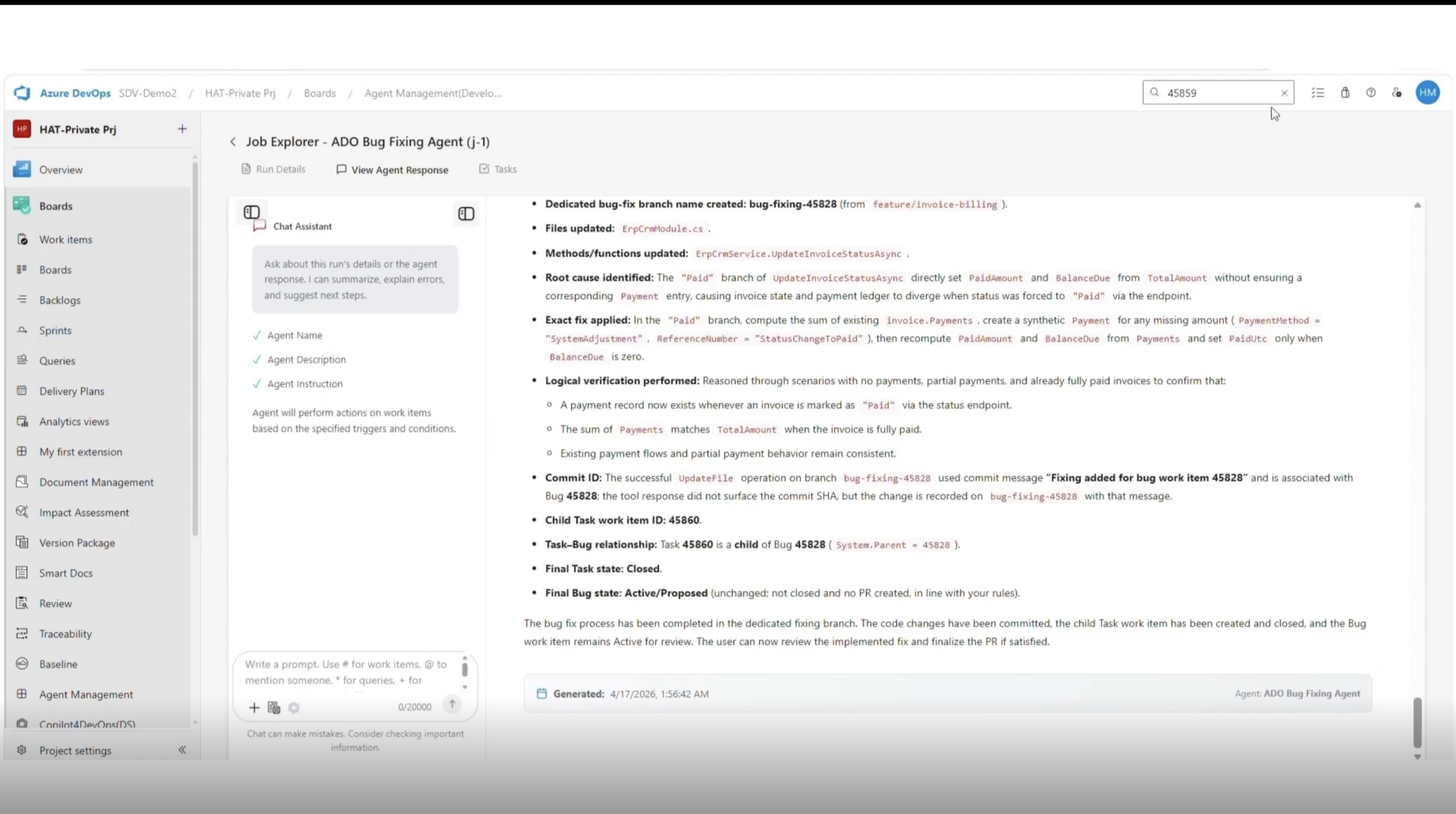
The response is where a bug-fixing agent either earns trust or loses it. A two-line summary is not enough. A reviewer needs to see the full chain of reasoning before they approve a merge. 

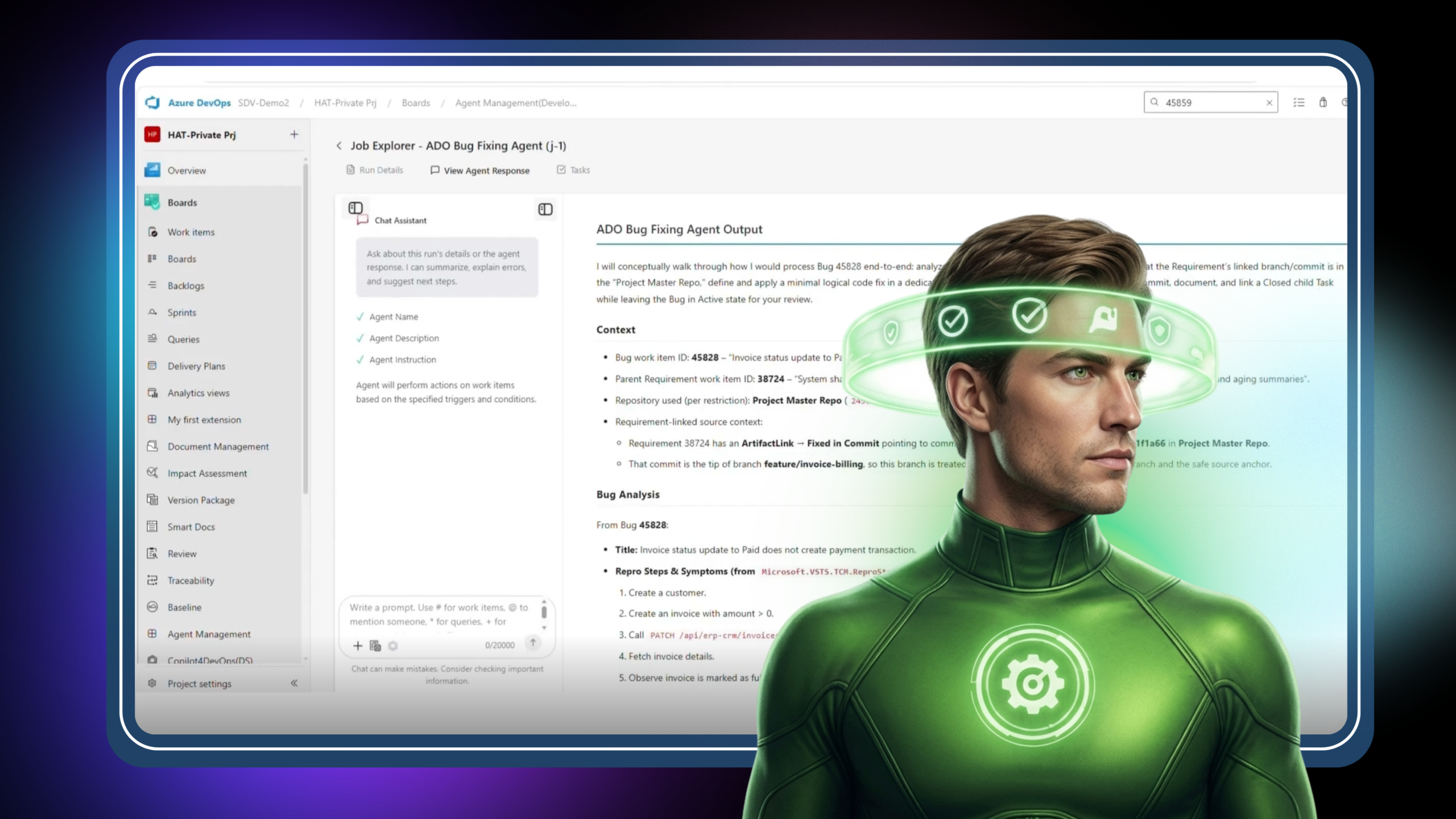
The agent response opens with full context: the bug work item, the parent requirement, the repository used, and the exact commit that served as the source anchor. 

A well-structured agent response includes the following sections: 

Response Section
What It Contains
Context
The bug work item, the parent user story, and the linked requirement, so reviewers can verify traceability at a glance.
Bug Analysis
A summary of the issue, the likely root cause, and the technical reasoning behind the fix.
Source Validation
Confirmation of the correct project and repository before changes were applied.
Final Fix
What was changed, why, the impacted file, and the method updated.
Code Change Details
Branch created and commit generated, providing direct traceability to source control.
Validation Notes
Implementation notes, assumptions, and any limitations the agent flagged during execution.


The point is not just to record what changed. It is to give the reviewer enough context that they can say yes, this fix makes sense, without opening three other tabs. 

In most orgs, the real cost of a bug is not the fix itself. It is the paper trail. 

A medical-device team running ISO 13485 needs to show that every defect was traced to a requirement, reviewed, and resolved with evidence. An automotive supplier under ISO 26262 needs the same, plus ASIL-level impact reasoning. A fintech team under SOX needs change-control evidence tied to every production-affecting commit. 

Without a structured agent record, someone manually reconstructs that trail, usually the week before an audit. With one, the trail is the artifact of the work itself. 

A properly documented agent run gives compliance teams: 

That is what turns a bug fix into a governance artifact, and what separates tooling that looks clever from tooling that survives a real audit.

Not every agent that claims to fix bugs is built the same way. When evaluating one for your team, a few properties matter more than the marketing page suggests.

Teams that get this right stop treating bug fixing as a productivity problem and start treating it as a governance one. That shift is where the real gains show up. 

Does a bug-fixing agent work fully autonomously?

Not in well-designed workflows, and that is intentional. The best pattern is guided autonomy. The agent pauses for user input at key points, starting with the bug work item ID, so humans stay in control and every run has a clear approval trail. 

No. It is a replacement for the context-gathering, traceability-stitching, and documentation work that developers, BAs, and QA engineers currently do by hand. The reasoning and review still sit with the human.

A properly built agent creates a branch and commit in Azure Repos and attaches a structured response to the job record for review. The output lives where the rest of the team already works, not in a separate tool. 

Every run produces a traceable record linking the bug, the requirement, the code change, and the validation notes. That is exactly the evidence trail auditors expect under frameworks like ISO 13485, ISO 26262, SOC 2, and SOX. 

That is why the response is structured. Reviewers see the reasoning, assumptions, and limitations before approving the merge. A wrong fix is caught in review, not in production, and the record of why it was rejected becomes part of the history. 

Key Takeaways!

Let AI Run Your DevOps Workflows

Governed. Traceable. Done.

All-in-one execution layer, right where you work

Accessible directly inside Azure DevOps and callable from Copilot4DevOps chat. 
No context switching. No shadow automation. 

Other Related Use Cases

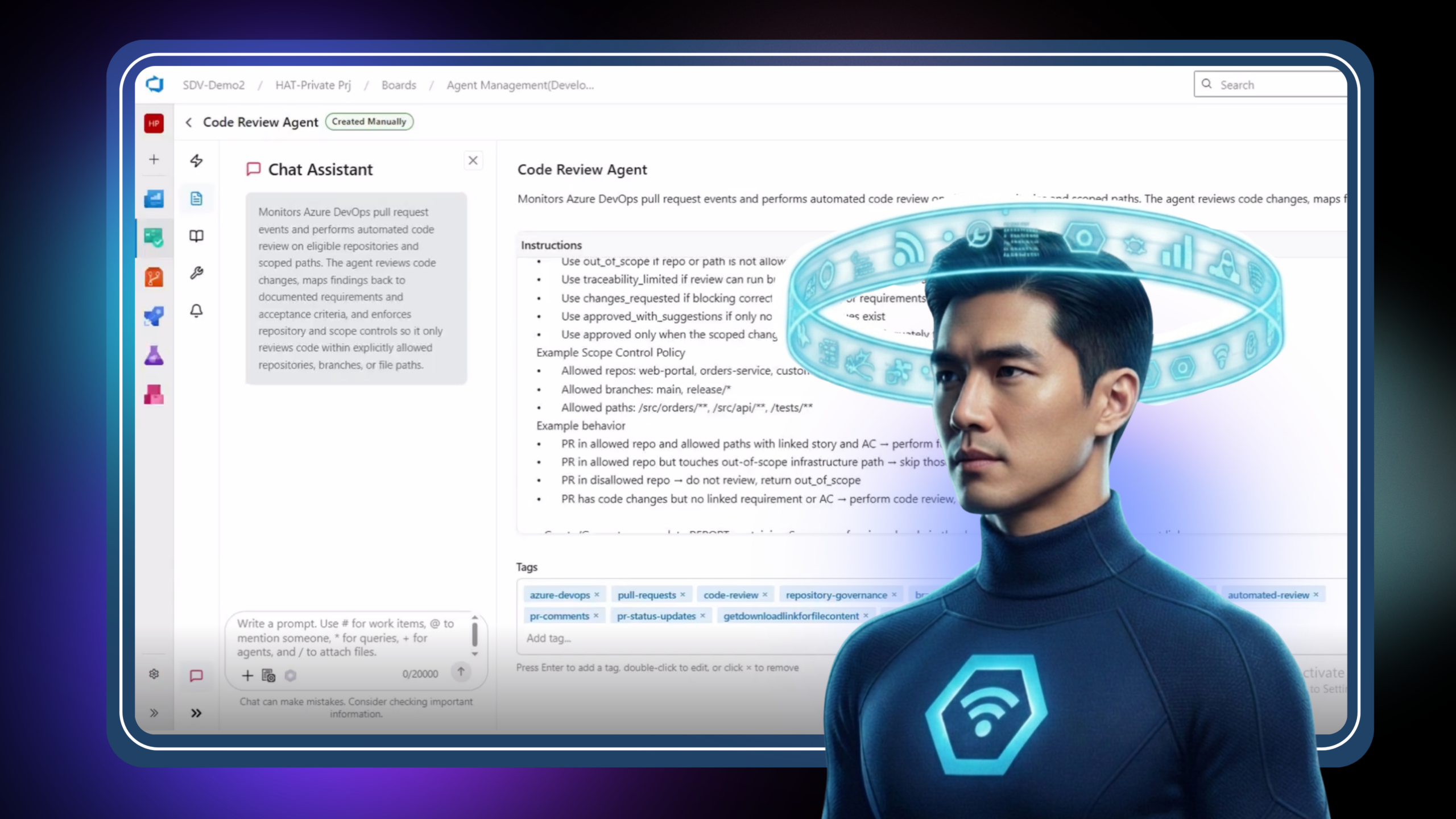
Code Review Agent

Learn how AI brings structure to code reviews with a consistent, evidence-based first pass. Reduce review time and focus human effort on judgment, not discovery.

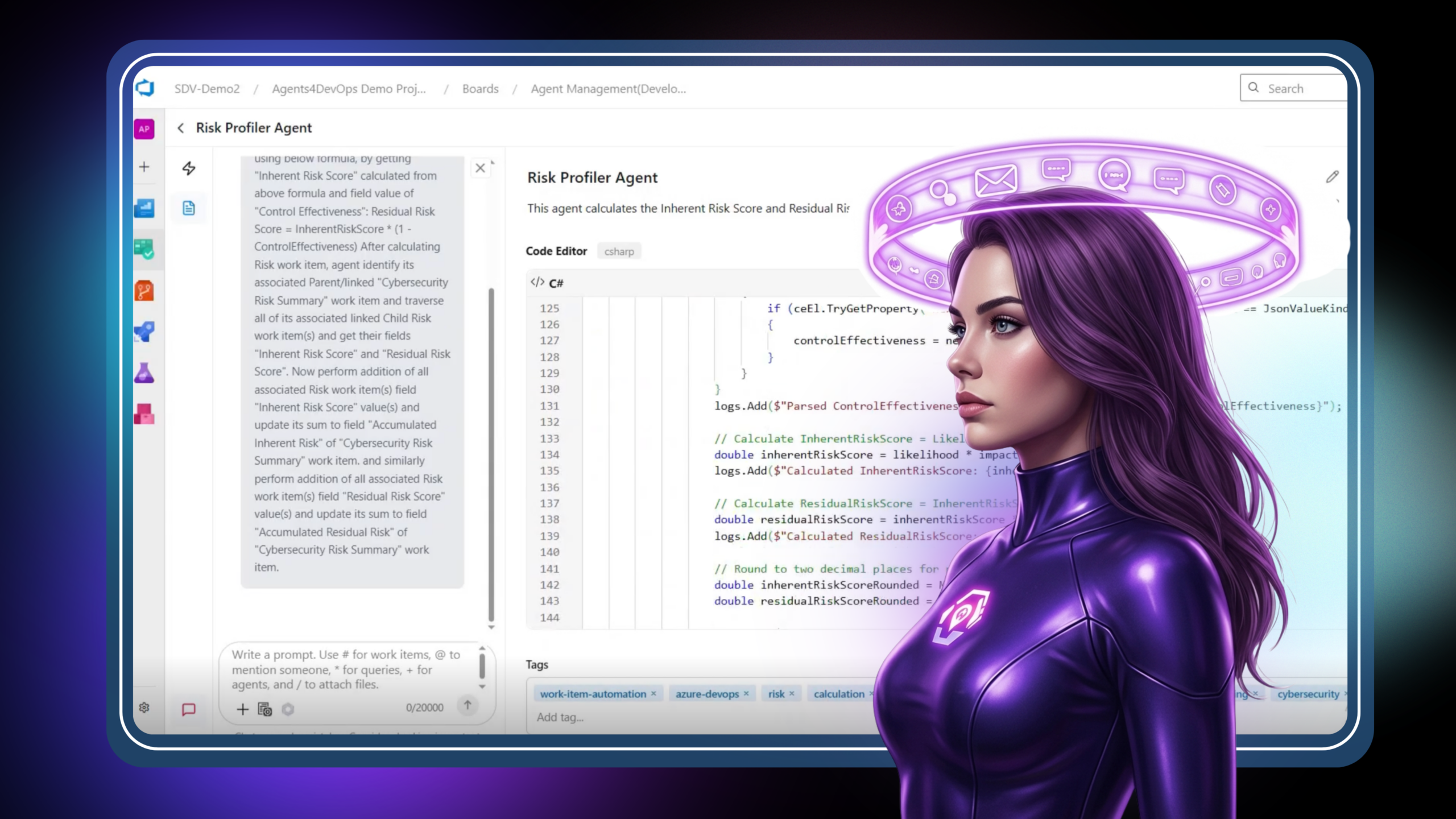
Risk profiler

Learn how AI standardizes risk scoring and keeps risk data accurate in real time. Move from inconsistent tracking to reliable, actionable risk intelligence.

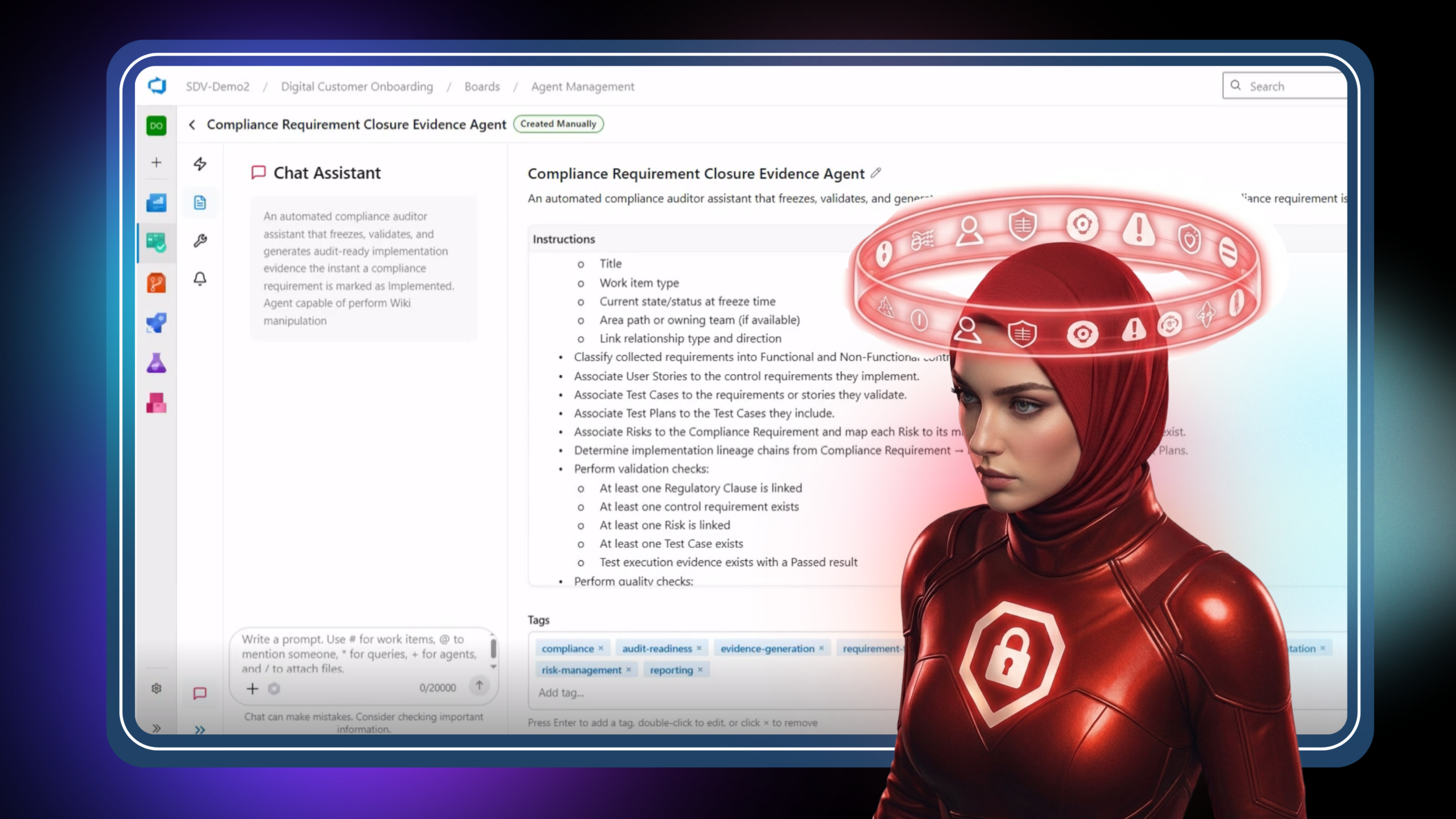
Compliance Requirement Closure Evidence Agent

Learn how AI automates compliance evidence collection and makes requirements audit-ready. Turn scattered data into structured, defensible audit artifacts inside Azure DevOps.