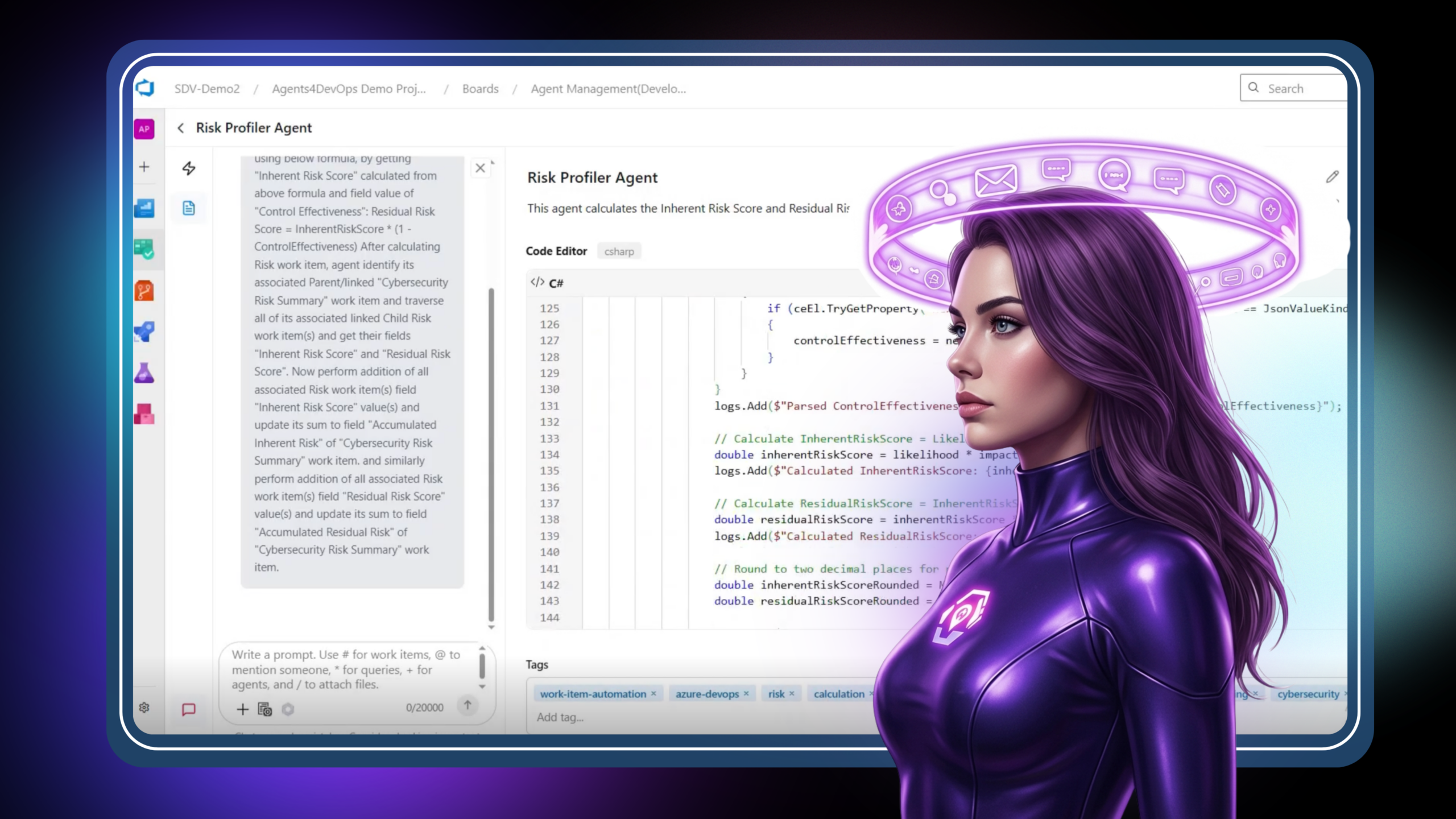
The Risk Profiler Agent

Risk isn’t the problem—consistency is. A Risk Profiler Agent inside Azure DevOps standardizes scoring, automates calculations, and keeps risk data accurate in real time—so teams can finally trust the numbers they rely on.

Risk is rarely ignored. It is just rarely consistent. Every project has risk work items. Fields get filled. Scores get calculated. Mitigations get discussed. But somewhere between identifying a risk and acting on it, the process starts to drift.

One team calculates exposure one way. Another uses a slightly different formula. A third forgets to update residual risk after controls are applied. By the time leadership asks for a consolidated view, the numbers exist, but they do not mean the same thing.

Most of the effort is not in identifying risk. It is in making risk measurable, repeatable, and comparable. That is exactly where an AI agent inside Azure DevOps changes the equation.
In this blog, we walk through what a Risk Profiler Agent actually does, how it standardizes risk scoring across work items, and why teams are starting to treat risk profiling as an automated workflow rather than a manual discipline.

Why Risk Assessment Breaks Down in Practice

On paper, risk scoring is simple:
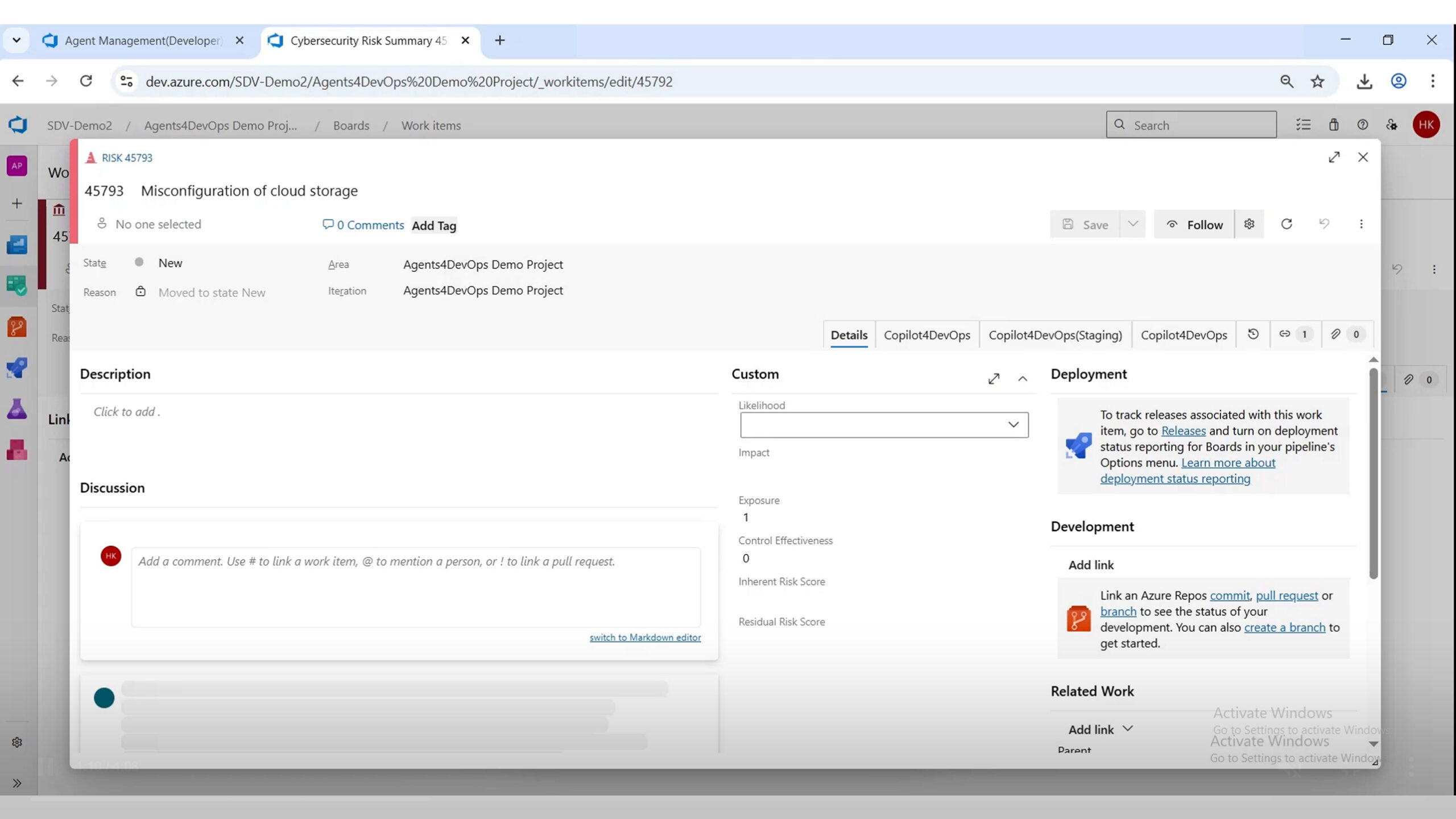
In practice, it touches multiple people, interpretations, and updates over time. Take a cybersecurity risk work item. To evaluate it properly, someone has to:
Now multiply that across dozens or hundreds of work items. The problems show up quickly:

Quick note: This is the difference between having risk data and having reliable risk intelligence. Most teams only discover the gap when they try to roll risks up into a program-level view.

What a Risk Profiler Agent Actually Does

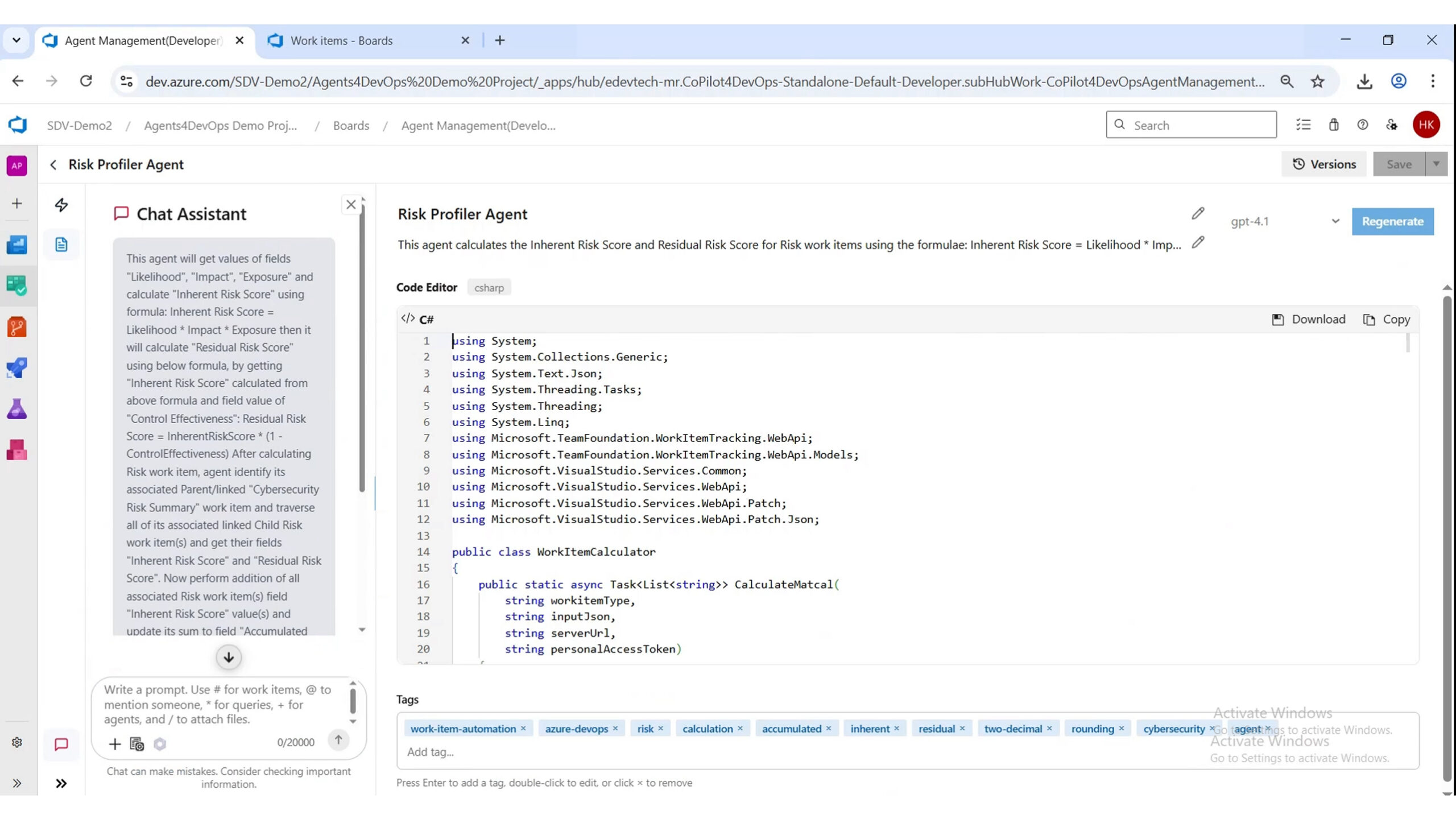
A Risk Profiler Agent is not a dashboard and not a reporting tool. It is a deterministic execution workflow that runs inside Azure DevOps and standardizes how risk is calculated and maintained. Given a risk-related work item, the agent:

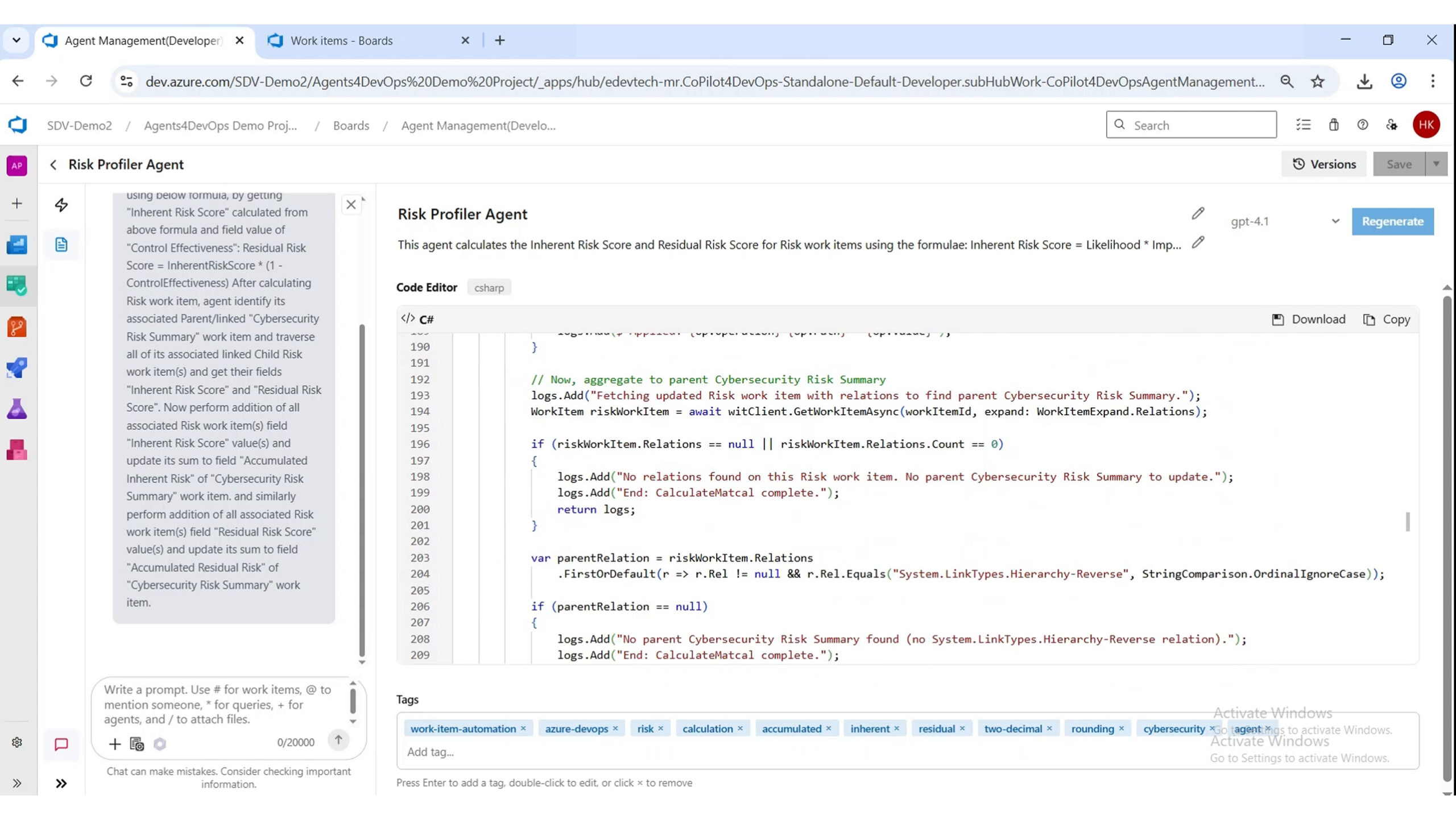
Because the agent runs as an Execution Agent written in C#, the logic is explicit, repeatable, and not dependent on interpretation. That distinction matters. Risk scoring is not something you want interpreted differently every time. It needs to behave the same way across every work item, every sprint, every team.

Event-Driven by Design: The Agent Runs When It Matters

The Risk Profiler Agent is not triggered manually. It runs automatically based on work item events.

In this case:

That means:

No reminders. No follow-ups. No “someone needs to update this.” The system stays current because the workflow is event-driven.

Inside the Workflow: What Happens Step by Step

When the agent is triggered, it follows a deterministic sequence:
  1. Read Inputs Pulls all relevant risk fields from the work item:
    • Likelihood
    • Impact
    • Exposure
    • Control effectiveness
  2. Run Calculations Applies predefined formulas to compute:
    • Inherent risk score
    • Residual risk score
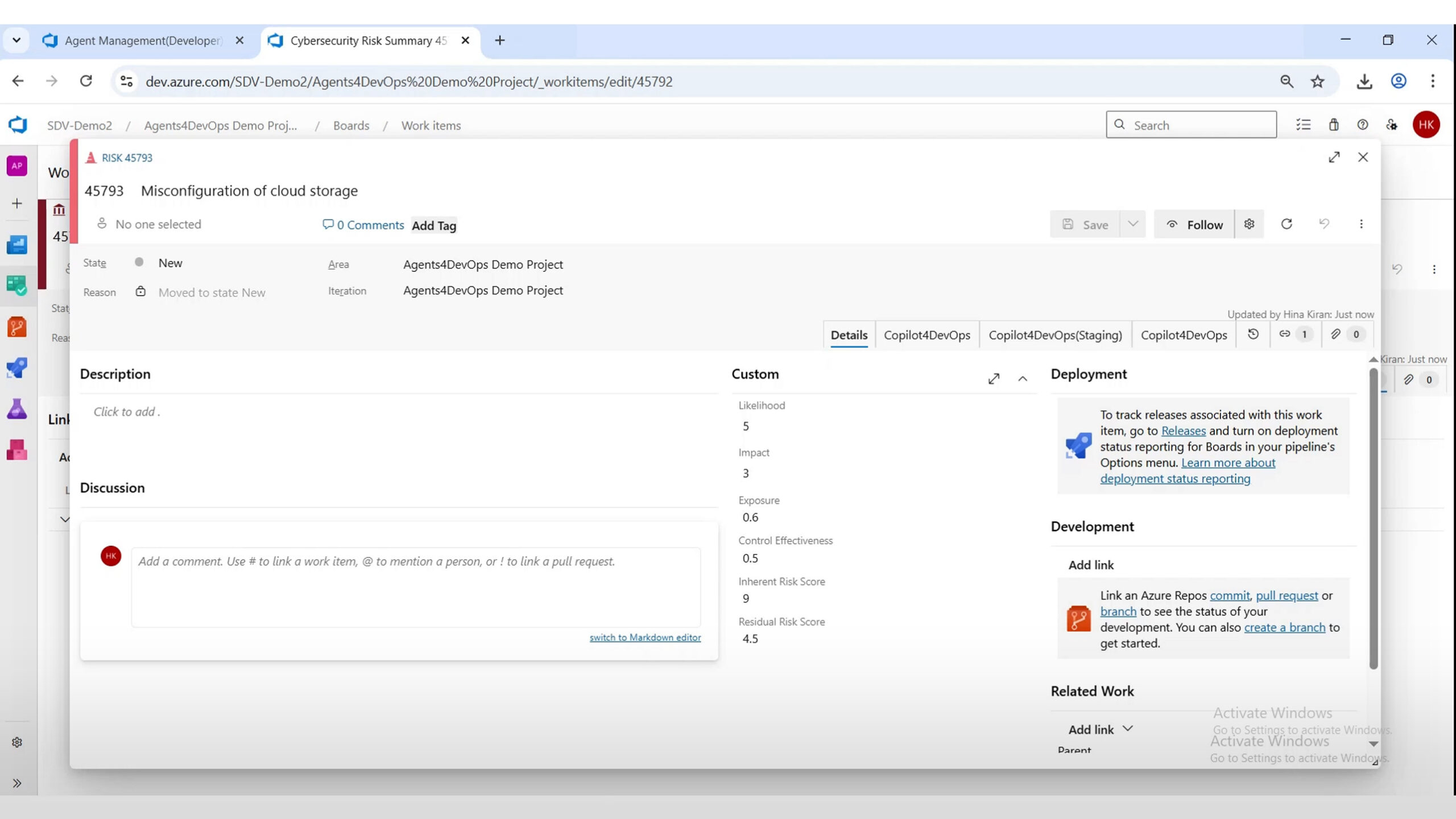
  3. Update Work Item Writes calculated values back into structured fields
  4. Maintain Consistency Ensures every work item follows the same logic and format

Because the logic is implemented in code, the output is not just fast, it is predictable.

What the Output Looks Like

The value of the agent is not just in automation. It is in structured, usable output. Each work item ends up with a consistent risk profile:

Field
What It Captures
Likelihood
Probability of occurrence
Impact
Severity of outcome
Exposure
Combined risk input
Control Effectiveness
Strength of mitigation
Inherent Risk Score
Risk before controls
Residual Risk Score
Risk after controls
Instead of scattered, partially updated fields, every work item becomes:

Beyond Individual Risks: Building Traceable Risk Structures

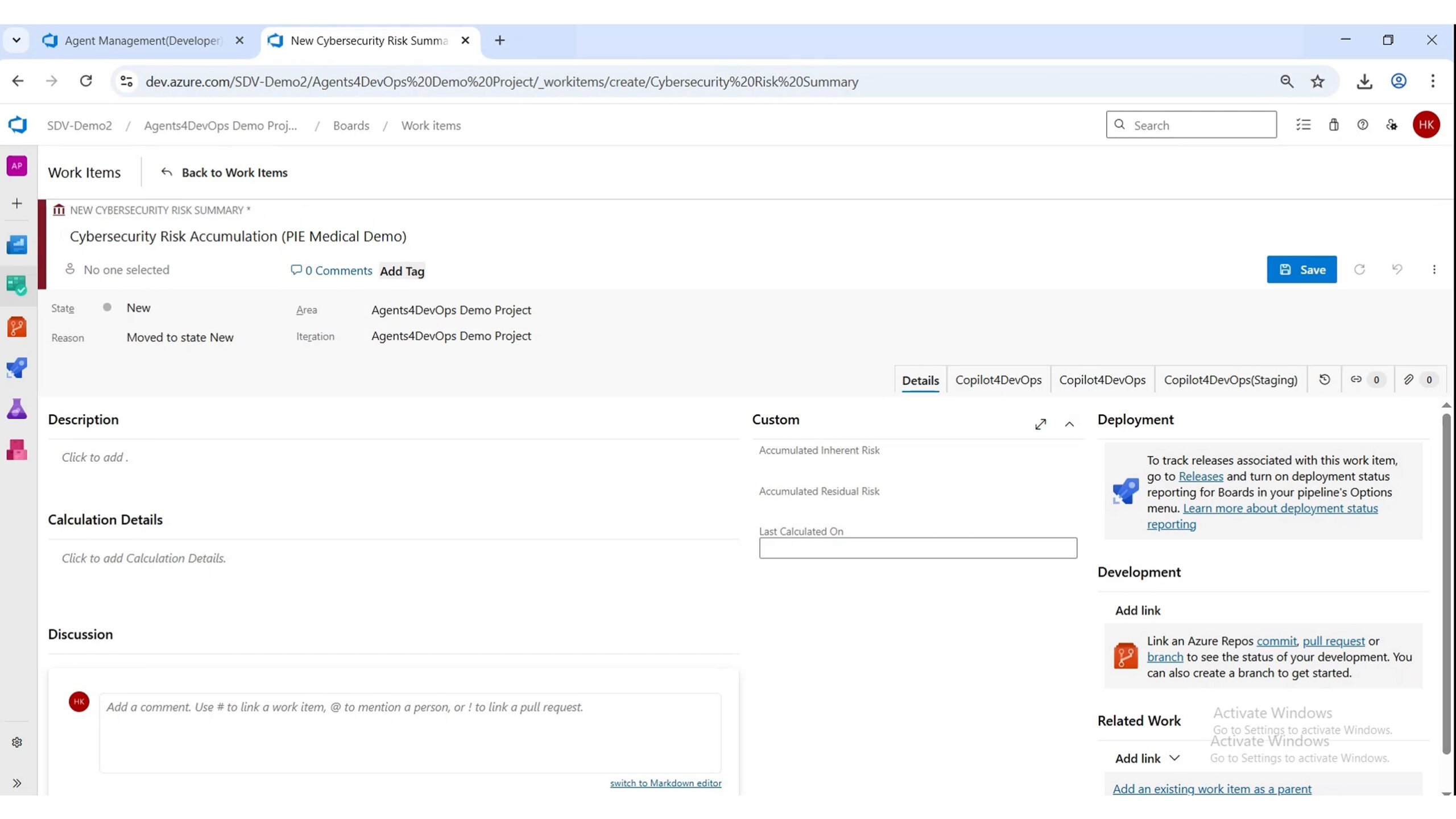
The agent does more than calculate scores. It supports structured linking between work items.


For example:

This is where risk management moves from isolated records to a connected system. Without this, teams see risks individually. With it, they see how risks accumulate.

Consistency at Scale

One of the biggest challenges in risk management is not accuracy—it is consistency across scale. The Risk Profiler Agent solves this by applying the same logic:
As shown in repeated examples, the agent:

That consistency is what makes risk data usable beyond the team that created it.

Why This Matters for Modern DevOps Teams

Risk is not static. It evolves with every change. By embedding risk profiling directly into Azure DevOps, teams gain:
This is not about doing risk management faster. It is about making risk data reliable enough to act on.

What to Look For in a Risk Profiling Agent

Not every automation solves the real problem. A useful risk profiling agent should:

Anything less is just partial automation.

The Shift: From Risk Tracking to Risk Intelligence

Most teams already track risks. Very few trust the numbers enough to base decisions on them. A Risk Profiler Agent closes that gap by turning:

The result is not just cleaner work items. It is a system where risk becomes:

And most importantly, reliable.

Frequently Asked Questions

Does the Risk Profiler Agent replace human risk assessment?
No. The agent automates the calculation, scoring, and updating of risk-related data inside Azure DevOps. The decision-making around risk acceptance, mitigation strategy, and prioritization still belongs to the project, security, or compliance teams.
The scoring logic is implemented directly in code using deterministic execution rules. Every work item follows the same calculation model, ensuring likelihood, impact, inherent risk, and residual risk are evaluated consistently across all records.
Yes. The agent runs using event-driven triggers tied to Azure DevOps work item updates. Whenever relevant input fields are modified, the agent recalculates the associated risk values automatically and updates the work item in real time.

Yes. The workflow can link individual risk work items to higher-level summary or aggregation records, helping teams understand how multiple risks contribute to broader operational, security, or compliance exposure.

Running the workflow natively inside Azure DevOps eliminates manual calculations, reduces inconsistency, improves data accuracy, and keeps risk information connected to the actual project work items, history, and traceability already managed within the platform.

Key Takeaways!

Let AI Run Your DevOps Workflows

Structured. Traceable. Done.

All-in-one execution layer, right where you work

Accessible directly inside Azure DevOps and callable from Copilot4DevOps chat. 
No context switching. No shadow automation. 

Other Related Use Cases

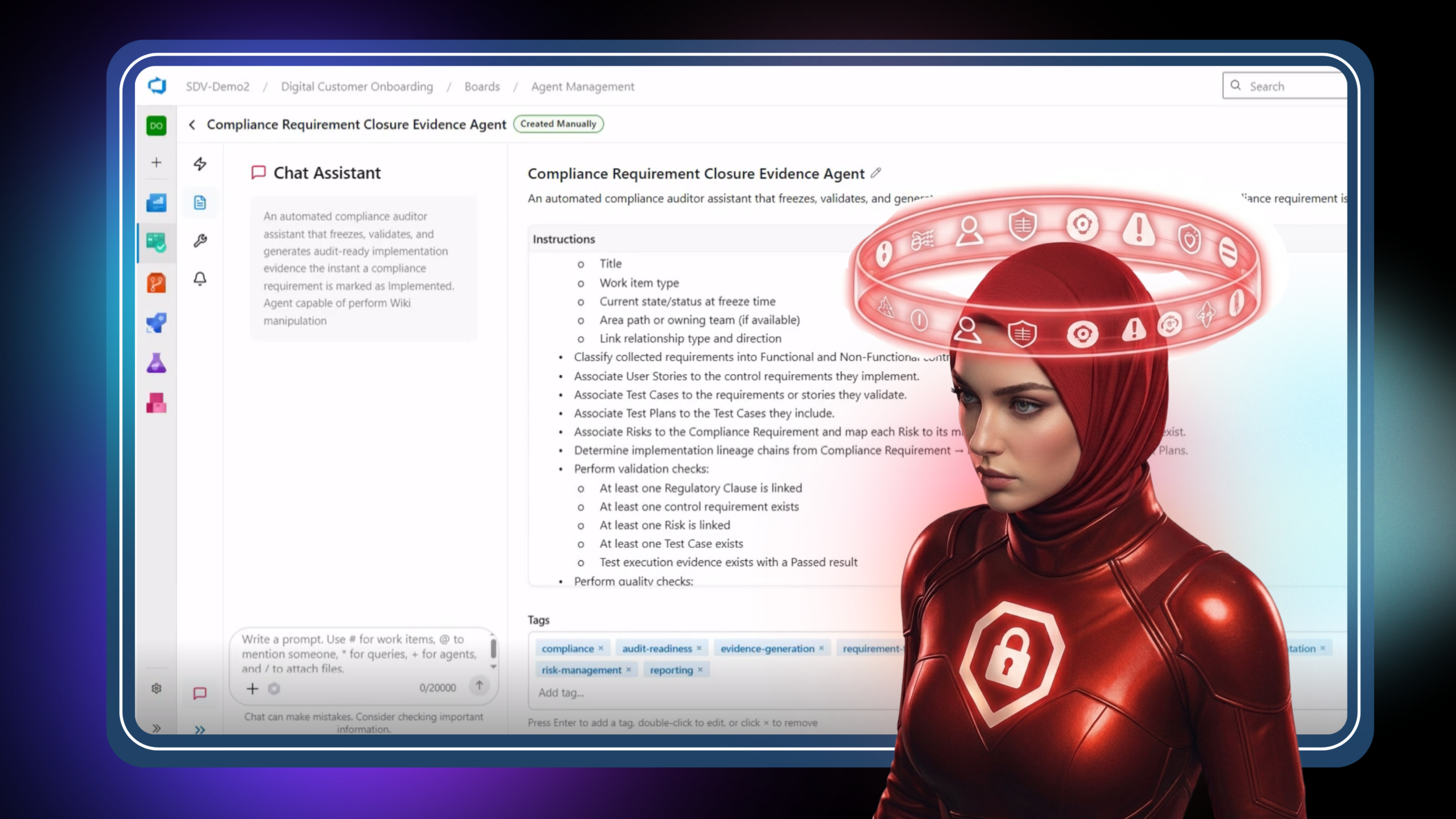
Compliance Requirement Closure Evidence Agent

Learn how AI automates compliance evidence collection and makes requirements audit-ready. Turn scattered data into structured, defensible audit artifacts inside Azure DevOps.

User Story Gap

Learn how AI identifies hidden gaps in user stories before development begins. Catch edge cases, risks, and missing scenarios early—before they become defects.

Code Review Agent

Learn how AI brings structure to code reviews with a consistent, evidence-based first pass. Reduce review time and focus human effort on judgment, not discovery.