

Plan mode
Hand over a whole job. Review the plan, approve each change, track it all in the Plan panel. Saved as plan.md.
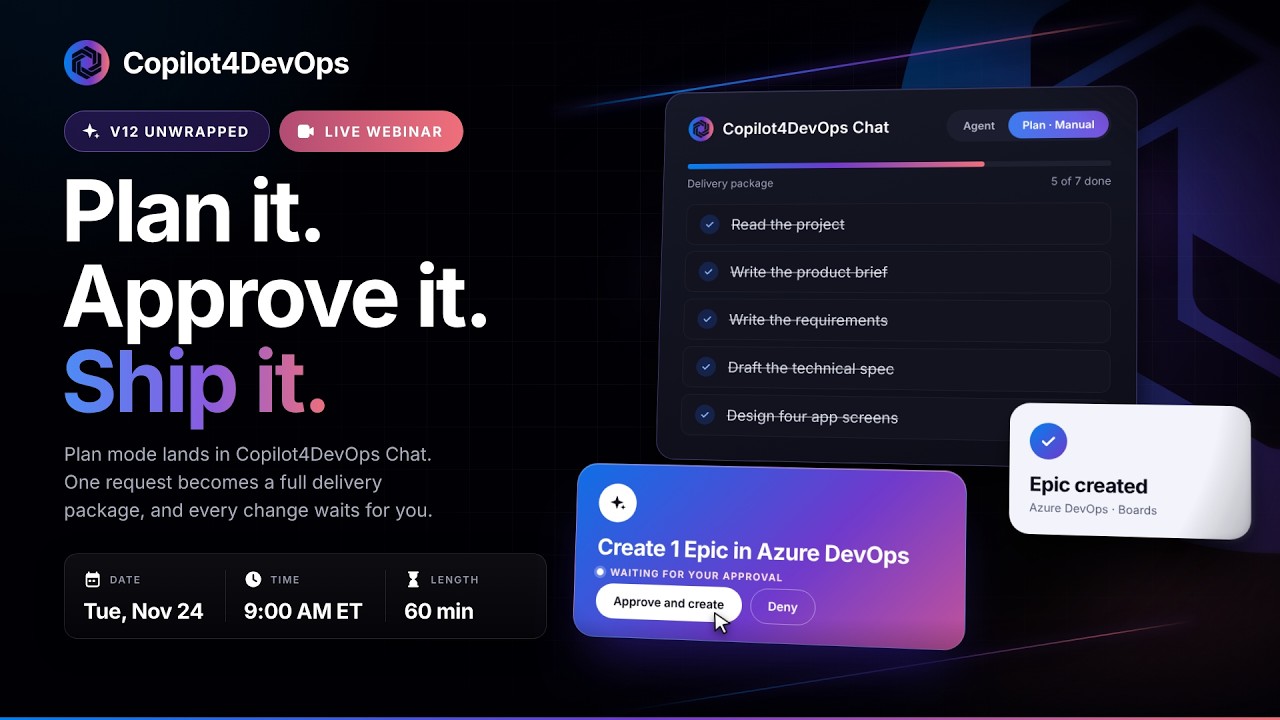
Plan mode lands in Copilot4DevOps Chat. Watch one request become a full delivery package, with every change approved by you.
This session has ended. The full recording is now available to watch.
Try it here
A short version of the CampusPark run from the live session. The plan pauses before it touches Azure DevOps and waits for you.
Switch to Agent to feel the difference.
CampusPark product and delivery package
Waiting for your approval
Create 1 Epic · [PlanQA] CampusPark
Run stopped. Nothing was created in Azure DevOps. That's the point.
Plan complete. Five files and one approved Epic, all linked to the same plan. Watch the full run in the recording
Write a product brief for CampusPark.
Done. Here's the brief.
Now the requirements.
Done.
Now the spec. Then mockups. Then the backlog. Then tests...
Agent mode: one message, one task. You chain every step.
New in V12
Hand over a whole job. Review the plan, approve each change, track it all in the Plan panel. Saved as plan.md.
Describe a visual in plain words, refine it with a follow-up, download it. No leaving Azure DevOps.
Always-on toolbar, / commands, Edit with Chat, Mermaid diagrams, Work Item cards and a drag-and-drop Outline.
Pick your role
You type
"Turn this one-page idea into a product brief, an Epic with Features and stories, and a 3-sprint release plan."
No. Nothing changes until you click Run plan. Under Manual, every change waits for Approve or Deny. Deletes, pipeline runs and PR completion always ask.
No. Agent mode stays the default. Plan mode is one click away in the chat composer.
Yes. Send them this page, or share the video straight from YouTube.