






















Analyze

AI-Powered Requirements Analysis within Azure DevOps

Instantly rate, review, improve, and prioritize your work items using proven frameworks like INVEST, 6Cs, and MoSCoW for higher backlog quality and faster delivery.


Trusted by the world’s leading businesses

Manual requirement validation? Not anymore.

The old way

The New Way with Analyze

A closer look at Analyze

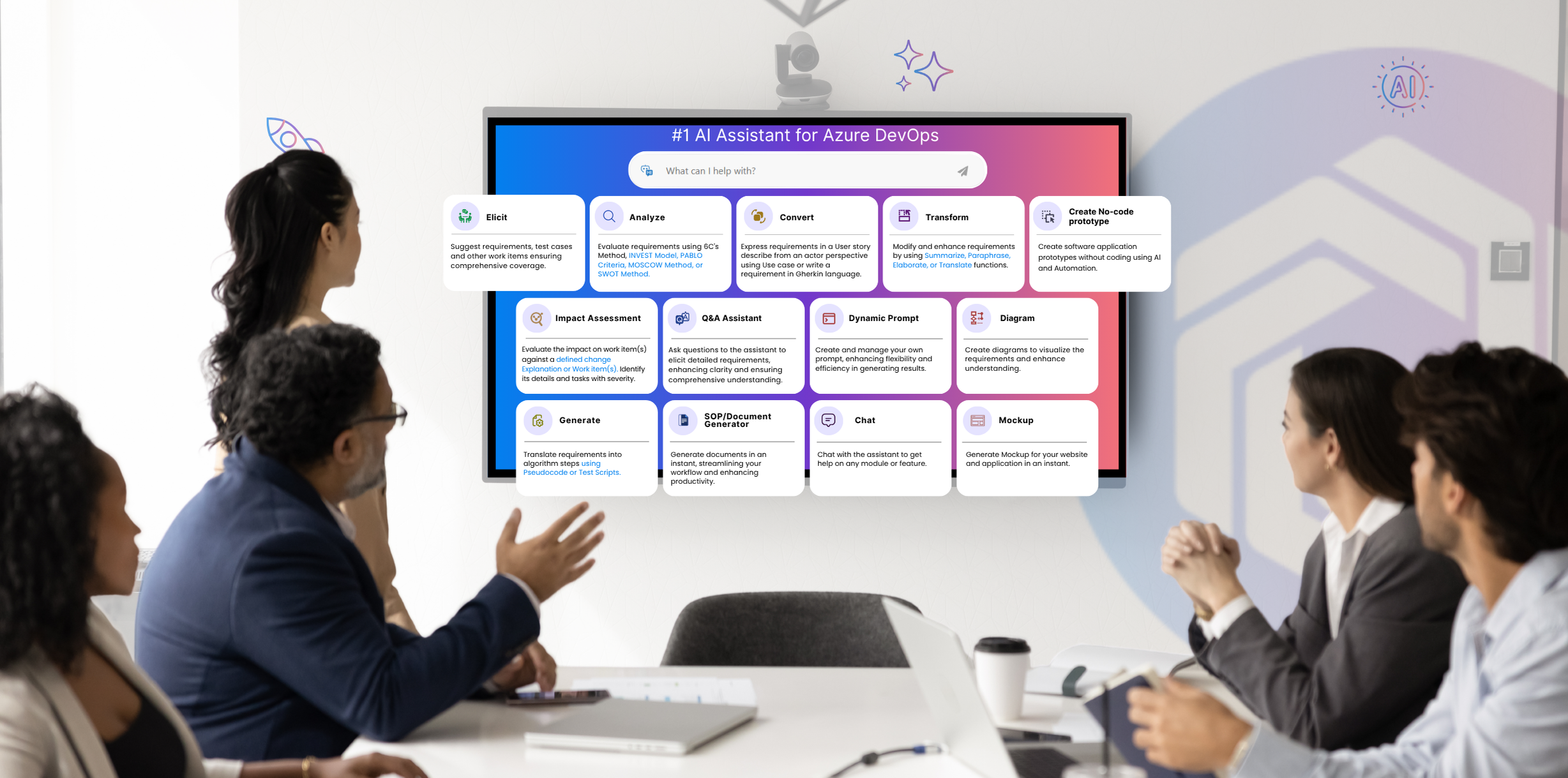
The Analyze feature of Copilot4DevOps puts seven proven evaluation frameworks at your fingertips. With that, teams can use AI to check requirements against INVEST principles, prioritize with MoSCoW, assess strategic fit using SWOT, verify quality with the 6C’s method, or evaluate impact through PABLO criteria.

Teams use it during backlog grooming, sprint planning, or change reviews to spot weak requirements early. The tool integrates seamlessly with Azure DevOps, providing clear quality scores on a scale of 0-100, suggesting weak points and improvements within the same workspace. It also supports global teams by providing output in multiple languages. This keeps planning smooth, avoids confusion, and ensures every story is ready to move forward.

Role-based view

Made for everyone who deals with requirements

Product Owner

Analyze requirements using an AI during backlog grooming to find weak user stories and organize work items according to their priorities.

Business Analyst

Use the AI inside Azure DevOps to ensure every work item is easy to understand for all stakeholders, including tech and non-tech. They can use the 6C’s method to ensure clarity and completeness of work items.

Release Managers

RMs can generally use Analyze to check whether new or changed items are fully detailed and don’t miss any dependencies that could break production.

Scrum Masters

During sprint planning, Scrum Masters can analyze requirements against the INVEST model to ensure each work item is small, testable, and clear enough to move forward.

QA Engineer

Analyze user stories with AI to ensure that acceptance criteria are complete and test cases match the AC. It will help you find unclear logic before testing even begins.

Stakeholders or Clients

Stakeholders can analyze requirements against different frameworks, take a closer look at the suggested improvements, and ask the team to implement them to avoid any issues later.

Project Manager

Get the overall quality score of work items and recommendations for improvements inside Azure DevOps, which will help you understand where delays might come from and which stories need more attention.

Compliance Officers

Find missing requirements using the 6C’s method. Addressing compliance gaps early saves money and time.

Core capabilities

Core capabilities that make requirements analysis simple

Chat with your analysis

Any doubt about the analysis, or want to improve the requirement right after reviewing it?

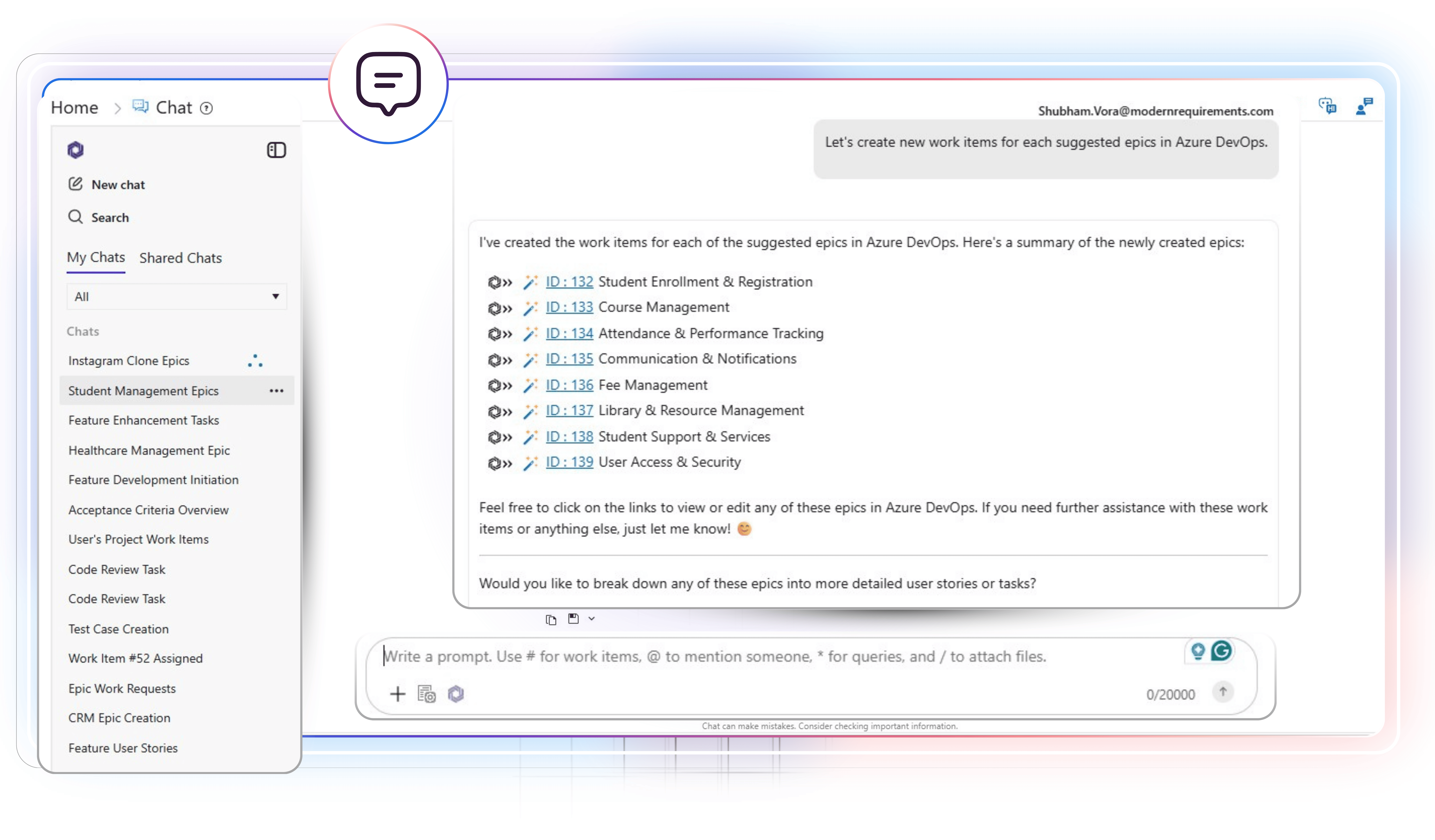
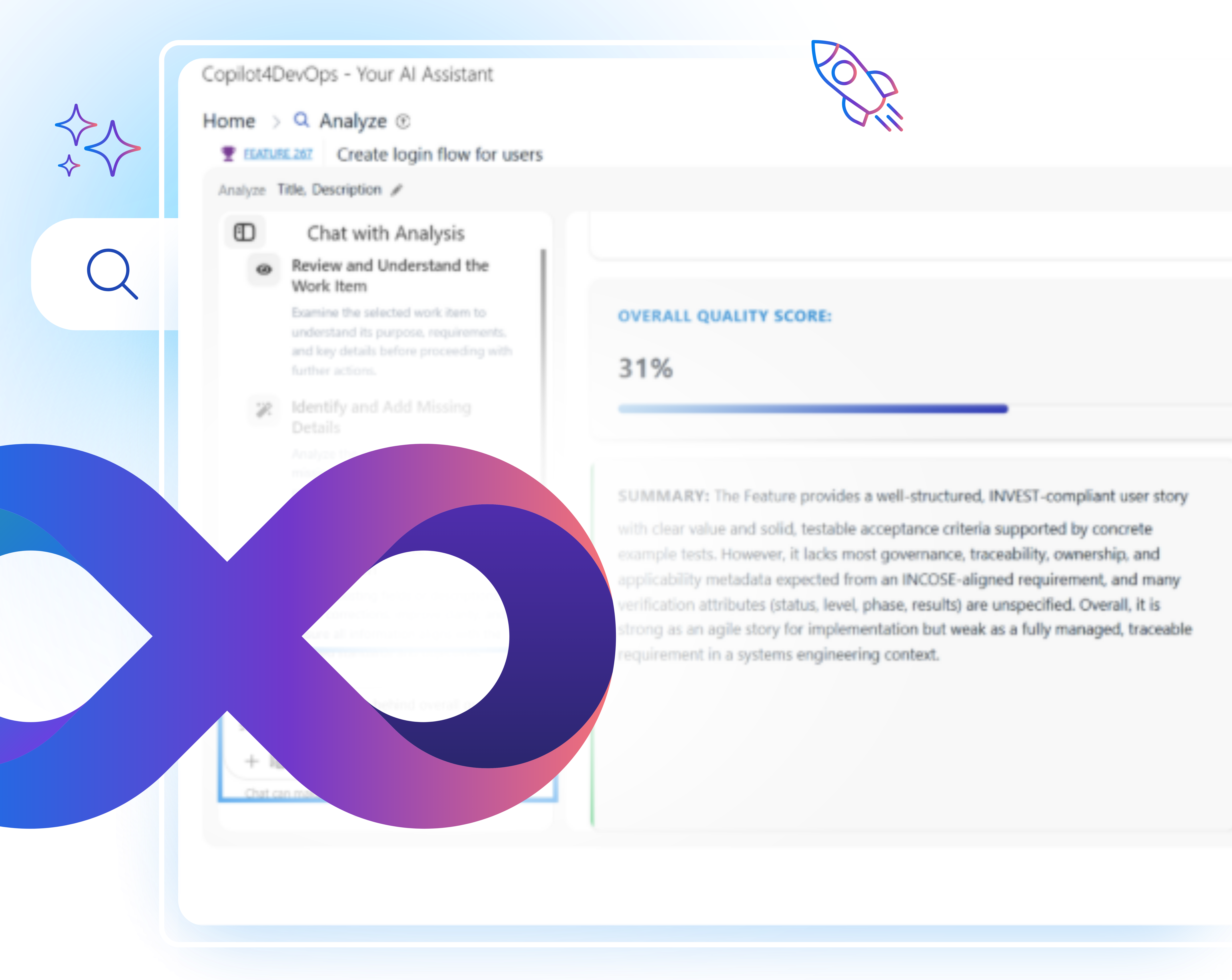
Use built-in AI chat to interact with the analysis, where you can ask any question or update requirements based on the feedback given in the analysis by just providing natural language instructions to AI.

Generate Results in Multiple Languages

Working with global or multilingual teams?

Produce analysis output in different languages so regional teams can review requirement quality in the language they are most comfortable with.

One-Click copy for easy sharing

Need to share analysis results with others quickly?

Use the copy button and share the analysis with external team members for review.

Switch between visual views

Prefer to see insights in a structured format?

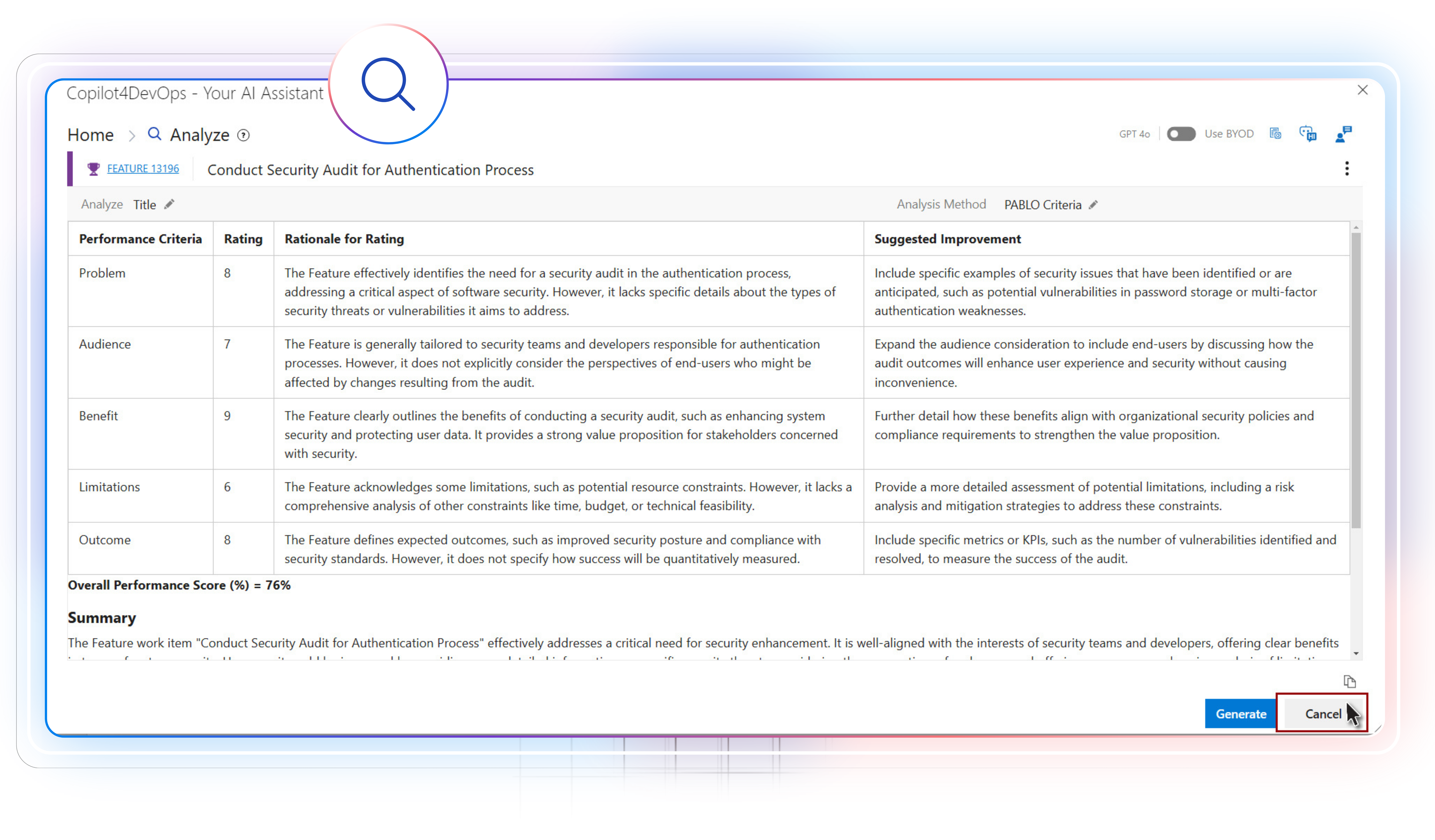
Toggle between table view and chart view to see the analysis in a more structured format.

7 Proven Techniques

Analyze supports seven proven frameworks and techniques

EARS Pattern

Used when writing or reviewing behavioral requirements. It structures requirements using condition-based formats like when, while, or if, helping teams capture system responses and edge cases more clearly.

6C’s Method

Mainly used when teams want to check whether a work item is clear, complete, concise, consistent, correct, and concrete. It helps in finding vague words or descriptions, unclear logic, or missing links before the sprint starts.

INVEST Model

Generally used during sprint planning and backlog grooming to check whether a work item is independent, valuable, small, and testable, ensuring it is ready for development.

PABLO Framework

Teams often use the PABLO framework to analyze requirements against performance criteria, such as problem, audience, benefit, limitation, and outcome. It helps in assessing how practical the requirements are and measuring the real value of a feature against the effort and resources it needs.

MoSCoW Method

It helps teams assess requirements based on priority criteria, such as “Must have,” “Should have,” “Could have,” and “Won’t have.” Based on these criteria, teams can prioritize requirements.

SWOT Analysis

It is used to assess the strengths and weaknesses of requirements. Also, it identifies opportunities and threats within requirements. The SWOT analysis helps teams plan better and avoid risks later.

INCOSE Attributes

Often used in regulated or systems-driven projects to check that requirements are clear, unambiguous, traceable, and verifiable. It supports strong documentation quality and smoother validation and audit activities.

Top use cases in different industries

Results teams see with Analyze

1 %
Faster Requirement Reviews
1 %
Fewer Clarification Loops During Sprints
1 %
Improvement in Requirement Readiness Before Development
FAQ

Your Questions are Answered Here

Can I use Analyze on custom work item types in Azure DevOps?

Yes. You can run it on features, epics, user stories, or any custom work item that includes text fields like Title and Description.

No. It runs directly inside your Azure DevOps project. You open Copilot4DevOps from an existing Azure work item, select Analyze, choose a framework, and get results within a few seconds.

If you’re checking story quality, start with 6Cs or INVEST. For prioritization, use MoSCoW. SWOT and PABLO work best when evaluating impact or risk.

Yes. Actually, Copilot4DevOps supports six languages, including Spanish, German, English, etc. You can choose any and analyze features to generate an analysis in the selected language.

It totally depends on your use case. You may run Analyze during initial planning, backlog grooming, sprint planning, or change review.

AI can’t be 100% accurate. So, human touch is a must. However, the Analyze feature handles the heavy lifting by suggesting unclear or missing parts.

Scores are based on consistent criteria from each framework. They reflect how complete or clear your work item is, so you can use them to track improvement over time.

Copilot4DevOps is SOC Type II certified, which means your data is not used to train our models, nor is it exposed to our customers. It remains within your Azure workspace only.

Yes. There is an option to copy the entire analysis text. After copying the text, you can paste it into the document or an existing Azure work item.

Analyze Your Backlog with AI

Get instant clarity on what’s ready, what’s missing, and what needs work directly within Azure DevOps.

Want to Learn More?

Explore Relevant Features