
Transform

AI-powered requirement translation and rewriting within Azure DevOps

Use AI to summarize, elaborate, or rewrite any work item in seconds to remove confusion. Translate work items in multiple languages to keep your global teams aligned effortlessly.

Trusted by the world’s leading businesses

The shift from manual to AI-led requirements transformation

The old way

The New Way with Transform

What is Transform in Copilot4DevOps?

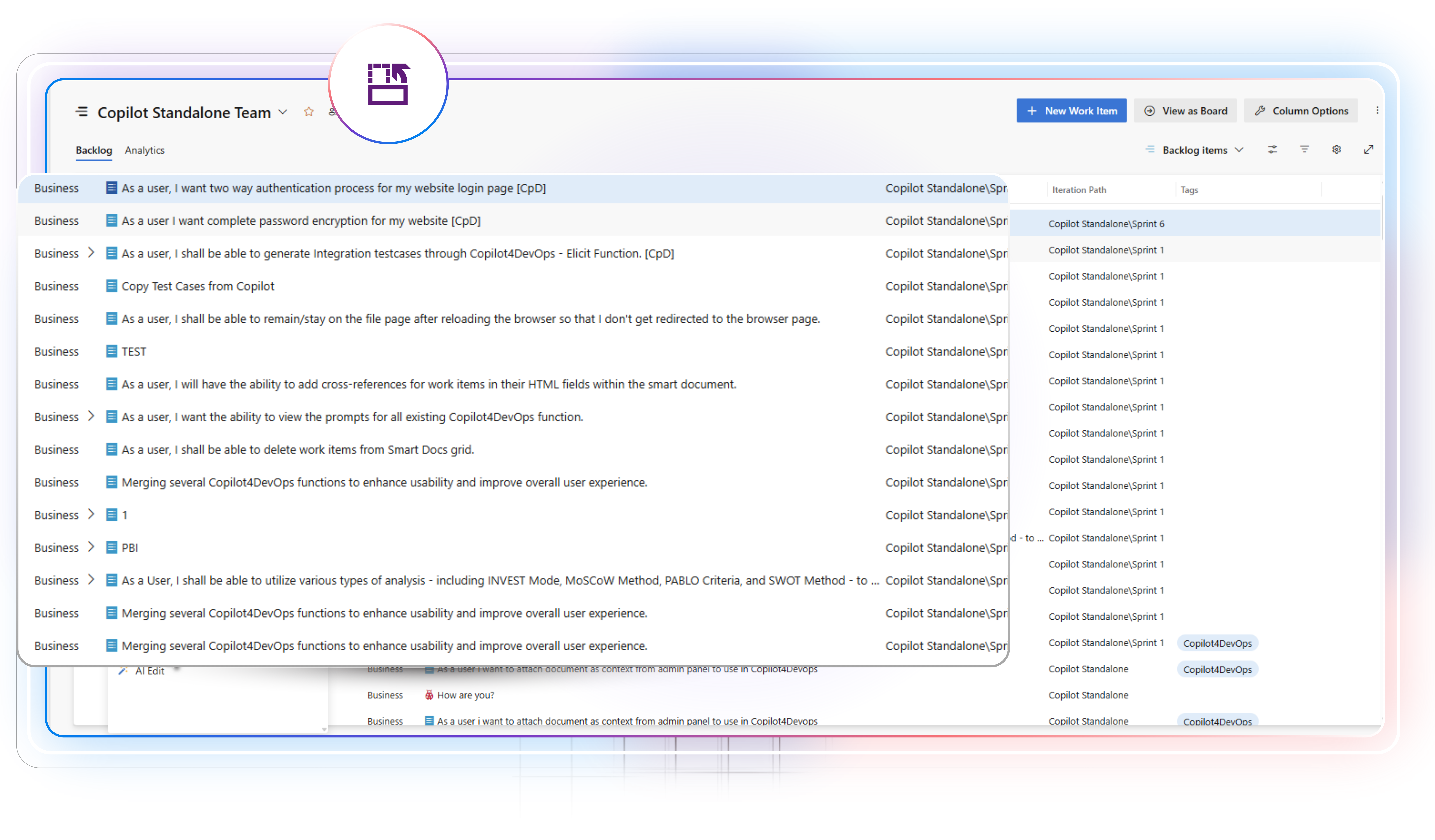
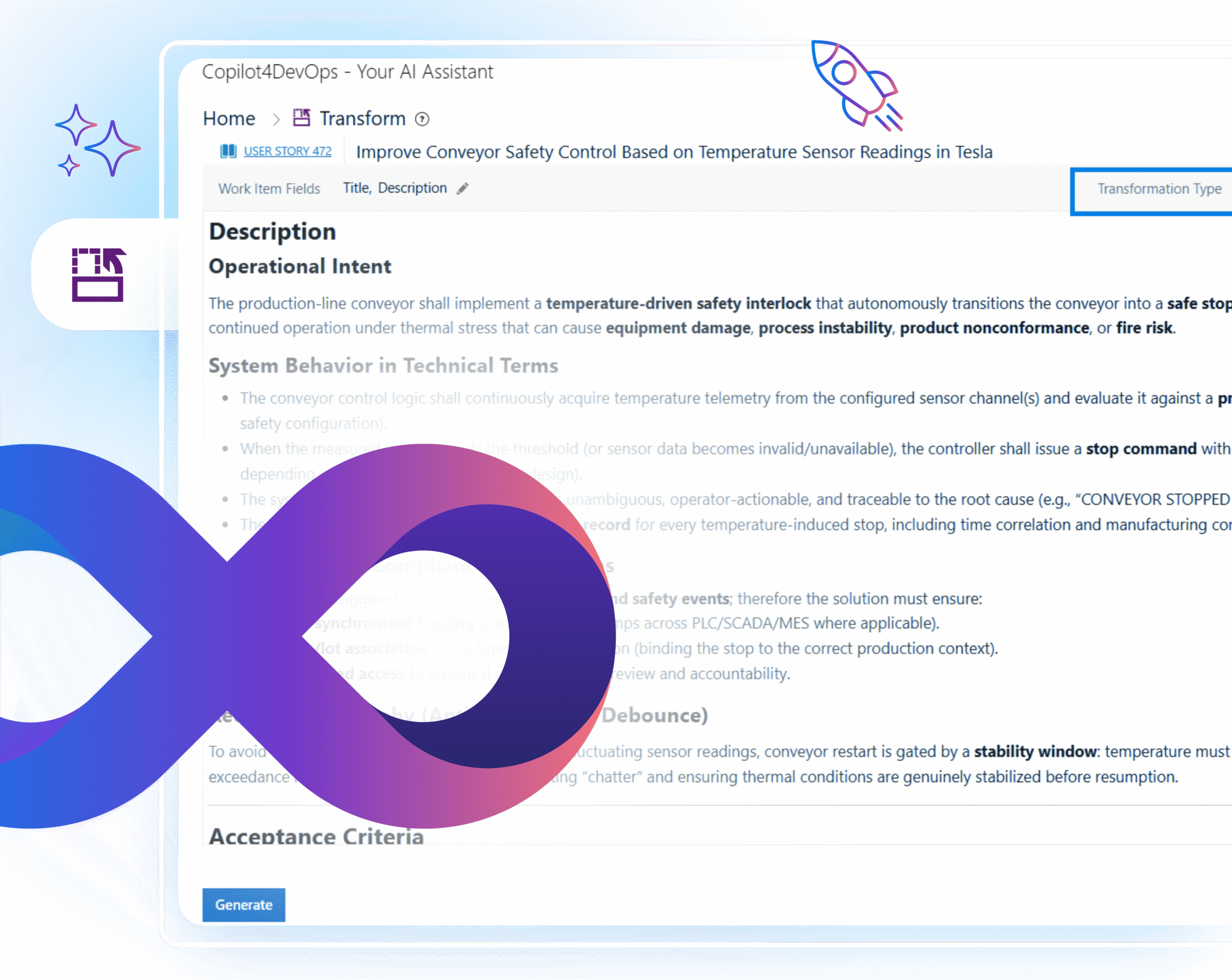
The Transform feature in Copilot4DevOps helps teams in enriching the text content of Azure work items by rewriting, shortening, or translating it using AI. It makes every task easier to read and share, saving hours spent cleaning up text or explaining details to others.

Whether you need a quick summary for a meeting, a detailed work item description for junior engineers, or a translation for global teams, Transform keeps everyone on the same page without leaving Azure DevOps.

Role-based view

Made for Every Role: Transform Work Items Your Way

Product Owner

Use Transform to translate existing Azure work items into a different language using AI before sharing with global team members.

Business Analyst

Rewrite existing requirements into paragraphs or bullet-point style format with AI to make them clear and structured.

Developer

Convert complex acceptance criteria into bullet points and insert them into the Azure work item. So, you can break down each task into smaller ones and make a checklist to track which are completed and which are pending.

DevOps Engineer

Expand short operational notes or documents into the expanded deployment steps so that fellow team members can follow and understand the full context of tasks.

Test Engineer

Use AI to generate expanded test cases and acceptance checklists from existing Azure work items so you can jump straight into verification and reduce defect churn.

Scrum Master

Generate summaries of work items to quickly understand project goals and progress.

UX Designer

Take client feedback on designs and use AI to elaborate on feedback into proper requirements and task steps.

Security Engineer

Summarize long security requirements to quickly understand the security goals. Then, maybe translate the security requirements into another language before assigning them to the team members working in different regions.

Core capabilities

4 ways to transform your Azure work items using an AI

Translate

Need to share work items or reports with global teams?

Use “Translate” to convert work items, documents, or reports into 40+ supported languages, including German, French, Arabic, Chinese, etc. It keeps the original text and work item structure intact. Once work item content is converted to another language, you can directly insert it into the same Azure work item.

Summarize

Want a quick summary of long work items or documents?

Use the “Summarize” option within Transform to get a summary of existing Azure work items, documents, compliance reports, etc., directly within Azure DevOps. It helps teams to review work items and understand goals quickly. This AI-generated work item summary can also be inserted into Azure DevOps.

Paraphrase

Need to restructure the work item content?

Use the “Paraphrase” option to rewrite existing work item content in a cleaner structure. With that, you can either paraphrase the content in paragraph format or bullet-point style format and replace the existing content of work items with newly generated content.

Elaborate

Want an elaborated version of work items to share with team members?

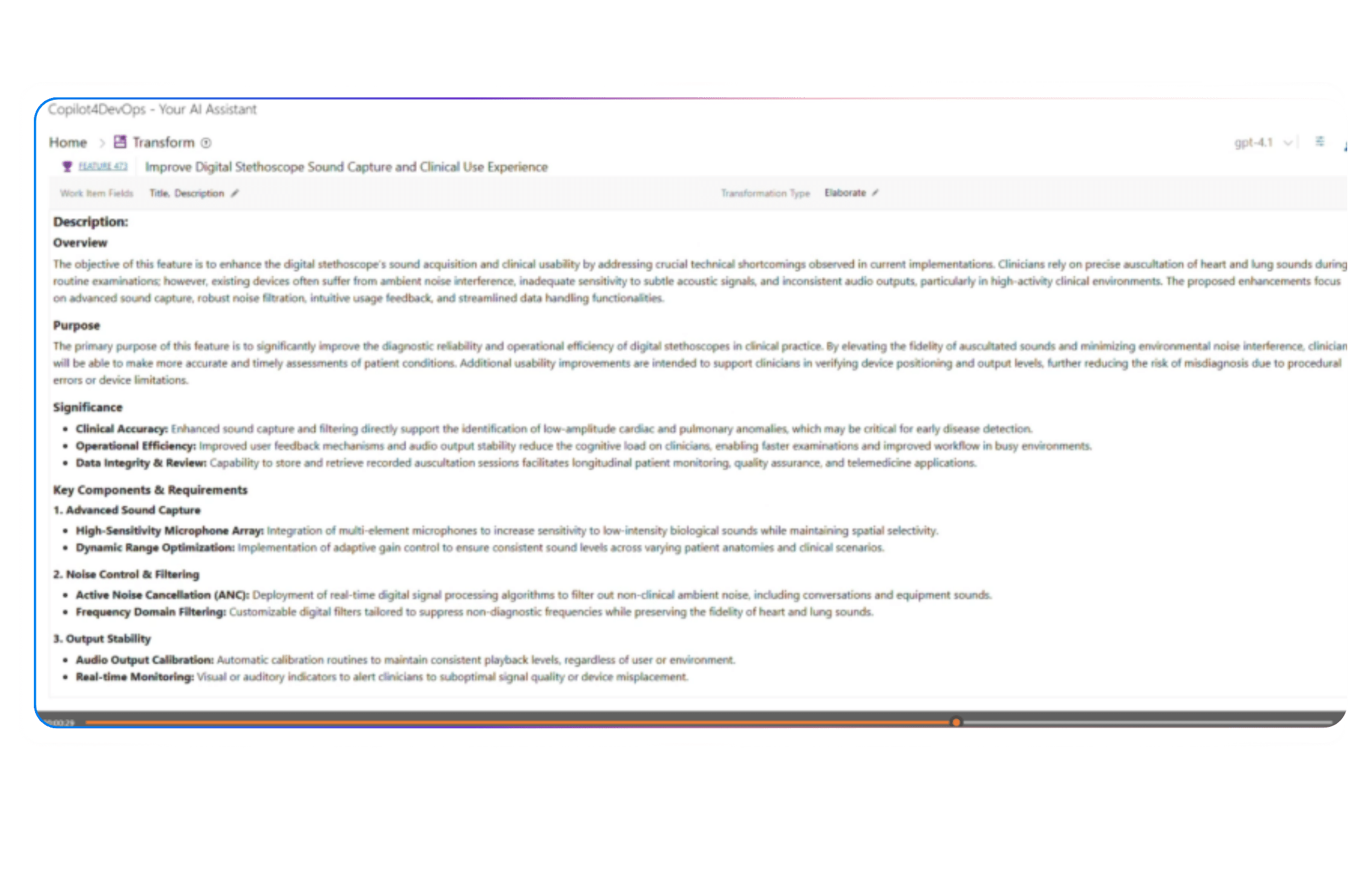
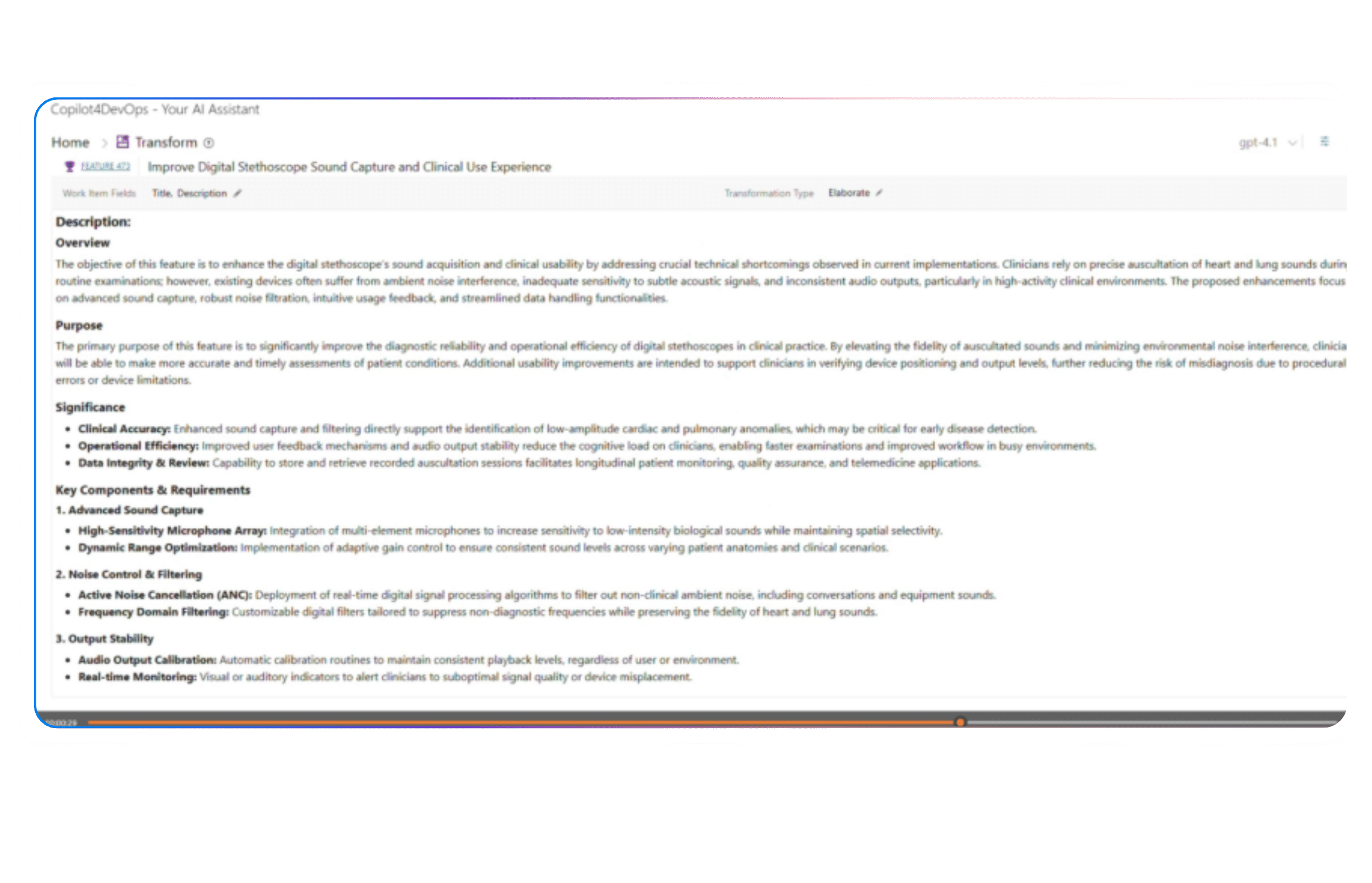
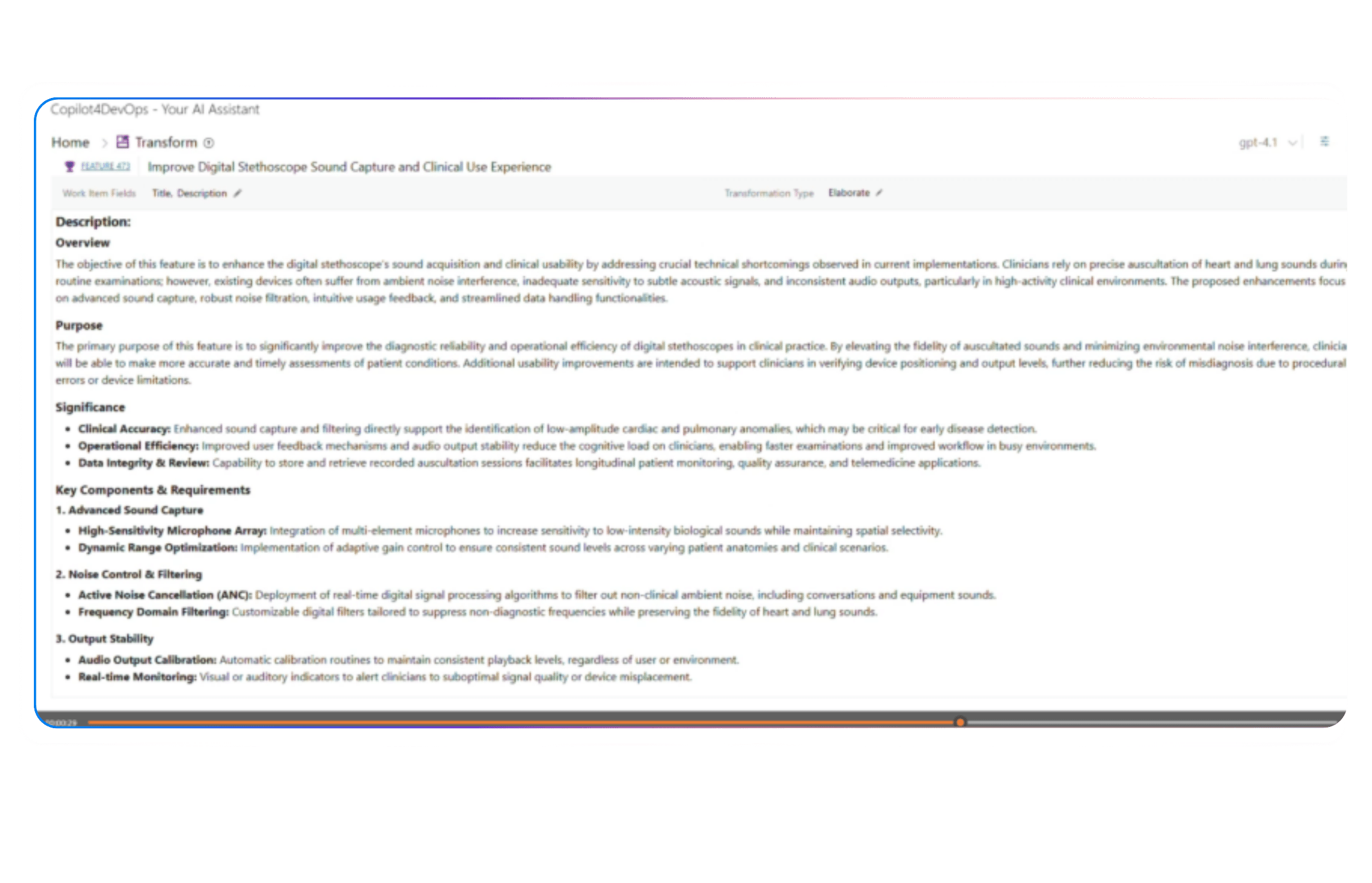
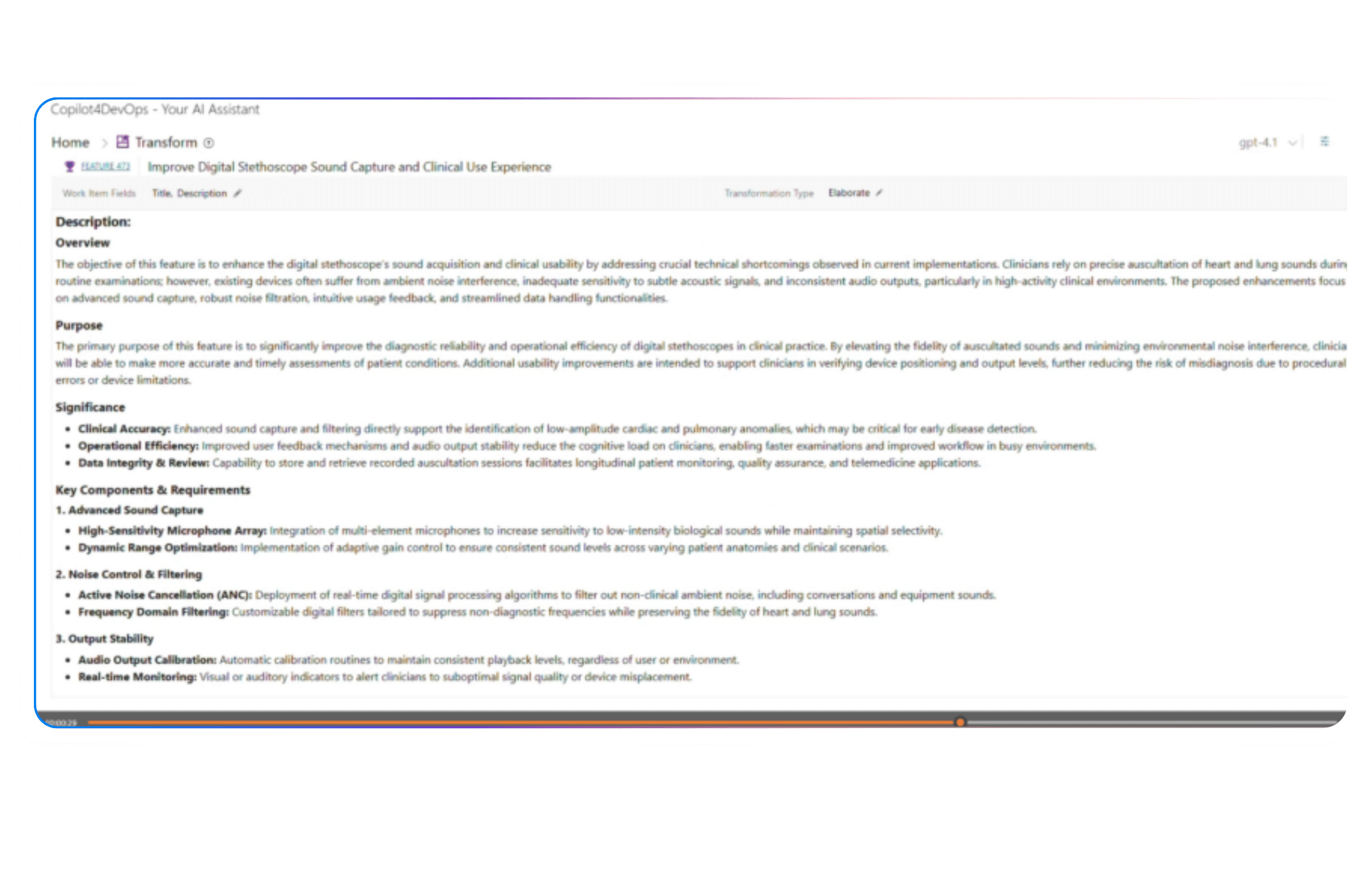
Use the “Elaborate” option to expand brief or short work item descriptions into detailed and easy-to-understand ones using an AI. It helps in adding missing context, a quick overview, purpose, significance, main aspects, key criteria, if there are any, etc., to an existing Azure work item.

Top use cases across different industries

Key benefits of using AI Chat in Copilot4DevOps

Reduces manual work

As AI does heavy lifting, teams don’t need to manually write document summaries, reword work items, or translate into another language.

Save time

Teams that use Copilot4DevOps save 90% of their time in work item translation and rewriting.

Accelerate decisions

AI-generated summaries of work items help stakeholders to make informed decisions quickly.

Aligns global teams

AI translation helps in aligning global teams across multiple regions. It ensures every team member is on the same page.

Cut rework before it starts

Elaborated Azure work items leave no room for confusion. Therefore, the team most often implements exactly what stakeholders need and reduces the rework by 80%.

FAQ

Your Questions are Answered Here

Do I need any separate installation to use Transform?

No. The Transform is a feature of Copilot4DevOps. So, if you are a current user of Copilot4DevOps, you can start using it. Otherwise, you can start a 30-day free trial of Copilot4DevOps.

Yes. You can use the Transform feature on any type of Azure work item, including user stories, bugs, features, epics, test cases, etc.

By default, Transform doesn’t overwrite existing work item content. However, once it previews the newly generated content, you can choose to replace the old content with the new one.

In this case, you can use the “Add to field” option instead. It inserts the old content as it is and inserts new content in the selected work item field. So, you can have both versions of content.

Yes. Translate supports 40+ languages, including German, Czech, Chinese, etc. So, you can translate the text from one language to another using an AI.

No. Currently, it doesn’t offer output editing capability, but we are looking to introduce that in the near future.

Yes. You can see the copy button enabled at the bottom-right corner once any output is generated. You just click on that to copy the output and share it with others.

All processing happens through secure Azure endpoints. The system doesn’t store your work item data outside your DevOps environment.

Transform Your Work Items with AI Inside Azure DevOps

Use AI-driven Transform to rewrite, summarize, and translate your backlog. Turn messy work items into clear, ready-to-act insights for every team.

Want to Learn More?

Explore Relevant Features