Here are the simple steps to install your Copilot4DevOps extension
Once your request has been processed, the extension will be shared with your specified Azure DevOps account. Please refer to the details below on how to enable the shared extension:
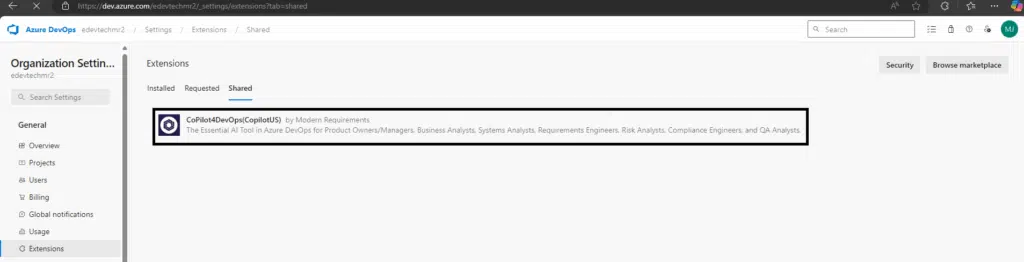
The shared extension can be found in your Azure DevOps account by navigating to Account Settings > Extensions > Shared.
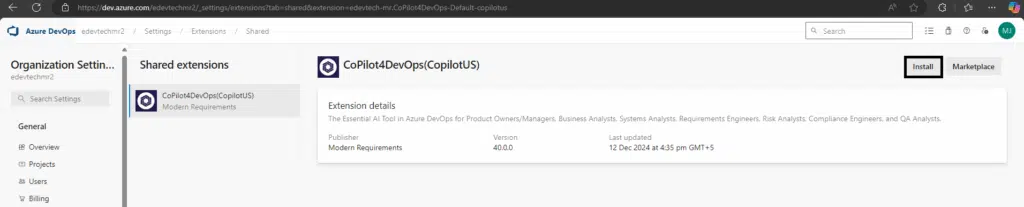
Click on the CoPilot4DevOps extension and click Install.
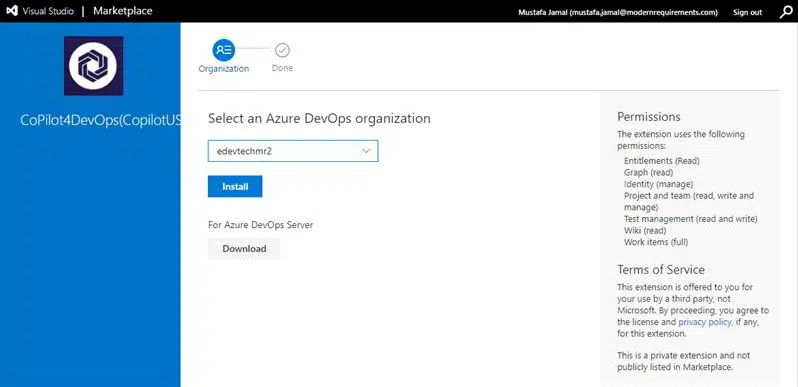
Select your Azure DevOps Account entered when configuring CoPilot4DevOps service and click Install.
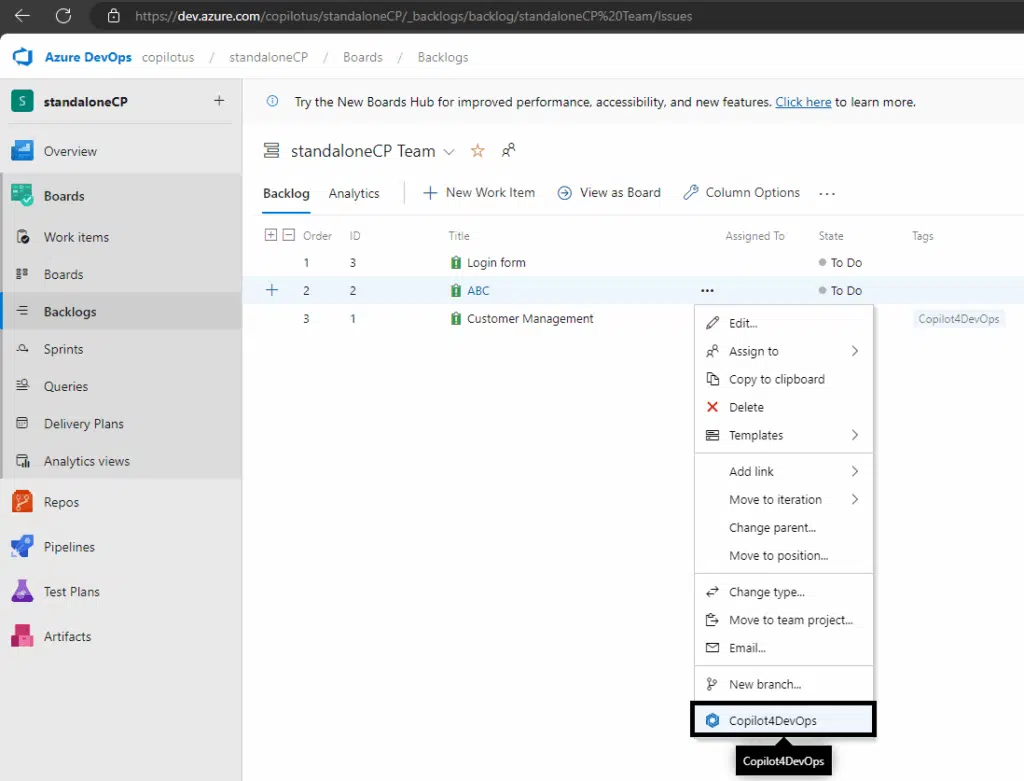
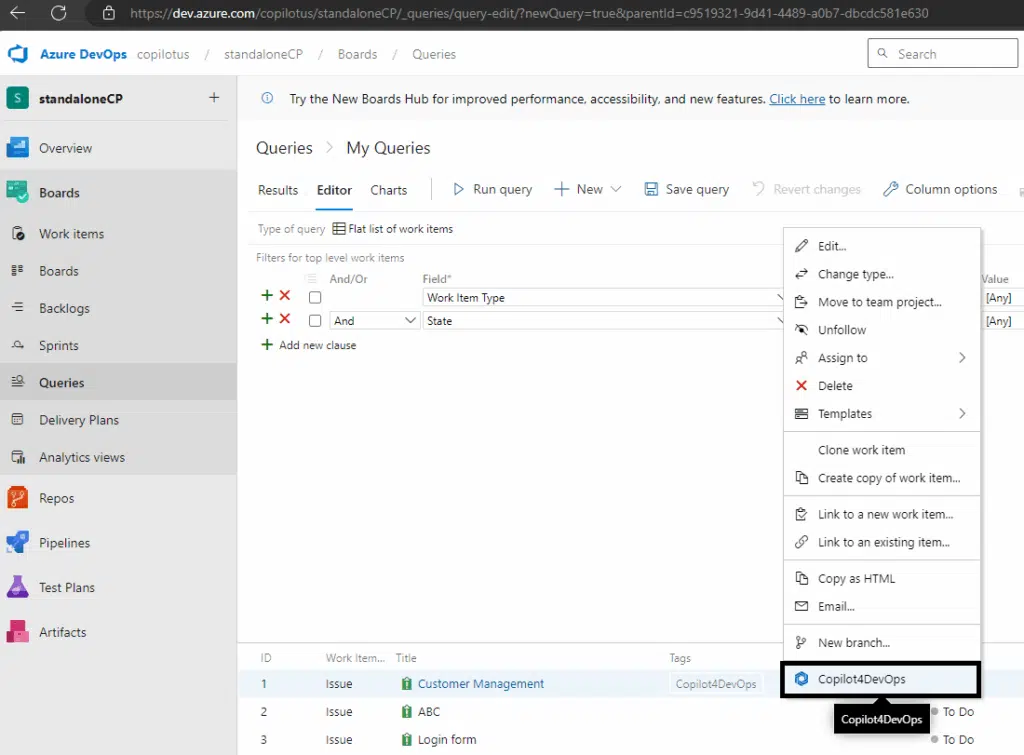
After installation of extension you will be able to see CoPilot4DevOps features in Azure Boards.